

Microsoft 365
Synchron is a Microsoft CSP and SPLA partner. We provide Microsoft 365 subscriptions and handle Exchange Online, Teams, SharePoint and OneDrive setup, migration and security settings.

Microsoft Products
Office
We deploy the Word, Excel, PowerPoint and Outlook desktop and web apps to your users and keep them up to date.
Teams
We set up Teams teams, channels and meeting settings for your organization’s structure.
OneDrive
We move user files to OneDrive and set sharing options by company policy.
SharePoint
We design SharePoint sites, libraries and permissions for shared documents.
Exchange Online
We migrate mailboxes to Exchange Online and configure domain records and mail flow rules.
Microsoft Defender
We enable the Defender features your license includes and configure their policies.
Outlook
We configure Outlook profiles, shared mailboxes and calendar permissions.
Power Apps
With Power Apps we build small business apps and form processes without writing code.
OneNote
We set up team notebooks together with Teams and SharePoint.


Microsoft 365 or Office 2024?
In our video, we explain the differences between Office 2024 and Microsoft 365, the licensing models and the use cases.
The video is in Turkish.
Microsoft CSP and SPLA partnership
Synchron is a Microsoft CSP (Cloud Solution Provider) partner. According to Microsoft, CSP partners sell Microsoft cloud services and server software offers to their customers; the customer accepts the Microsoft Customer Agreement before the order. We provide your Microsoft 365 and Azure subscriptions through CSP and handle user and license management.
Synchron is a Microsoft SPLA (Services Provider License Agreement) partner. According to Microsoft, SPLA lets service providers license eligible Microsoft products on a monthly basis during a three-year agreement term and use them to deliver software services to their customers. In our hosted VPS, PaaS and Exchange services we provide Windows Server, SQL Server and Exchange Server licenses through SPLA on a monthly rental basis.
Benefits and Features
Security
We configure multi-factor authentication, conditional access and admin roles by your security policy.
Backup and Recovery
We back up Microsoft 365 data with Veeam or Acronis to a repository outside Microsoft 365.
Collaboration
We set up Teams, SharePoint and OneDrive to work together and train your users.
Access Control
We organize group and sharing permissions and limit external sharing by policy.
License Management
We assign the right plan to each user and report unused licenses on a regular basis.
Compliance Tools
We configure audit logging, retention and data loss prevention (DLP) within your license scope. KVKK compliance also needs administrative measures.


Our services with Microsoft
Microsoft is one of the solution partners we work with in the following services:
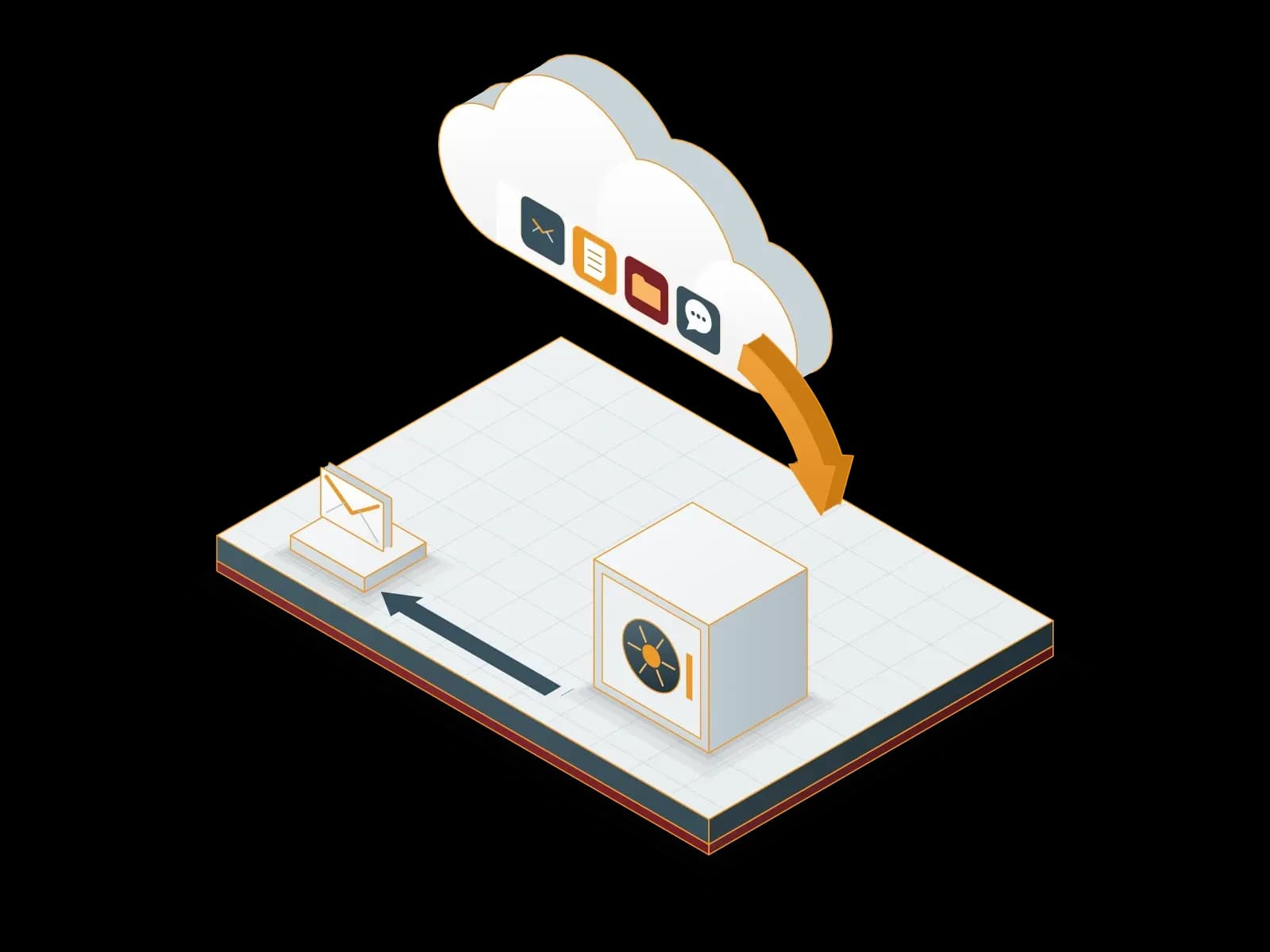
Microsoft 365 Backup
We back up your Exchange Online, SharePoint Online, OneDrive and Teams data to a backup repository outside Microsoft 365. We restore deleted or damaged data from backup.
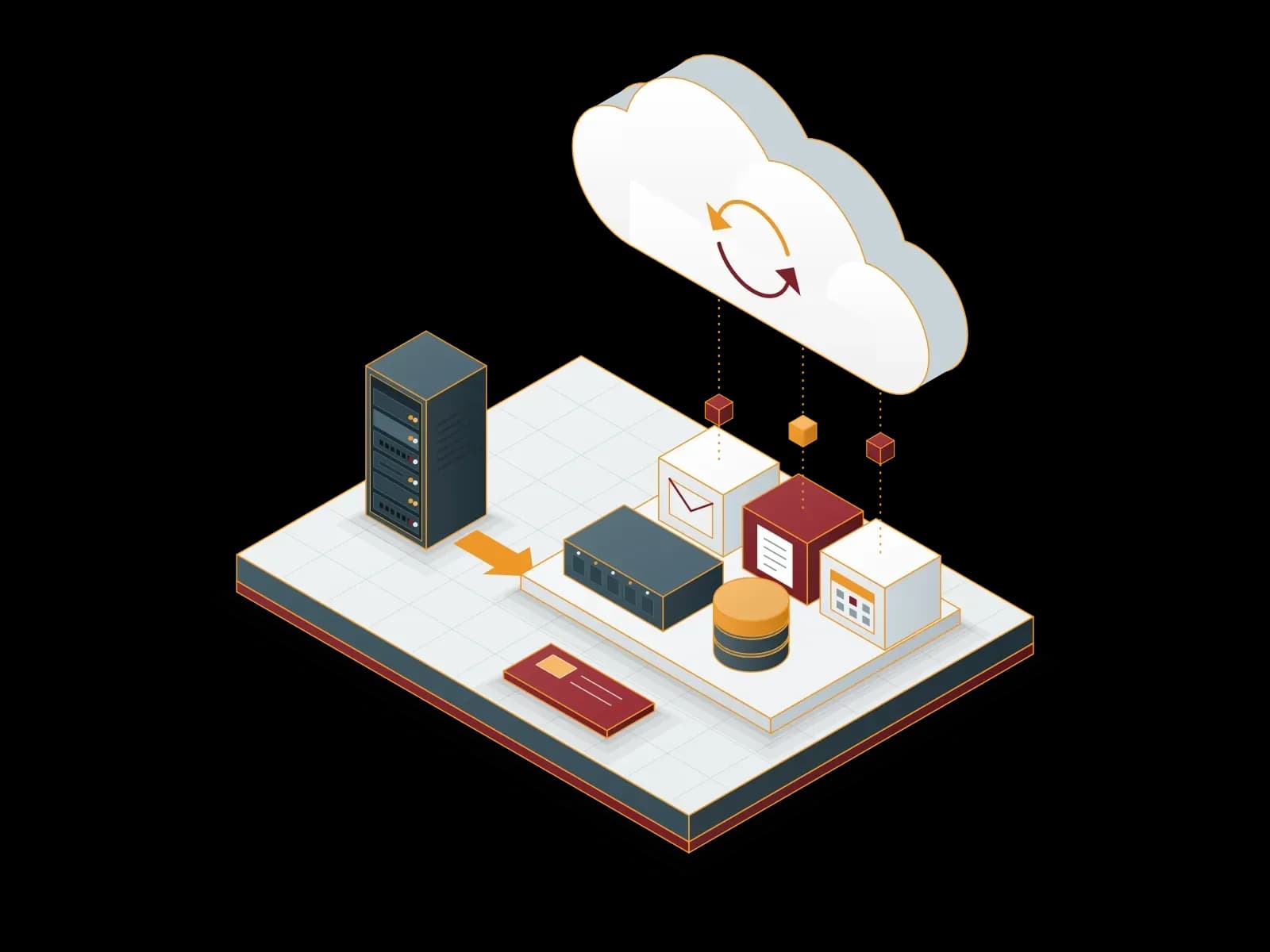
Microsoft Cloud
We set up, migrate and manage Microsoft 365 and Azure services. As a Microsoft CSP (Cloud Solution Provider) partner, Synchron also provides the subscriptions.
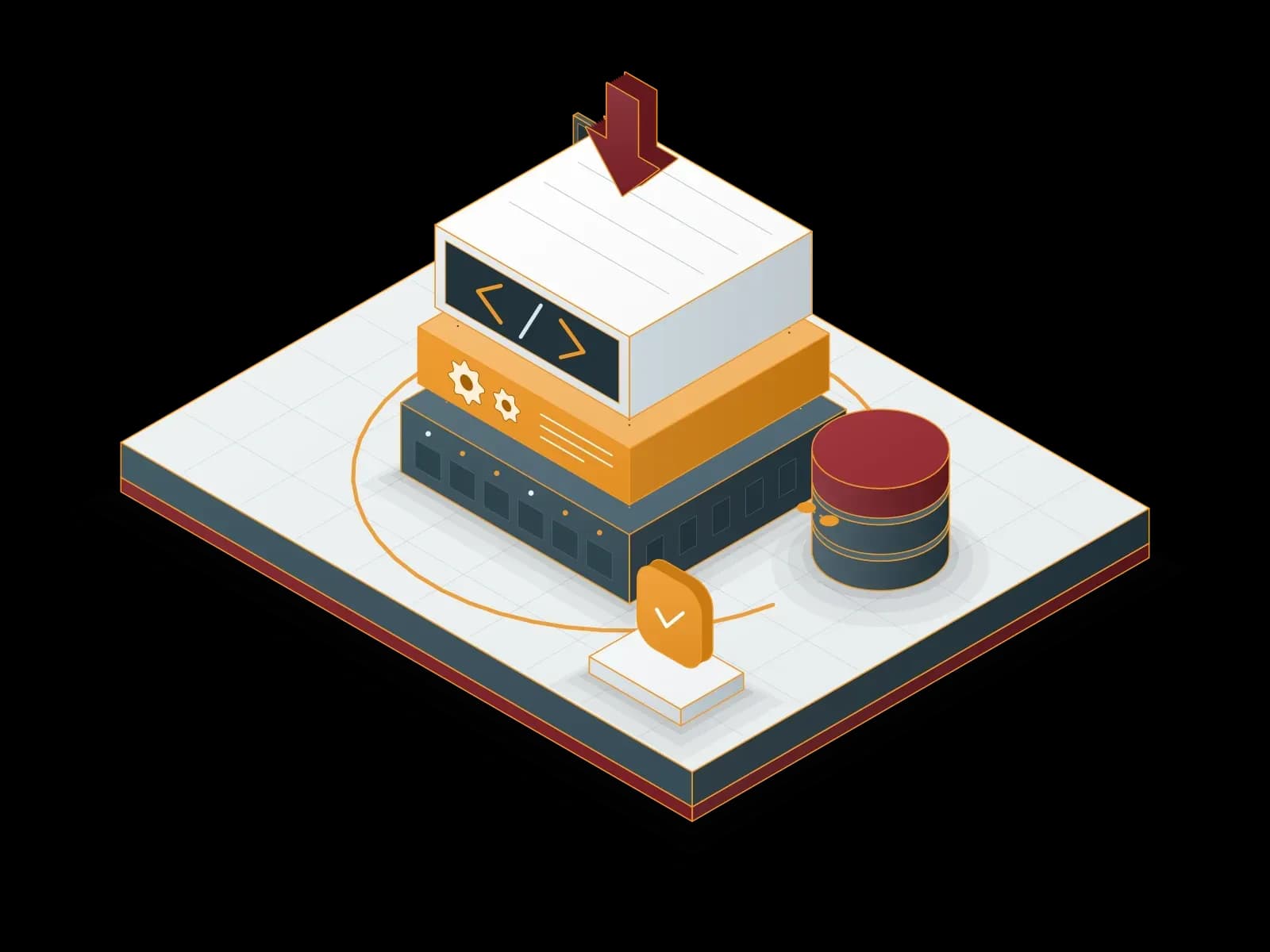
Platform as a Service (PaaS)
We provide a preconfigured server, database and runtime environment for your application. We handle updates, backups and monitoring of the infrastructure.
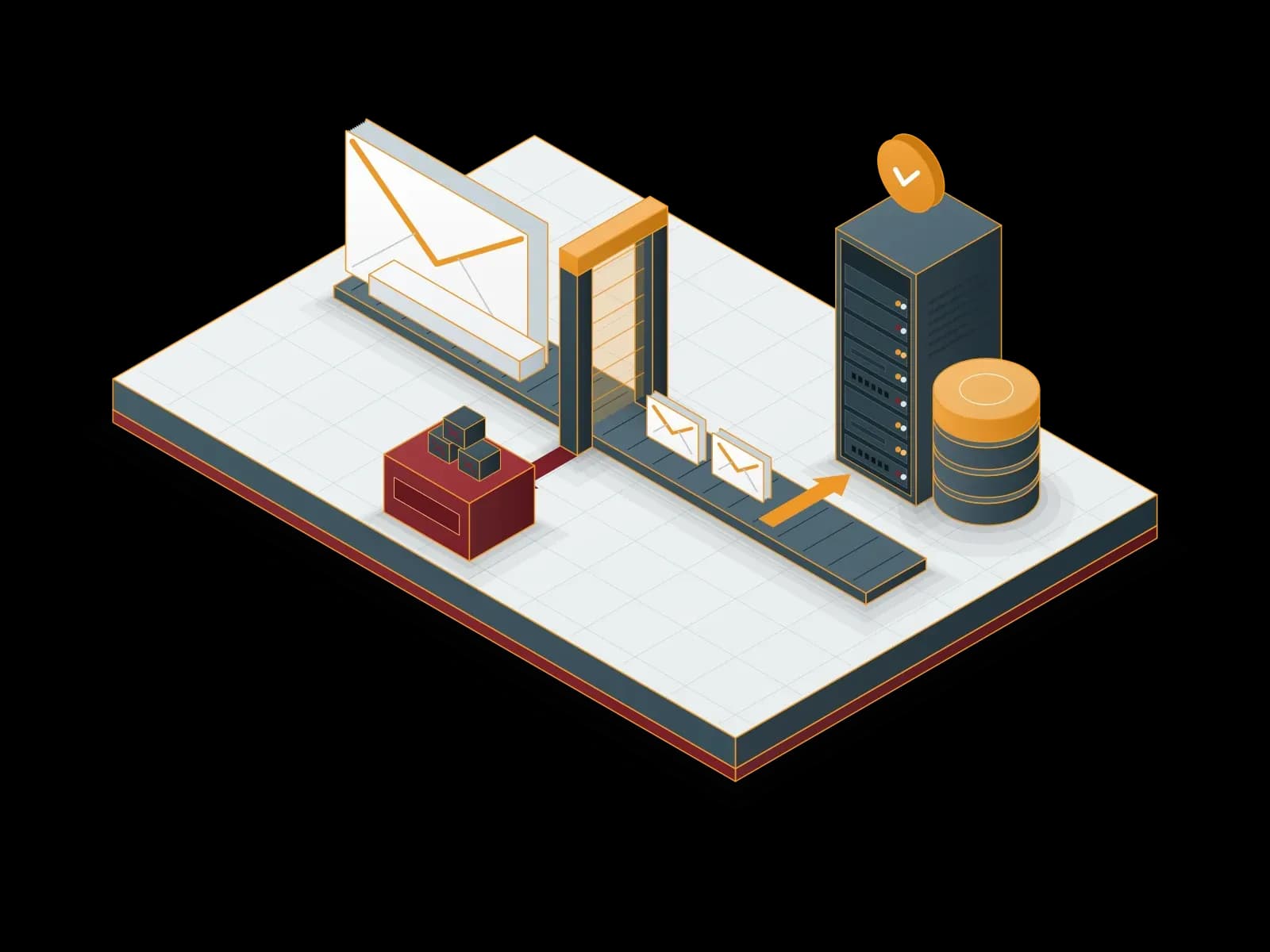
Enterprise Email Service
We set up and manage your corporate email with Exchange, Microsoft 365 or Zimbra. We also provide email archiving, spam filtering and migration services.
Operating System Management
We install, update, monitor and back up your Windows Server and Linux servers. We apply security patches in planned maintenance windows.
Infrastructure as a Service (IaaS)
We provide virtual servers (VPS) hosted in data centers in Türkiye. We scale resources as needed, monitor the server and back it up. Our support line is available 24/7.
Software Licensing
Synchron provides licenses and subscriptions for Microsoft (CSP and SPLA), Proxmox, Veeam, Acronis, MailStore, ESET, Bitdefender, Fortinet, Palo Alto Networks, Netwrix, Adobe, Alcatel-Lucent Enterprise, Cisco, Aruba, MikroTik and Neat products. The team that sells the license also handles installation, renewal tracking and support.
Hosted Exchange
We host and manage your Microsoft Exchange based business email in our data centers. We also compare it with Exchange Online in Microsoft 365 and plan the migration.
Frequently asked questions
Which Businesses Is Microsoft 365 Suitable For?
Microsoft 365 comes in different subscription plans, from small offices to large enterprises. We choose the plan with you by user count and the apps you need.
Do Microsoft 365 Products Have Backup and Data Recovery Solutions?
OneDrive and SharePoint offer version history and a recycle bin. These features do not replace a backup. We recommend backing up Microsoft 365 data to a separate repository with Veeam or Acronis.
What Can I Do with Microsoft Teams?
Microsoft Teams lets your teams communicate and collaborate from anywhere. With video meetings, chat, file sharing and integration features, it supports remote and hybrid work models.
Are Microsoft 365 Solutions Secure?
Microsoft 365 offers security features such as Microsoft Defender, Exchange Online Protection and access controls. We configure them within your license scope and company policy.
What Is the Difference Between Microsoft 365 Plans?
Business Basic includes the web and mobile apps. Business Standard and Business Premium also include the desktop Office apps. Enterprise E3 and E5 add security and compliance features. We choose the plan with you.
Is Secure Use from Mobile Devices Possible?
Yes. The Outlook, Teams and OneDrive mobile apps use encrypted connections. We keep company data under control with multi-factor authentication, device policies and mobile device management. We remotely wipe company data from a lost device.
Is Microsoft 365 Compliant with KVKK?
Microsoft 365 offers tools that support technical measures such as encryption, multi-factor authentication, access control, data loss prevention and audit logging. KVKK compliance does not come from a single product; a cross-border transfer assessment and administrative measures are also needed.
Let's discuss your project
Tell us what you need and we will match you with the right team. For urgent issues, call our support line.