

Backup and Replication
Disaster Recovery Services (DRaaS)
We build a disaster recovery plan for your critical systems. We document the recovery steps for your RPO and RTO targets and test them with drills.
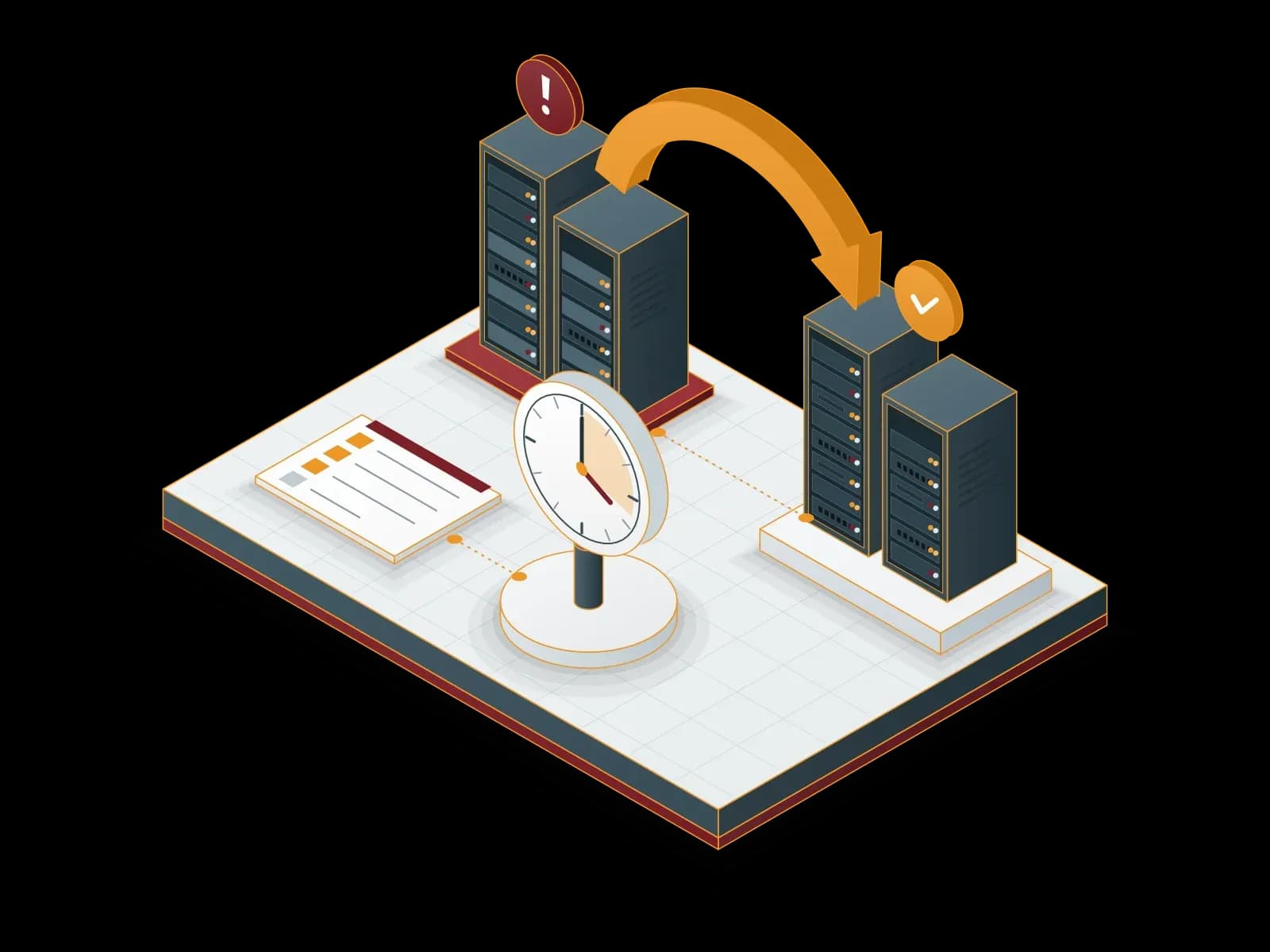
Benefits of Disaster Recovery (DRaaS)
Planned Recovery
We write down the recovery steps in a plan. In a disaster the team follows the same order.
Flexibility
We select the systems and targets to protect by business priority. We update the scope as needs change.
Security
We encrypt replication traffic and restrict access to the recovery environment to authorized people.
Cost Plan
We size the recovery environment to your targets and show the cost items separately in the quotation.
Regular Drills
We test the recovery plan at agreed intervals and report the results and improvements.


Disaster Recovery with Veeam
We build disaster recovery plans with Veeam. Veeam backs up and recovers virtual, physical and cloud workloads on the same platform. We plan the recovery steps by your RPO and RTO targets, document them and test them with drills.
We also build disaster recovery with Acronis Cyber Protect. According to Acronis, recovery runs through failover to cloud replicas, and the replicas are scanned for vulnerabilities and malware before restore.
What is the difference between backup and disaster recovery?
Backup keeps a copy of data on a separate target. Disaster recovery plans how whole systems run again within a set time and in a set order. A backup is one part of disaster recovery; on its own, it is not a recovery plan.
Replication keeps an up-to-date copy of a virtual machine ready at a second location. In a disaster, the system starts on this copy (failover). With a restore from backup, the time grows with the volume of data to restore.
For backup options, see our Cloud Backup and Local Backup pages.
How is a disaster recovery plan prepared?
- Business impact analysis: we identify the critical business processes and the systems that run them.
- Targets: we set RTO and RPO values for each system together with you.
- Dependencies and start order: we define the order in which authentication, DNS, database and application servers start.
- Recovery environment: we prepare the second location, the network design, the IP addresses and remote access.
- Replication: we set up replication jobs and monitor delays and errors.
- Written plan: we write the recovery steps, the responsible people and the contact list into the plan.
- Drills and updates: we test the plan and update it as the infrastructure changes.
Which disaster scenarios does the plan cover?
- Ransomware attack: choosing a clean, unencrypted recovery point and starting the systems from it.
- Hardware and storage failure: moving the workload to the second location when a server or storage system stops working.
- System room incidents: fire, flooding, a long power outage or a cooling failure.
- Natural disasters: events such as earthquakes and floods that affect the whole building.
- Human error: accidentally deleted data or a faulty configuration change.
- Loss of connectivity: the main location loses its internet or data center connection.
Our blog post explains recovery strategies against earthquake risk.
How is a drill run and what do we deliver?
A drill is the test that shows the recovery plan works. To avoid any effect on production systems, a drill runs in an isolated network. According to Veeam, SureBackup and SureReplica verify backups and replicas in a virtual lab that is isolated from the production network.
- Disaster recovery plan: recovery steps, responsible people and the contact list.
- System and dependency list: the protected systems and their start order.
- RTO and RPO table: target values for each system.
- Drill report: measured recovery times, issues found and improvements.
Our Partners





- Microsoft Hyper-V
- VMware
Technologies we use
 VMware
Frequently asked questions
What Is Disaster Recovery and Why Is It Important for Businesses?
Disaster recovery is the process of bringing critical systems back with planned steps after a system failure, cyberattack or natural disaster. A planned recovery limits downtime and data loss to targets set in advance.
What Does the Synchron Bilişim Disaster Recovery Service Include?
The service covers replication of systems to a second site, writing the recovery plan, starting systems within the planned recovery time (RTO) and regular drills.
What Do RTO and RPO Mean in a Disaster Recovery Service?
RTO (Recovery Time Objective) shows how quickly the system comes back. RPO (Recovery Point Objective) shows how much data loss is acceptable. Synchron Bilişim sets these values with you for the needs of your business and tests the recovery plan against them.
What Are the Advantages of Cloud-Based Disaster Recovery?
With cloud-based disaster recovery you do not build a separate server room for the second site. We size the recovery environment to your targets. The cost depends on the number of protected systems, the data volume and the targets.
Why Get Disaster Recovery from Synchron Bilişim?
We build, test and operate your disaster recovery plan. We work with Veeam and Acronis. Our support line is available 24/7.
Related services
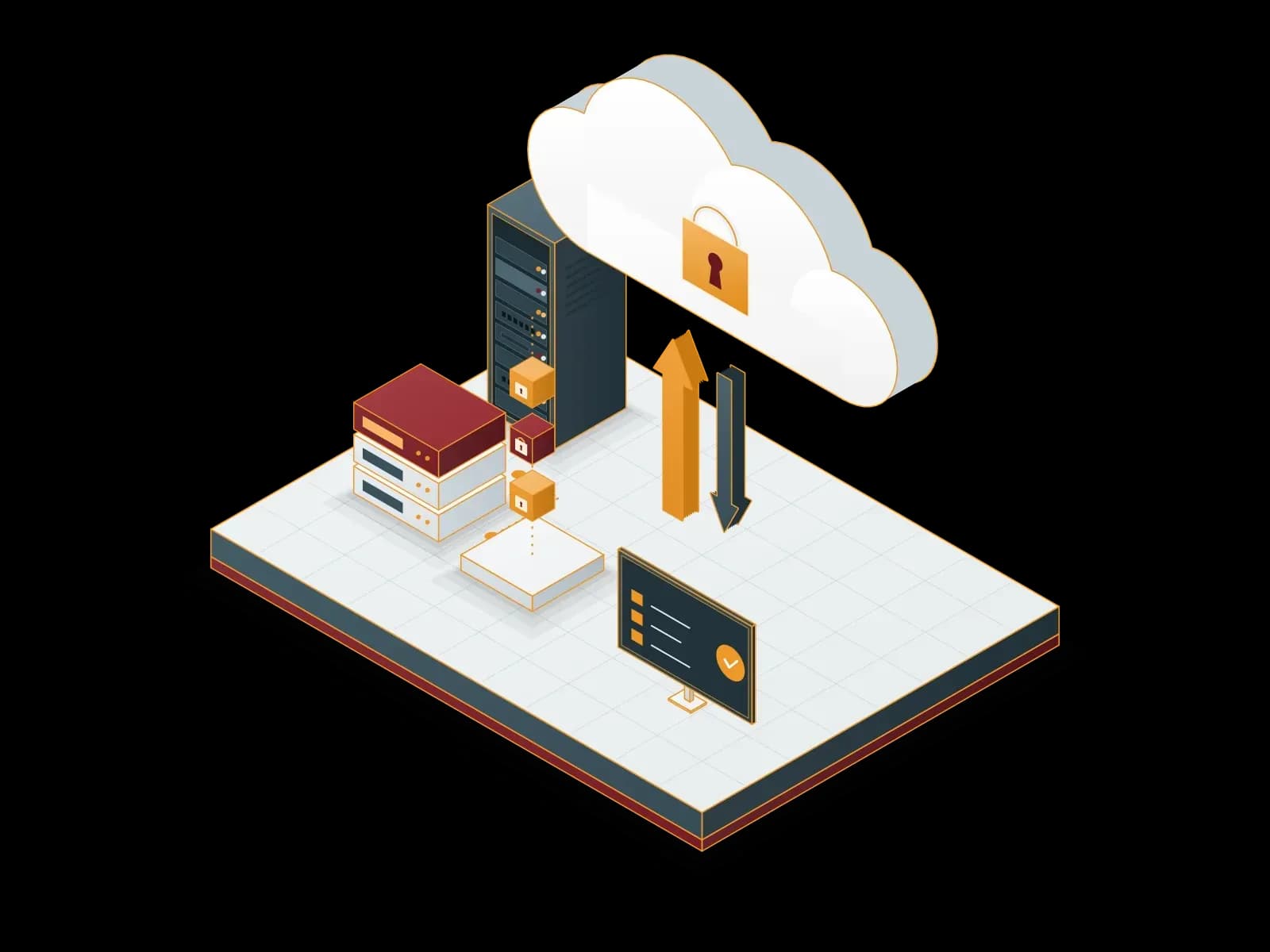
Cloud Backup
We send encrypted backups of your servers and virtual machines to cloud storage. We monitor backup jobs and test restores on a regular basis.
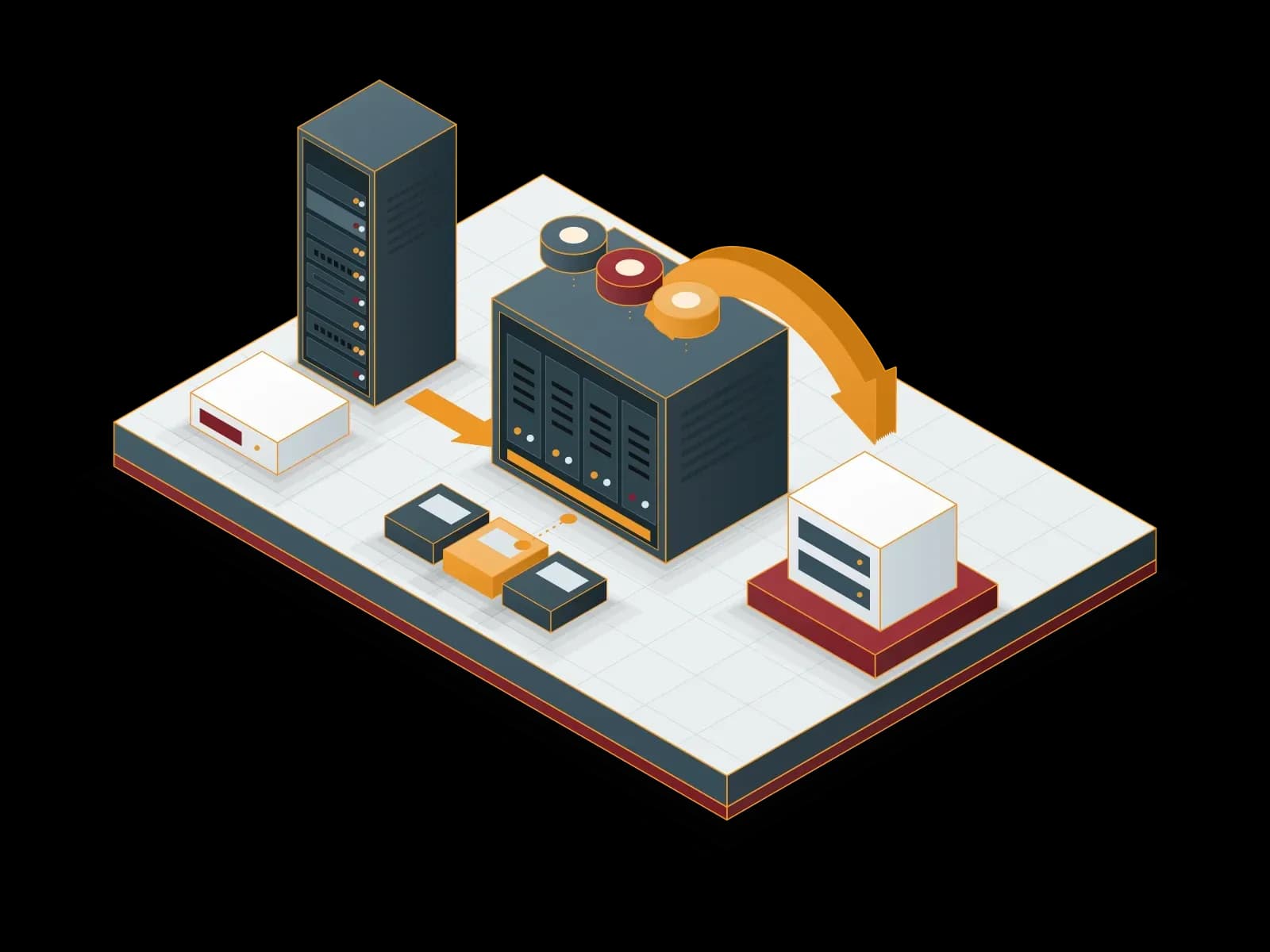
Local Backup
We keep backups of your servers, virtual machines and applications on local disk or NAS storage. We send one copy to a separate target to apply the 3-2-1 rule.
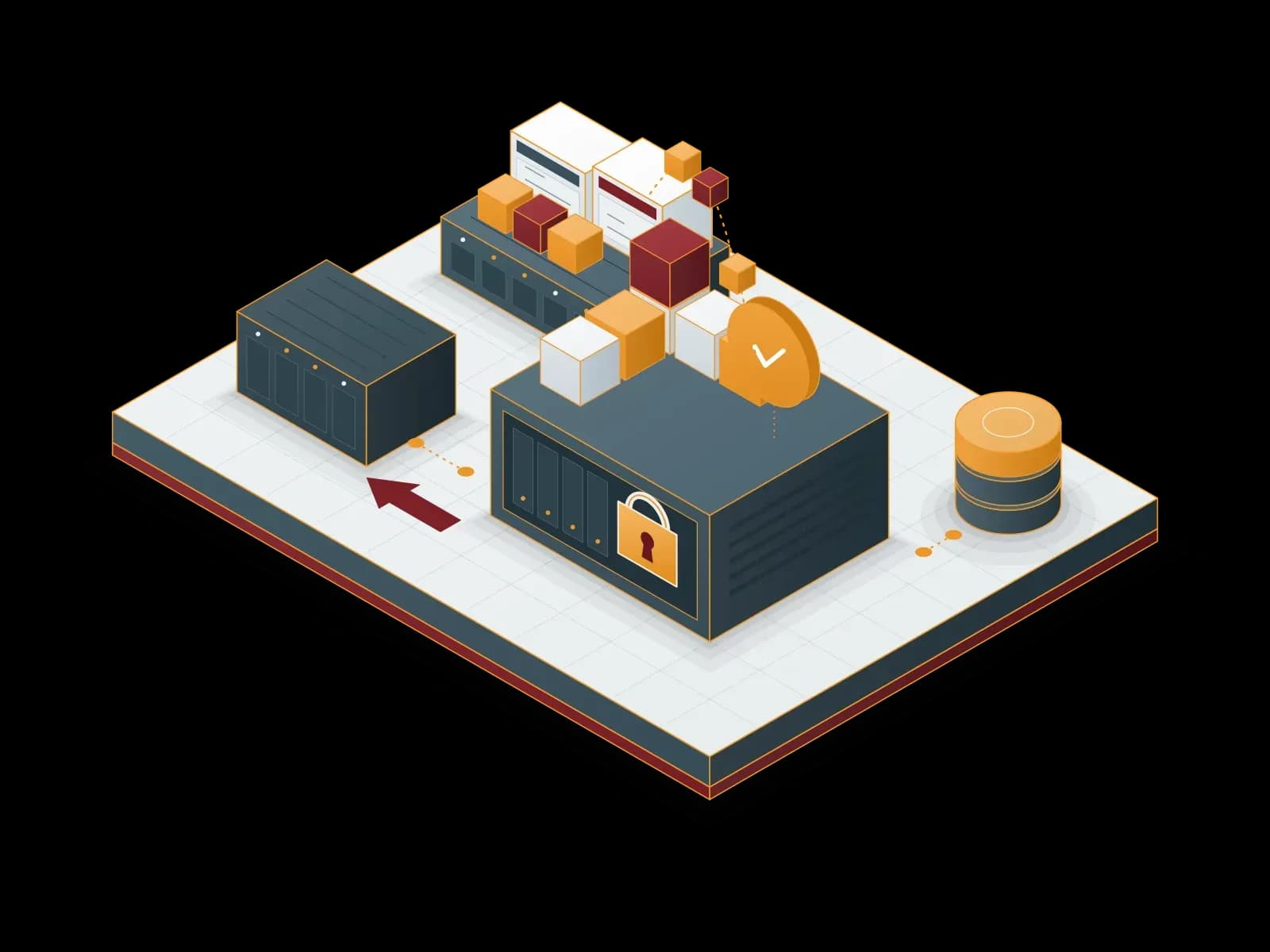
Proxmox Backup Server Deployment and Support
Back up your virtual machines, containers and physical servers with Proxmox Backup Server: incremental, encrypted and verifiable.
Proxmox VE Deployment, Migration and Support
We deploy your virtualization platform on Proxmox Virtual Environment, migrate your VMware estate, supply your subscription and support you after go-live.
Let's discuss your project
Tell us what you need and we will match you with the right team. For urgent issues, call our support line.