

Virtualization
Microsoft Hyper-V Deployment, Management and Support
We build your virtualization platform on Windows Server Hyper-V, design the cluster and backup layout and manage your environment. We can also plan a move to Proxmox VE.
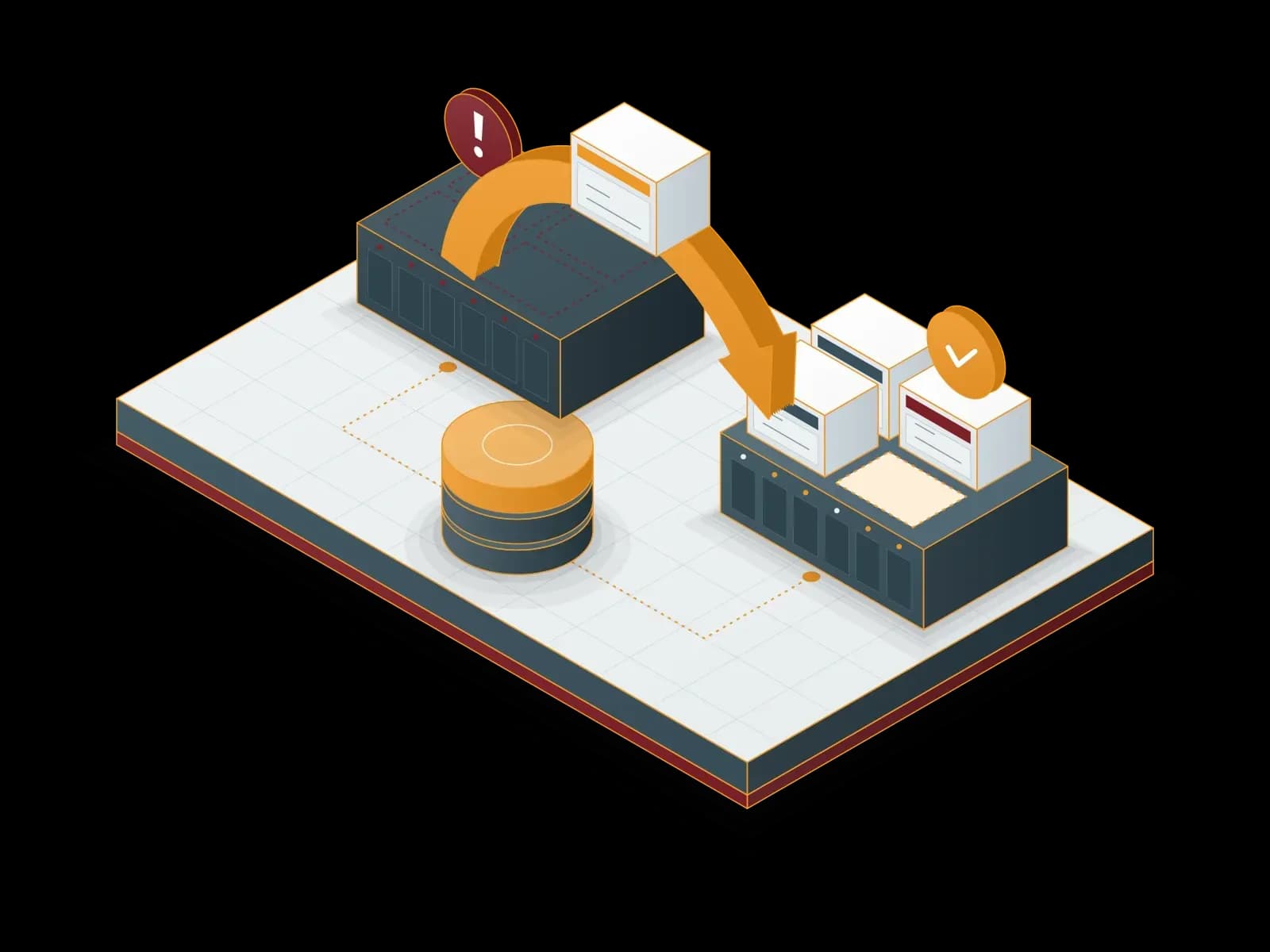
What is Hyper-V?
Hyper-V is Microsoft's virtualization technology that comes with Windows Server and Windows. It is a type-1 hypervisor that runs directly on the hardware. It runs several isolated virtual machines on one physical server.
According to Microsoft's documentation, Hyper-V supports many Windows versions, Linux distributions and FreeBSD as guest operating systems. Hyper-V is available as a server role in every edition of Windows Server 2025.
You do not buy a separate hypervisor license for Hyper-V. The license depends on the Windows Server edition and the core count of your server. According to Microsoft, Windows Server Datacenter gives unlimited rights to run Windows Server virtual machines. We calculate the licensing with you for your server layout.
Hyper-V with Synchron
We run your Hyper-V project from design to daily operation. You get the Windows Server license, the server hardware, the deployment and the support from the same team. For licensing, see our Software Licensing page.
Deployment and configuration
We set up the Hyper-V role, virtual switches, storage connections and virtual machine templates, and we document every step.
High availability
We build the cluster with Windows Server Failover Clustering and Cluster Shared Volumes (CSV). When a node fails, the virtual machines restart on another node.
Disaster recovery
We replicate virtual machines to a second site with Hyper-V Replica. For details, see our Disaster Recovery page.
DetailsManagement tools
We organize daily management with Windows Admin Center, Hyper-V Manager and PowerShell. In large environments we use System Center Virtual Machine Manager.
Monitoring and maintenance
We apply updates in planned maintenance windows. We track capacity, performance and hardware health with our monitoring service.
Monitoring serviceBackup
We back up at virtual machine level. We keep a copy of the backup at another site and test restores regularly.


Key Hyper-V capabilities
These are the capabilities from Microsoft's documentation that we use most in our projects:
Live migration
You move a running virtual machine between cluster nodes without downtime. Shared nothing live migration, without shared storage, is also supported.
Storage Spaces Direct
It pools the local disks of the cluster nodes into one highly available storage pool. This gives a hyperconverged platform without a separate SAN.
Hyper-V Replica
It replicates virtual machines asynchronously to a second site over a standard network connection.
Shielded virtual machines
They protect sensitive workloads with BitLocker encryption, Secure Boot and TPM 2.0 attestation.
Generation 2 virtual machines
They support UEFI and Secure Boot. A virtual TPM enables BitLocker inside the guest operating system.
Dynamic Memory and GPU partitioning
Memory follows the workload. With GPU partitioning (GPU-P), several virtual machines share one GPU.


Our service process
1. Discovery
We list your servers, storage, network, licenses and backups. We report current issues and risks.
2. Design
We define the cluster layout, the storage type (Storage Spaces Direct, SAN or NAS) and the network separation.
3. Deployment
We install the hosts, validate the cluster and migrate or rebuild the virtual machines.
4. Testing
We test failover, restore from backup and user access.
5. Handover and support
We document the environment, hand it over to your IT team and continue support as a managed service.


Use cases
Windows-centric environments
Virtualize Active Directory, file servers, SQL Server and remote desktop services under the same licensing.
Branch servers
Run local services at branches on small clusters, independent of the head office.
Hybrid setup
Build disaster recovery with Azure Site Recovery or prepare for Azure Local scenarios.
Clean-up of an existing environment
Bring an undocumented, unpatched or single-host Hyper-V environment into a cluster and regular maintenance.


Hyper-V, Proxmox VE and VMware vSphere
These three platforms do the same job with different licensing and management models. The right choice depends on your workloads, your current licenses and your team's experience. If you have Windows Server Datacenter licenses, Hyper-V adds no hypervisor cost. For Linux and mixed workloads, the open-source Proxmox VE is a strong option. We also manage or migrate your existing VMware vSphere environment.
We deploy and support all three platforms, so we make the choice with you based on a needs analysis. For a platform comparison, see our Virtualization category.
Platforms, tools and hardware
- Windows Server: Hyper-V role, Failover Clustering, Storage Spaces Direct
- Management: Windows Admin Center, Hyper-V Manager, PowerShell, System Center Virtual Machine Manager
- Backup: Veeam and other solutions that back up at virtual machine level
- Hardware: Dell, HPE and Lenovo servers
For your Hyper-V project, write to us through the contact form.
Our Solution Partners






Technologies we use
 Linux
Linux Microsoft Azure
Frequently asked questions
Do I need a separate license for Hyper-V?
No. Hyper-V is a role that comes with Windows Server. The license depends on the Windows Server edition and the core count of the server. According to Microsoft, the Datacenter edition gives unlimited rights to run Windows Server virtual machines. We calculate the licensing with you for your server layout.
How do you build high availability on Hyper-V?
We use Windows Server Failover Clustering and Cluster Shared Volumes. When a node fails, the virtual machines restart on another node. For planned maintenance we move virtual machines to another node with live migration, without downtime.
Can you take over our existing Hyper-V environment?
Yes. First we do an inventory and a health check. We report gaps in updates, backups and documentation. After we close the gaps, we take the environment into our managed service.
Can we migrate from Hyper-V to Proxmox VE?
Yes. We prepare a migration plan for virtual disk conversion, guest drivers and the network layout. We start with a pilot migration of non-critical workloads. Staying on Hyper-V is also a valid option. We decide together based on a cost and workload analysis.
How do you back up a Hyper-V environment?
We use a solution that backs up at virtual machine level, for example Veeam. We keep a copy of the backup at another site. We test restores regularly and report the results.
Do Linux virtual machines run on Hyper-V?
Yes. According to Microsoft, Hyper-V supports many Linux distributions and FreeBSD as guests, in addition to Windows. Before deployment we check the support status of your distribution.
Related services
Proxmox VE Deployment, Migration and Support
We deploy your virtualization platform on Proxmox Virtual Environment, migrate your VMware estate, supply your subscription and support you after go-live.
VMware vSphere Support, Management and Migration
We manage and support your existing VMware vSphere and ESXi environment. We review your options after the licensing change with you and, if you choose, plan the move to Proxmox VE.
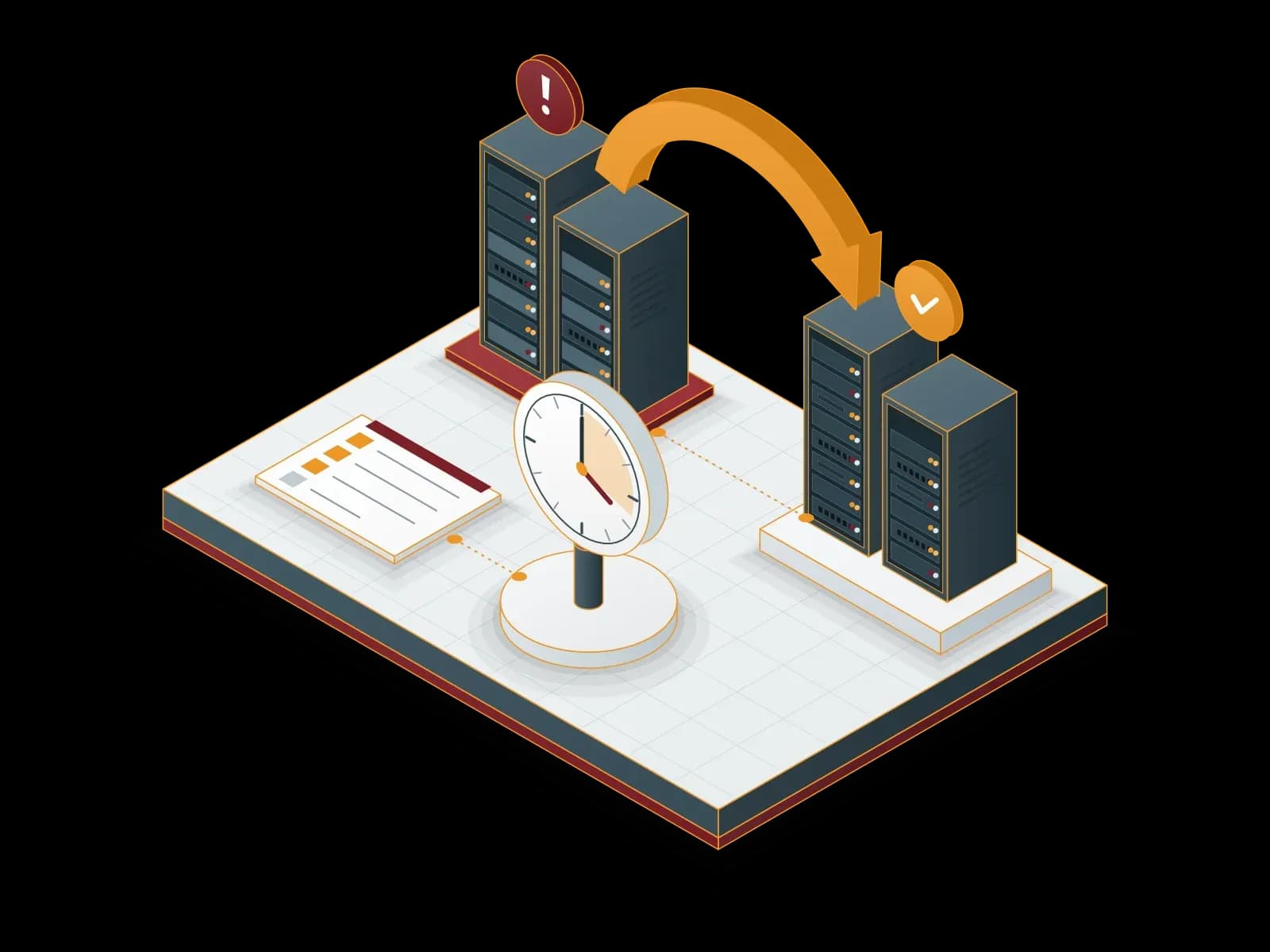
Disaster Recovery Services (DRaaS)
We build a disaster recovery plan for your critical systems. We document the recovery steps for your RPO and RTO targets and test them with drills.

Software Licensing
Synchron provides licenses and subscriptions for Microsoft (CSP and SPLA), Proxmox, Veeam, Acronis, MailStore, ESET, Bitdefender, Fortinet, Palo Alto Networks, Netwrix, Adobe, Alcatel-Lucent Enterprise, Cisco, Aruba, MikroTik and Neat products. The team that sells the license also handles installation, renewal tracking and support.
Let's discuss your project
Tell us what you need and we will match you with the right team. For urgent issues, call our support line.