

Backup and Replication
Local Backup
We keep backups of your servers, virtual machines and applications on local disk or NAS storage. We send one copy to a separate target to apply the 3-2-1 rule.
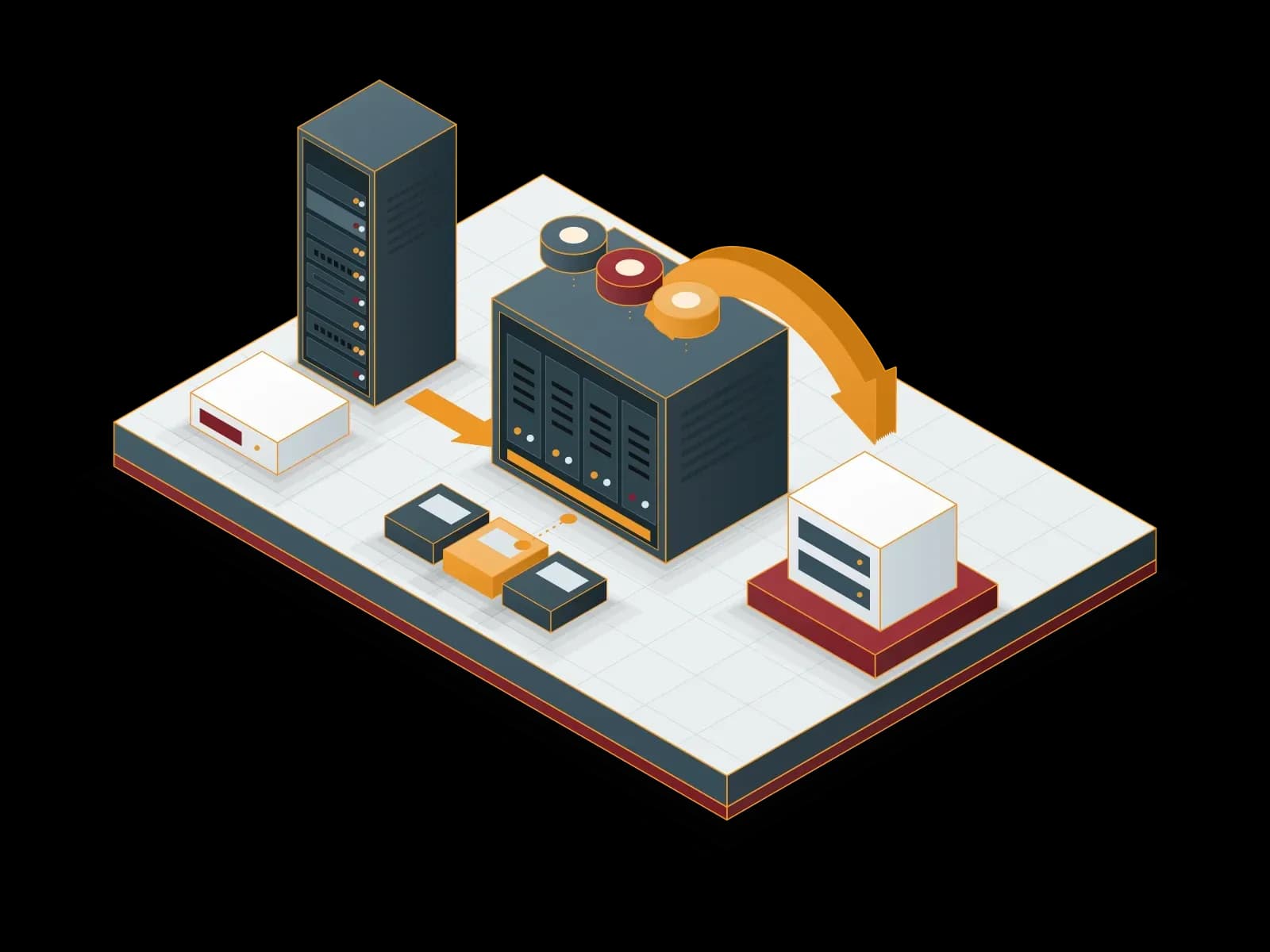
Benefits of Local Backup
Fast Restore
The backup sits on the local network, so a restore does not depend on internet speed.
Secure Storage
We restrict access to backup storage to authorized accounts and use immutable backups where possible.
Regular Checks
We monitor backup jobs and test restores at agreed intervals.
Backup Policy
We set retention, backup frequency and targets to fit your business needs.
Capacity Plan
We calculate the storage need from the data volume and retention period.
Automatic Backup
We schedule backup jobs. When a job does not complete, we receive an alert and fix the cause.
Regulatory Support
We set retention periods according to your organization’s retention policy.
24/7 Technical Support
Our support line is available 24/7. We prioritize requests by business impact.


Local Backup with Veeam
We use Veeam for local backup. We keep server, virtual machine and application backups on local disk or NAS storage. We send a copy to a separate target or to the cloud and apply the 3-2-1 backup rule. We monitor the backup jobs and test restores regularly.
In Proxmox VE environments, we back up virtual machines and containers locally with Proxmox Backup Server.
For local backup we also use Acronis Cyber Protect. According to Acronis, backups can go to local or network-attached storage (NAS), and licensing depends on the number and type of protected workloads.
Brands we work with








Frequently asked questions
What Is Local Backup and Why Is It Necessary?
Local backup keeps a copy of the data on disk or a NAS device at your own site. Restores run at local network speed.
Are Synchron Bilişim Local Backup Solutions Secure?
We restrict access to backup storage to authorized accounts, encrypt backups and keep at least one copy on a separate target. We test restores on a regular basis.
What Is the Difference Between Local Backup and Cloud Backup?
Local backup keeps data at your own site and allows fast restores. Cloud backup keeps data at a remote site. For the 3-2-1 rule we recommend using both methods together.
How Fast Is Data Restore with Local Backup?
Local backup does not depend on internet speed. Data is restored at local network and disk speed. The restore time depends on the data volume.
Why Synchron Bilişim for Local Backup?
The same team handles the backup plan, the installation and daily monitoring. Our support line is available 24/7.
Related services
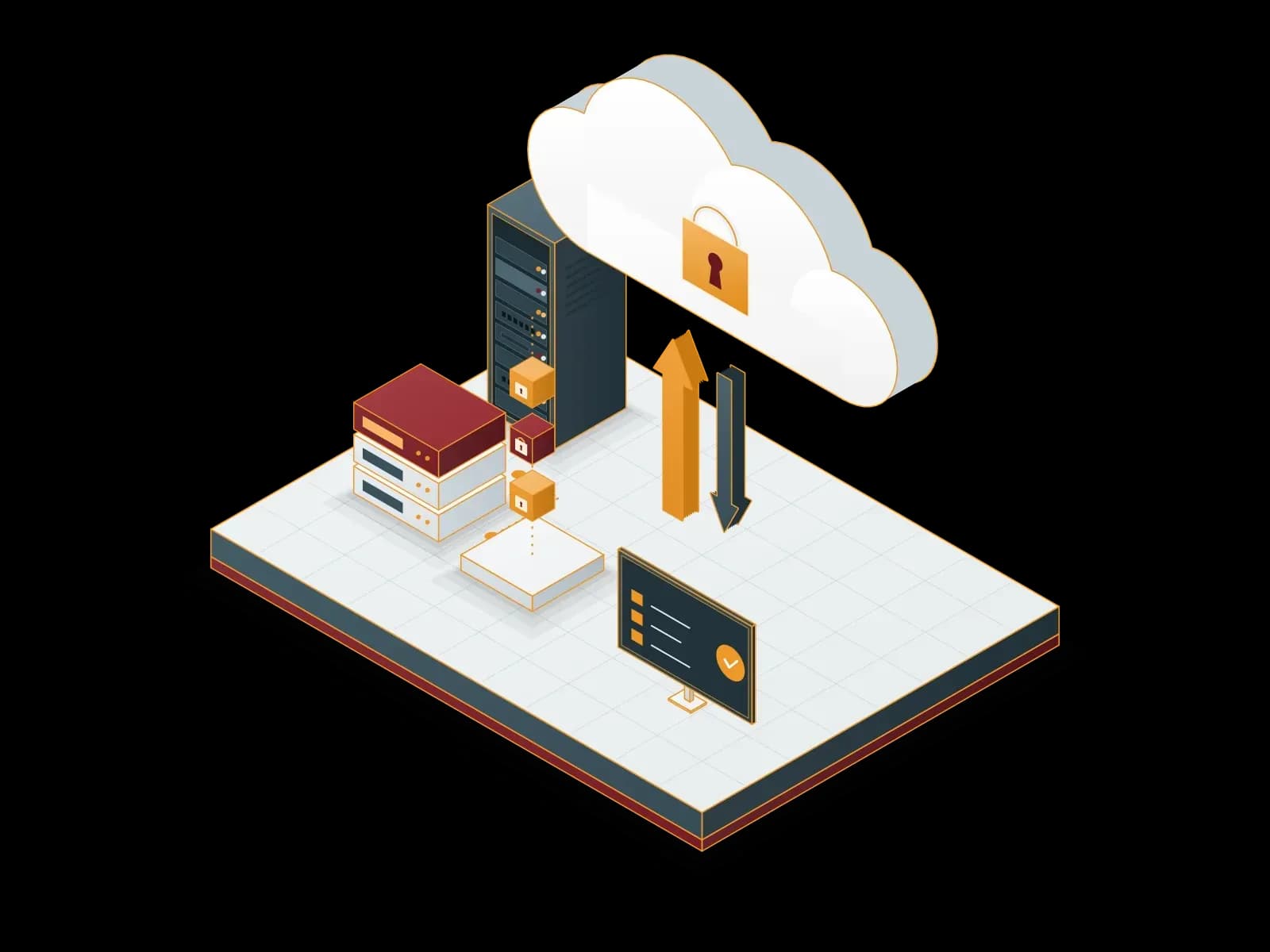
Cloud Backup
We send encrypted backups of your servers and virtual machines to cloud storage. We monitor backup jobs and test restores on a regular basis.
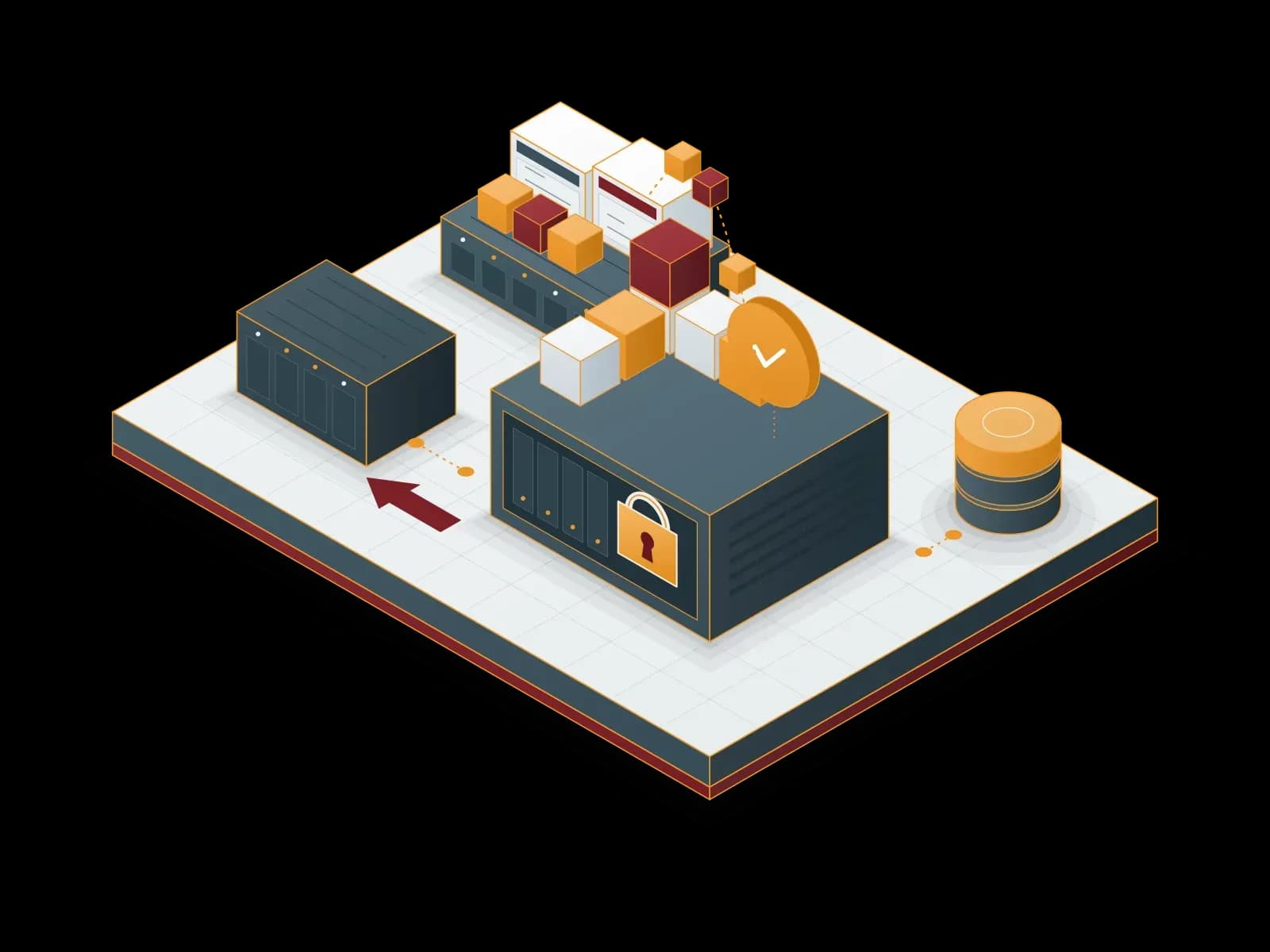
Proxmox Backup Server Deployment and Support
Back up your virtual machines, containers and physical servers with Proxmox Backup Server: incremental, encrypted and verifiable.
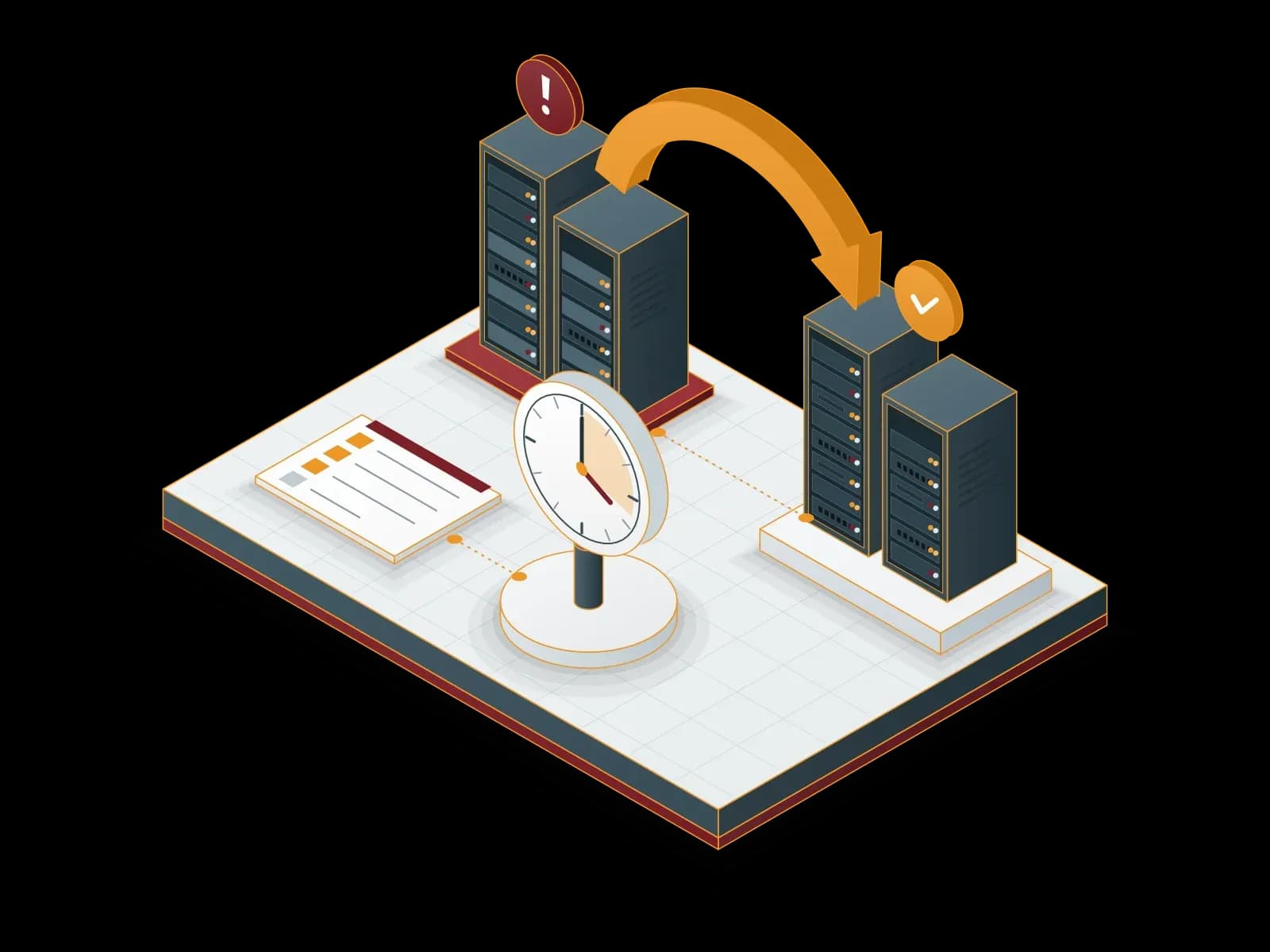
Disaster Recovery Services (DRaaS)
We build a disaster recovery plan for your critical systems. We document the recovery steps for your RPO and RTO targets and test them with drills.
Enterprise File Server
We set up a corporate file server and design the folder structure and access rights for your organization. We also manage backup, remote access and capacity planning.
Let's discuss your project
Tell us what you need and we will match you with the right team. For urgent issues, call our support line.