

Cyber Security
Antivirus – Antimalware Management
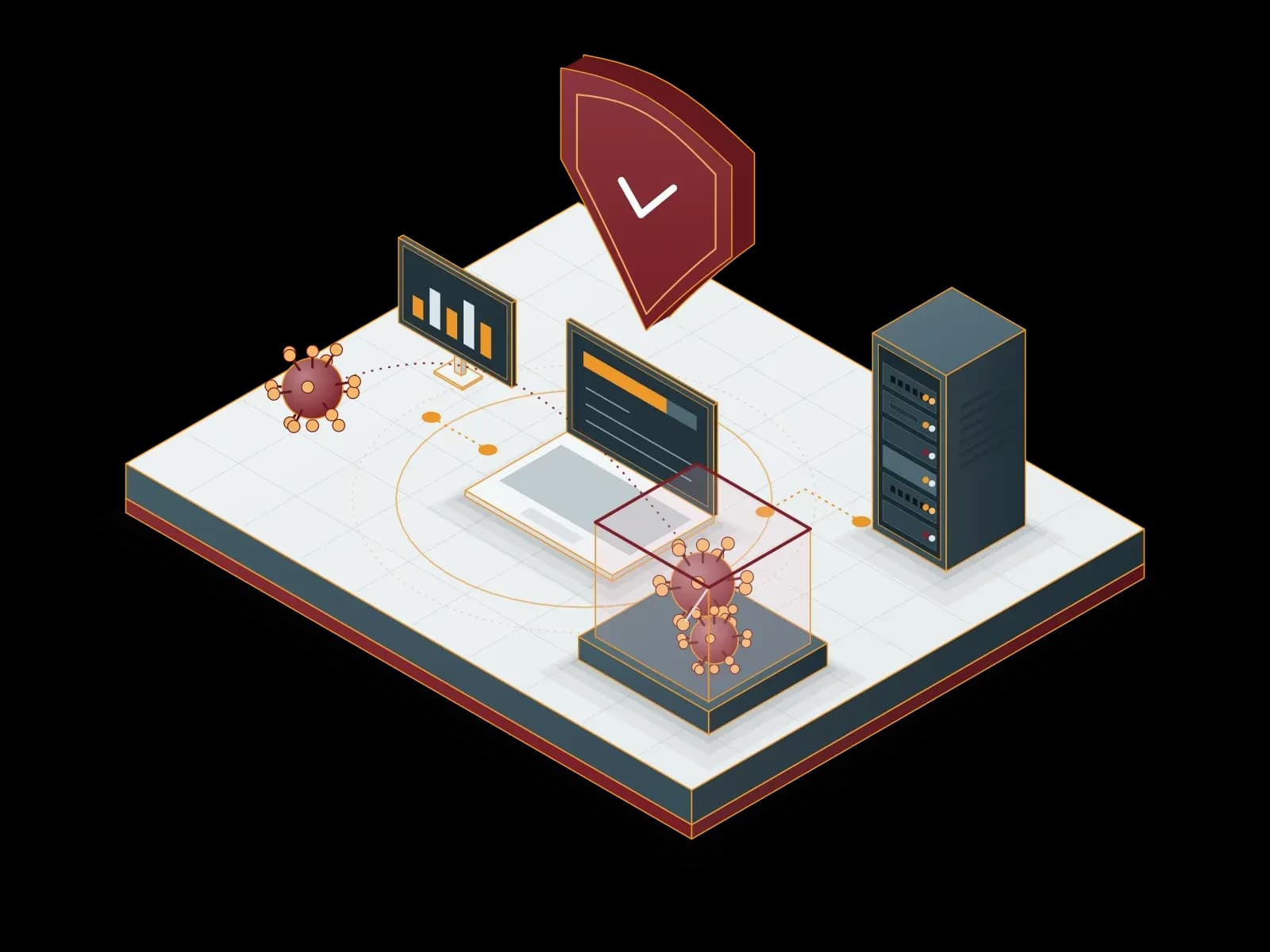
We install antivirus and antimalware software on your computers and servers, manage it from a central console and monitor threat alerts. We work with ESET and Bitdefender products.
Benefits of Antivirus - Antimalware Management
Real-Time Protection
The protection software scans files and processes while they run. When it finds malware, it blocks the file or moves it to quarantine.
Updates
We check in the console that signature and product updates reach every device. We investigate any device that does not receive updates.
Performance Tuning
We set scan schedules and exclusion lists for each workload, so scans do not disrupt users and servers.
Central Management
We define security policies in the central console and apply them to device groups. A policy change reaches the whole group at once.
Multi-Layer Security
We plan antivirus protection together with the firewall, email filtering and backup. We manage these layers in our related services.
Threat Alerts
We monitor the threat alerts in the console. After a detection we examine the device, isolate it from the network if needed and clean it.
Migration Plan
We plan the move from your current antivirus product. We remove the old product and roll out the new agent to device groups in stages.
24/7 Technical Support
Our support line is available 24/7. We prioritize requests by business impact.


What is the difference between antivirus, antimalware and EDR?
Antivirus is protection software that detects malware with signatures and behavior analysis. The term antimalware covers all malware types, such as worms, trojans, spyware and ransomware, in addition to viruses. Corporate endpoint protection products combine both functions in a single agent.
EDR (Endpoint Detection and Response) records process, file and network activity on the endpoint. An analyst uses these records to see how an attack started and to respond. XDR extends this visibility to other sources such as email, network and cloud. The ESET product family offers XDR, and the Bitdefender GravityZone product family offers EDR options.
How do we set up endpoint protection?
- Inventory: we list the computers, servers and operating system versions to protect.
- Product and license: we select the ESET or Bitdefender product and the required modules by device count. Details: Software Licensing.
- Management console: we set up a cloud or on-premises management console.
- Policy design: we define separate groups and policies for servers, workstations and administrator devices.
- Pilot and rollout: we test the agent on a small pilot group first, then deploy it to all devices.
- Operation: we monitor alerts and check that updates reach every device.
What do we do when malware is detected?
- Verification: we examine the alert in the console and determine whether it is a real threat.
- Isolation: if needed, we isolate the device from the network to stop the spread.
- Cleanup: we clean the malicious file or quarantine it and scan the device again.
- Source analysis: we examine how the malware reached the device (email attachment, website, USB drive).
- Restore: if data is affected, we restore it from backup.
- Record and recommendation: we record the incident and recommend settings that prevent a repeat.
What do our reports include?
- Protection status: devices without an agent, with missing updates or without protection.
- Threat summary: detections in the period and the actions taken.
- Policy list: device groups and the security policies applied.
- Incident records: incidents examined, root cause and measures taken.
To examine endpoint events together with other system logs, see our SIEM – SOC Management service. Our blog post explains why a strong antivirus and additional security measures are necessary.
Our Partners


Related services
SIEM – SOC Management
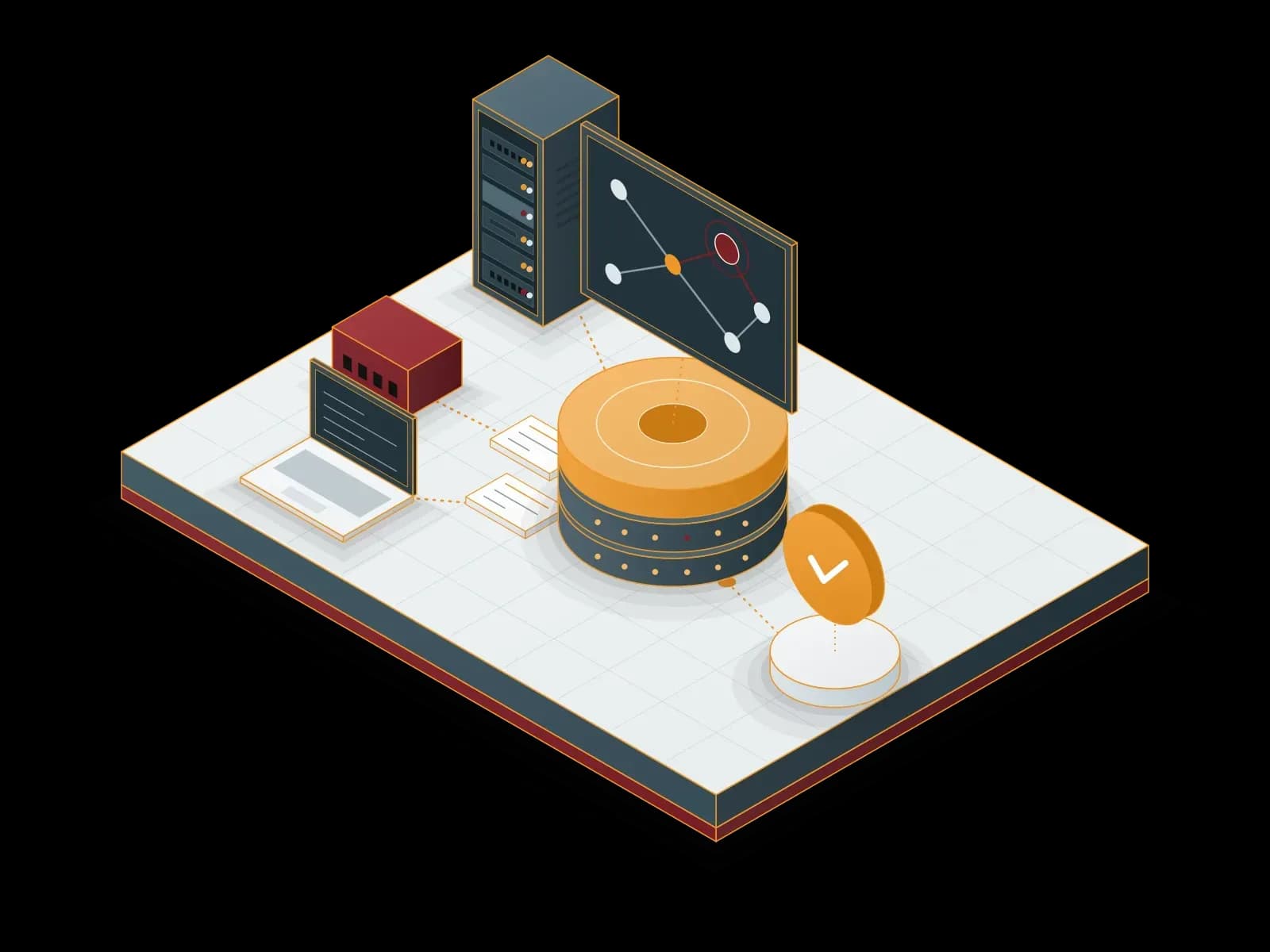
We collect your system logs in a SIEM platform, monitor security events with our SOC team and pass verified incidents on to you.
Firewall Management
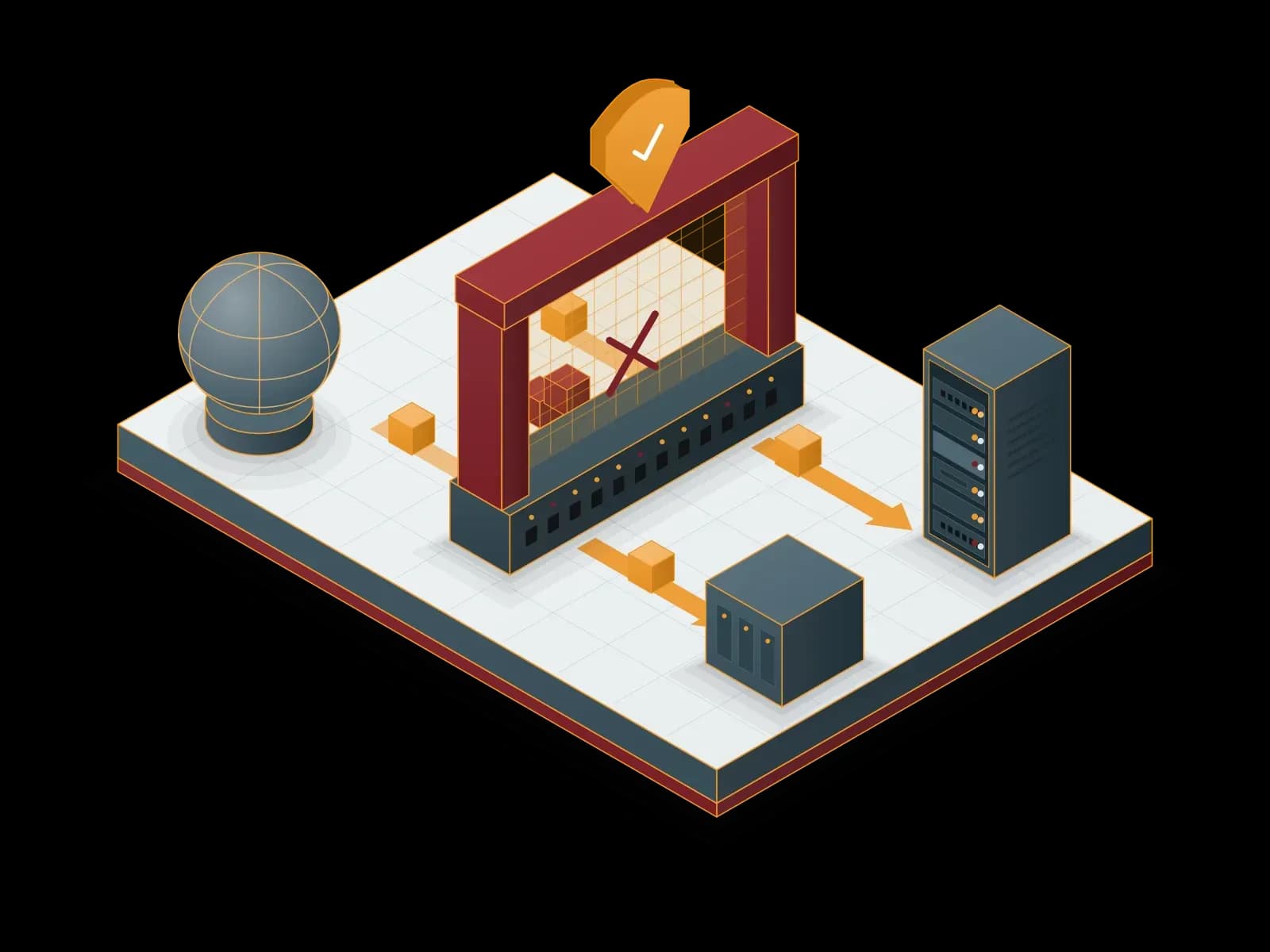
We install your firewall, write its rule set and run it day to day. We work with FortiGate, Palo Alto Networks and MikroTik devices.
Mobile Device Management
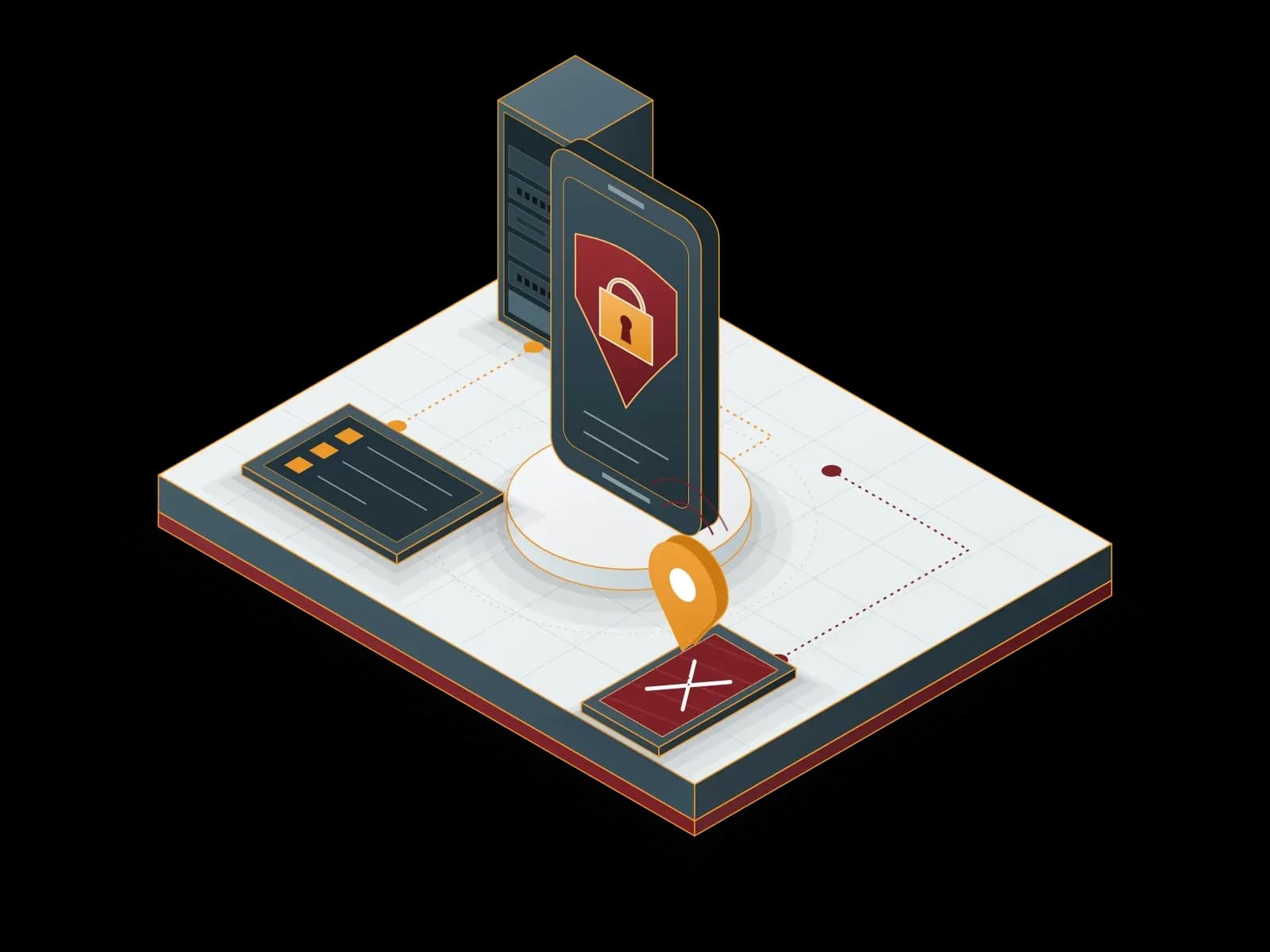
We enrol company mobile devices centrally, apply security policies and remotely wipe company data from a lost device.
Let's discuss your project
Tell us what you need and we will match you with the right team. For urgent issues, call our support line.