

Backup and Replication
With local backup, cloud backup, Microsoft 365 backup and disaster recovery services we keep copies of your data in different places and test restores on a regular basis.
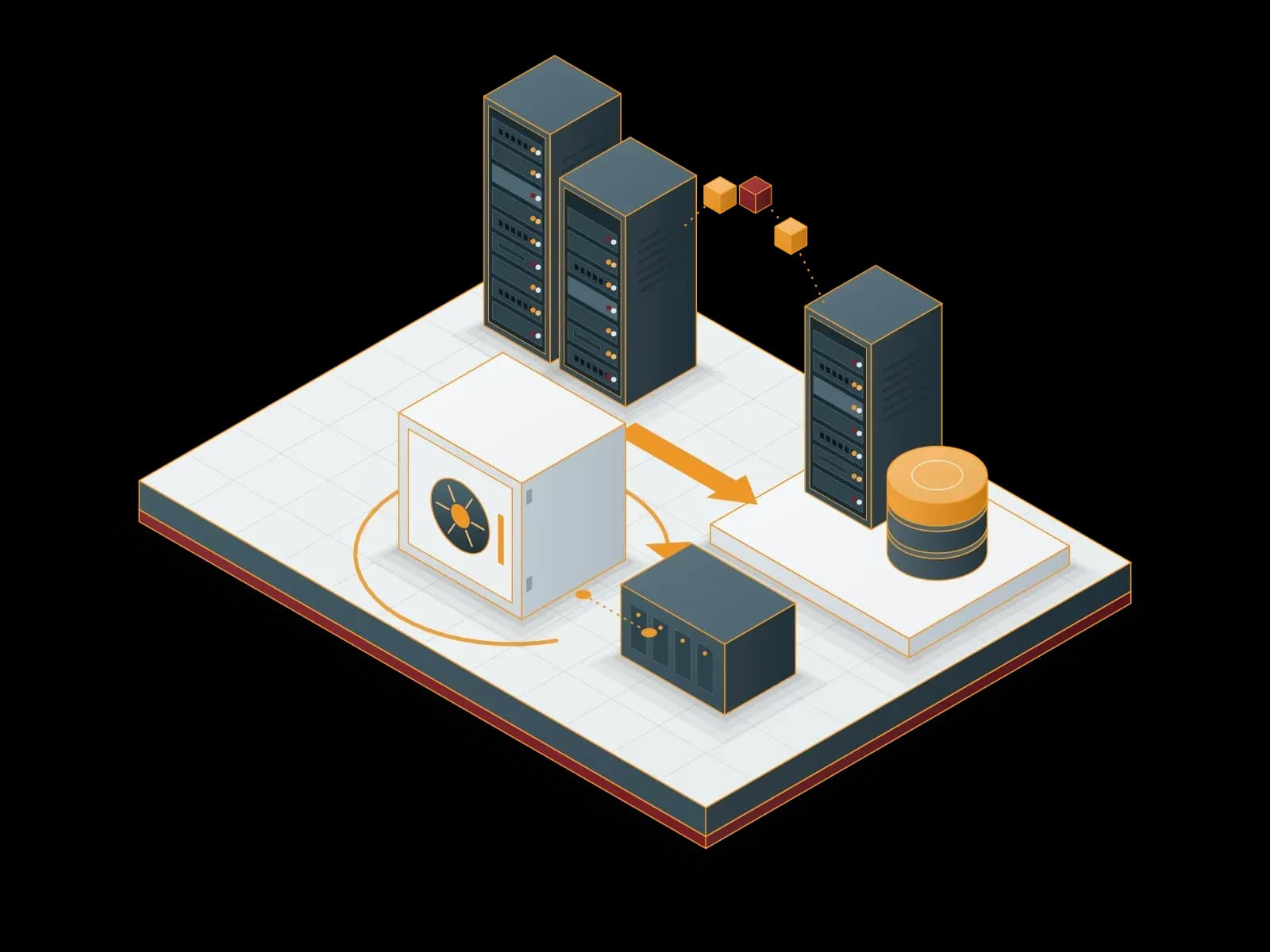
Services in this category
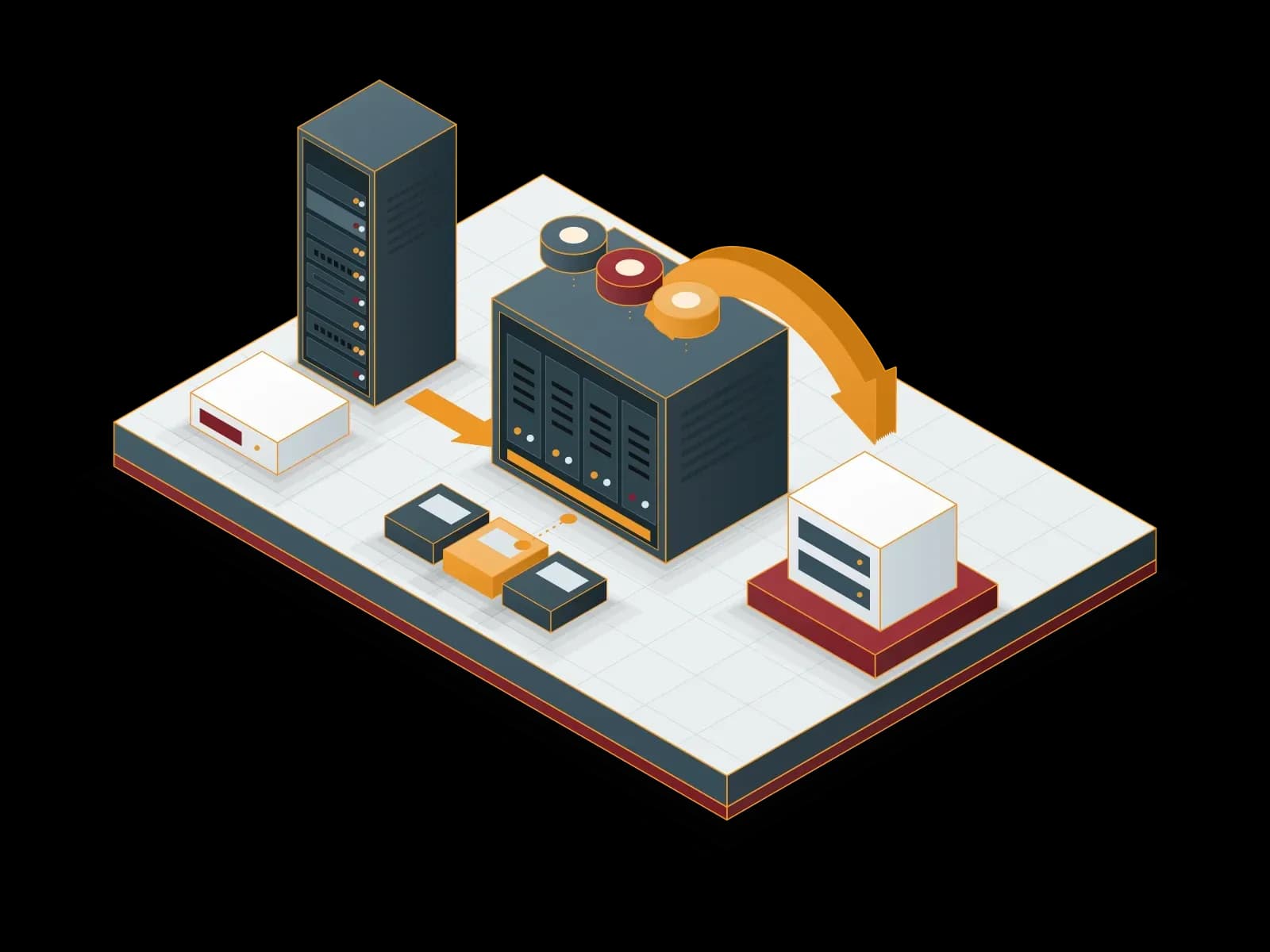
Local Backup
We keep backups of your servers, virtual machines and applications on local disk or NAS storage. We send one copy to a separate target to apply the 3-2-1 rule.
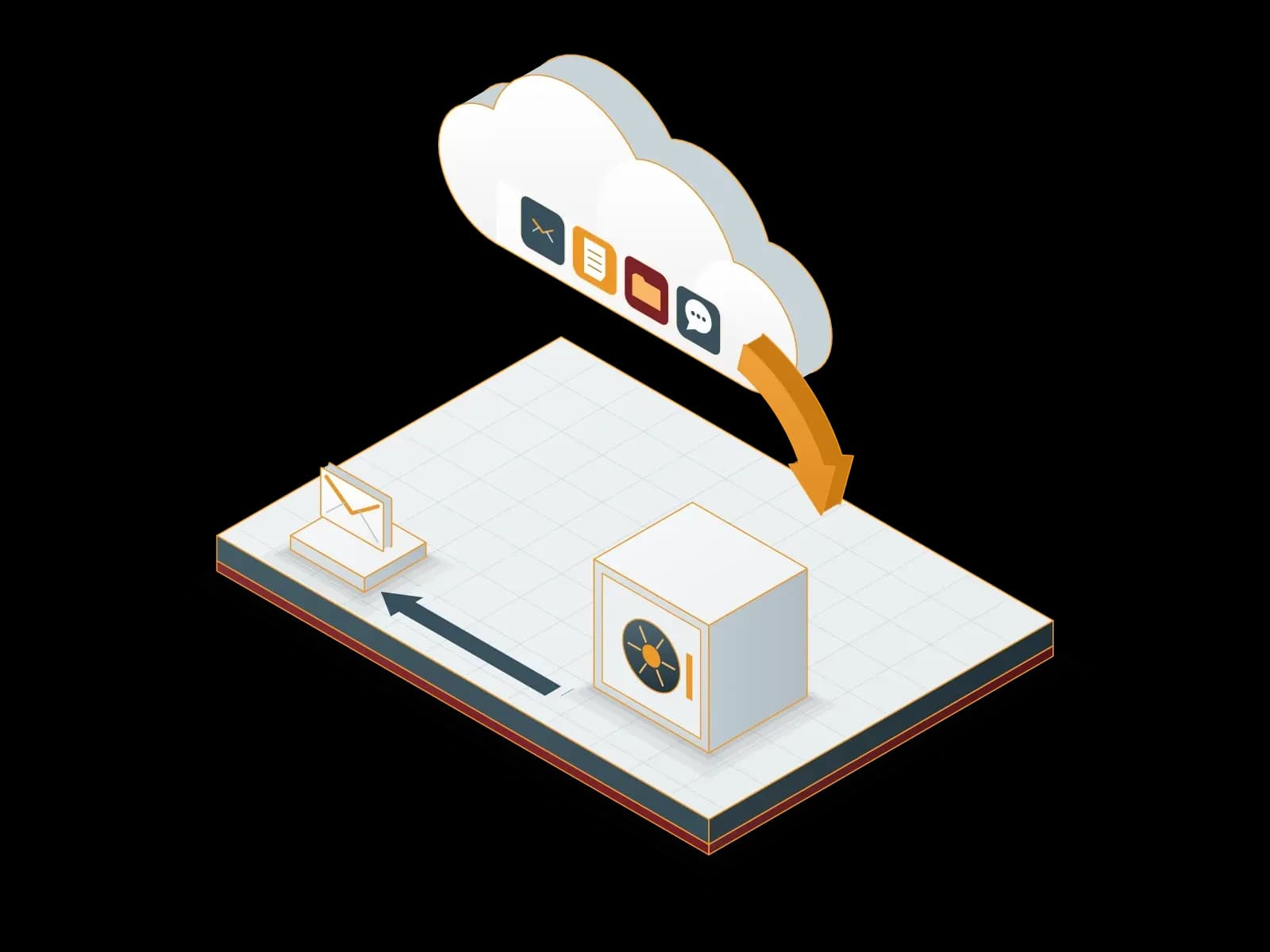
Microsoft 365 Backup
We back up your Exchange Online, SharePoint Online, OneDrive and Teams data to a backup repository outside Microsoft 365. We restore deleted or damaged data from backup.
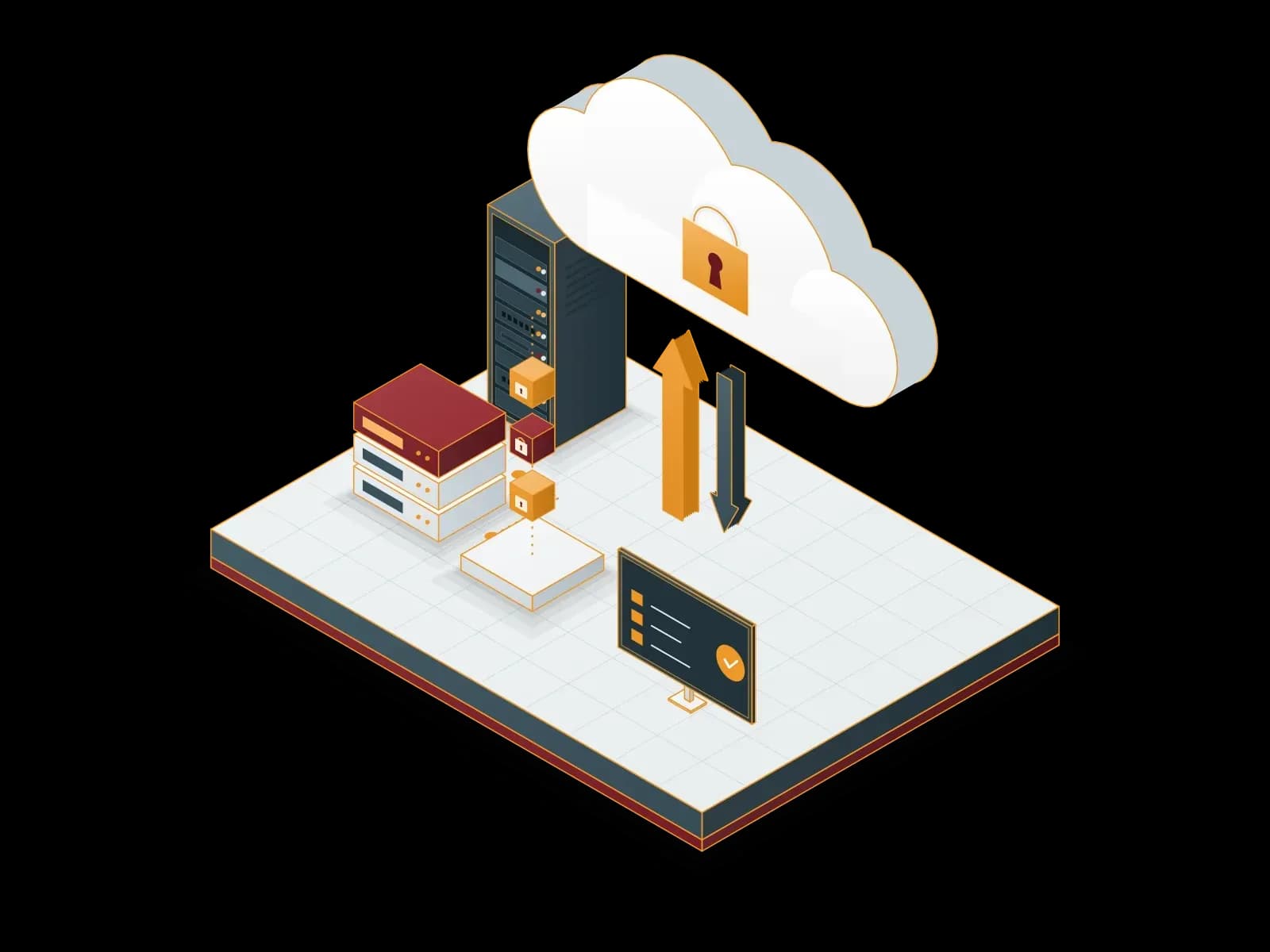
Cloud Backup
We send encrypted backups of your servers and virtual machines to cloud storage. We monitor backup jobs and test restores on a regular basis.
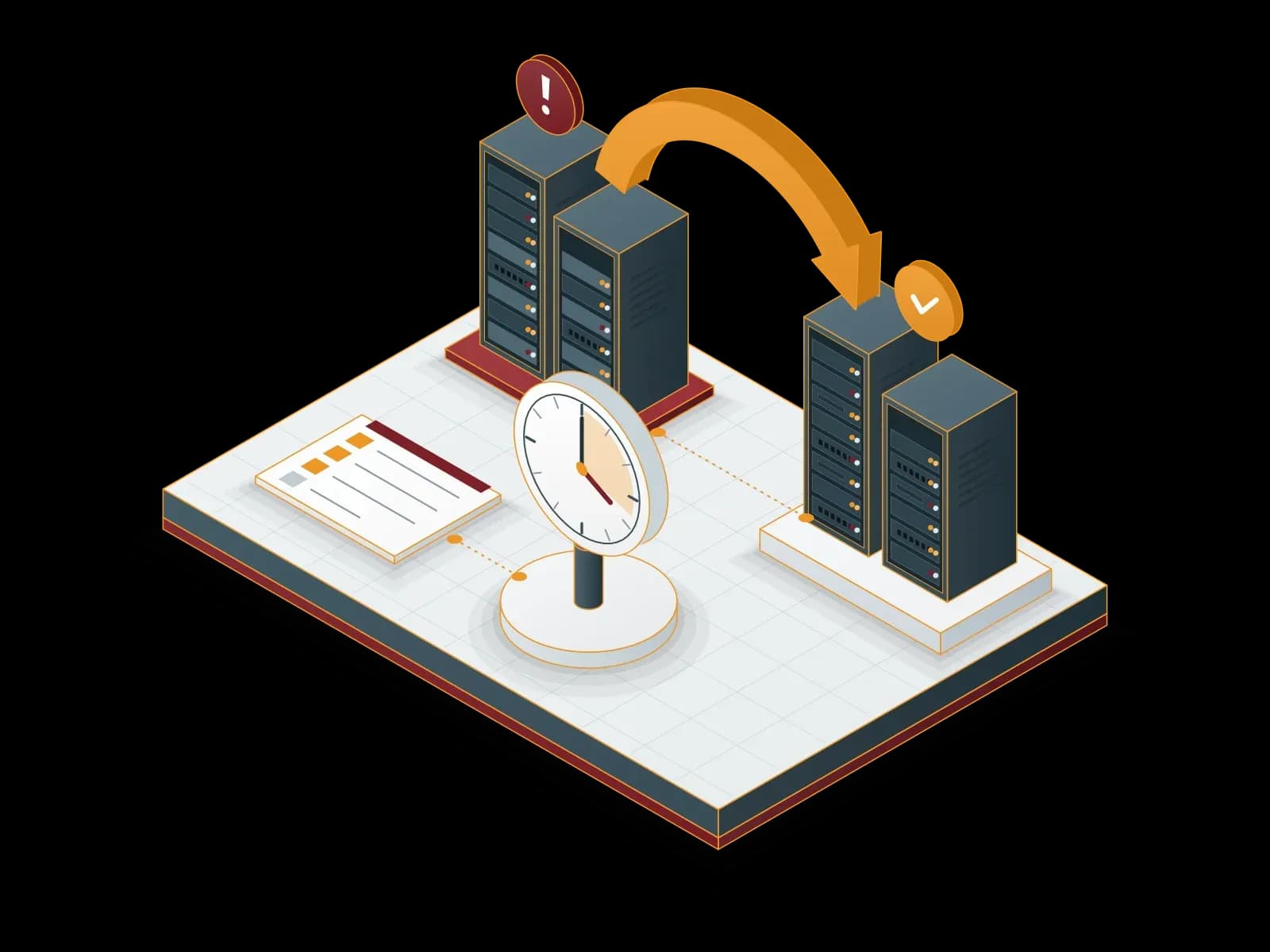
Disaster Recovery Services (DRaaS)
We build a disaster recovery plan for your critical systems. We document the recovery steps for your RPO and RTO targets and test them with drills.
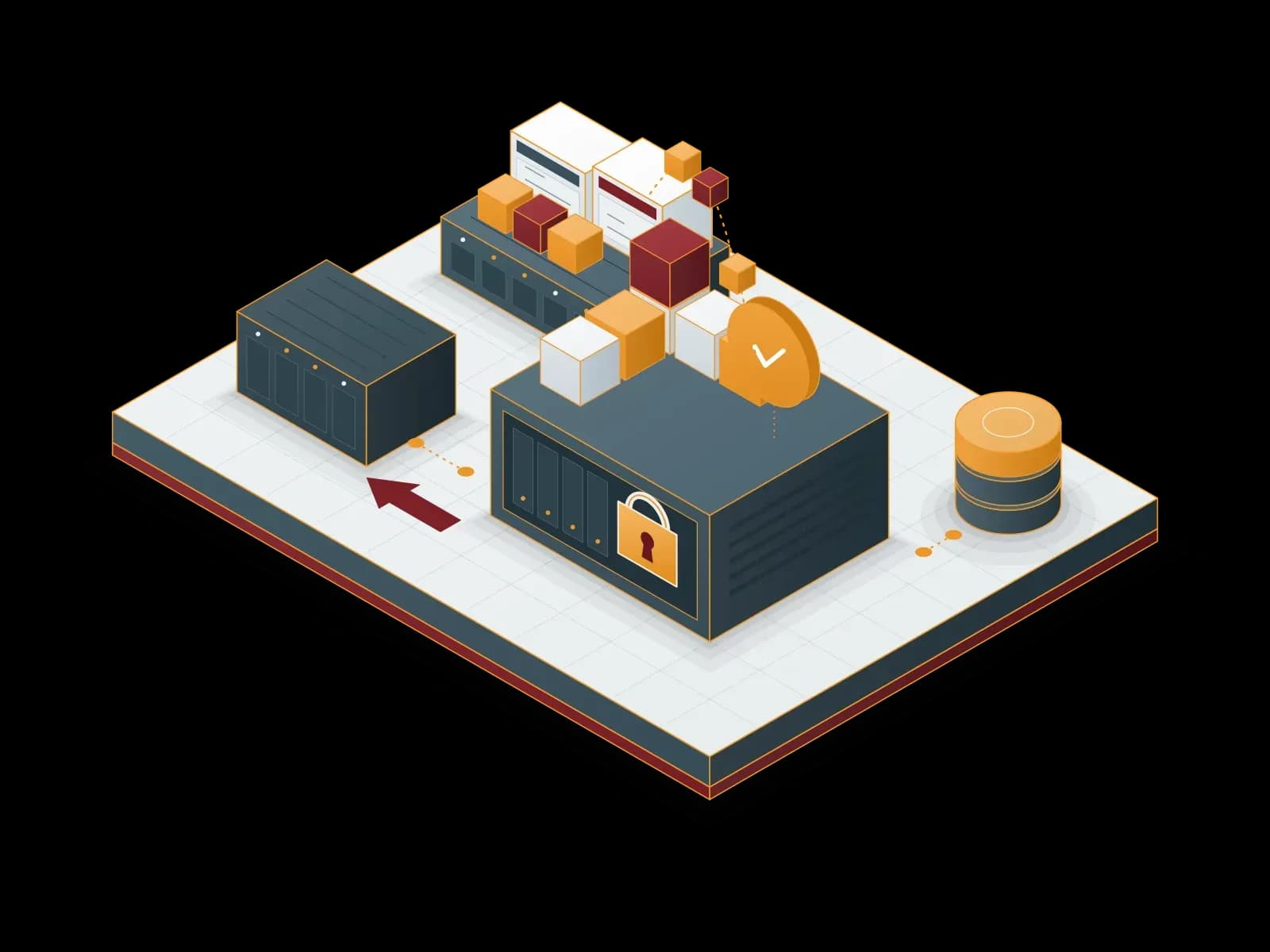
Proxmox Backup Server Deployment and Support
Back up your virtual machines, containers and physical servers with Proxmox Backup Server: incremental, encrypted and verifiable.
Why Synchron?
Expert Team Support
The team that builds the project also operates and supports it. Our support line is available 24/7.
Clear Quotation
Our quotation shows every item separately. We size the capacity to your inventory and workload.
Planned Operation
We put updates, backups and monitoring on a schedule and report the results to you.
Security
At the start of each project we agree with you on access rights, logging and backup rules.
Continuity
We make changes in maintenance windows. Before each change we prepare a rollback plan.


What Is Replication and How Does It Differ from Backup?
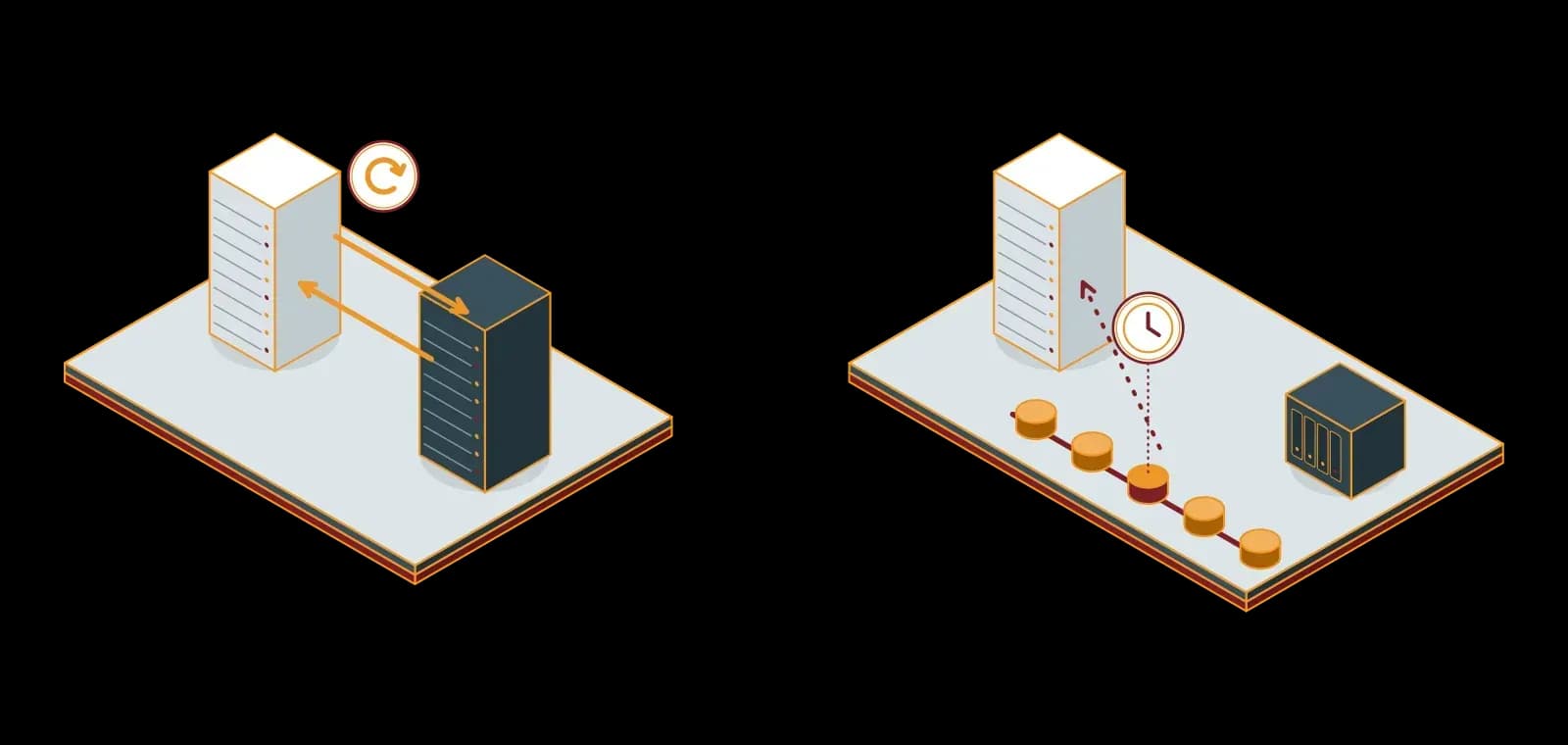
Replication copies data continuously to another location. Backup keeps copies of the data from specific points in time. Replication gives you an up-to-date copy; backup lets you go back to an earlier point in time.
The two methods do not replace each other; they work together. Contact us about your backup and replication project.
Frequently asked questions
What Are Backup and Replication and Why Are They Important?
Backup copies data at intervals and stores it separately. Replication copies data continuously to another system. Together the two methods reduce the risk of data loss and downtime.
What Backup and Replication Services Does Synchron Offer?
Synchron provides these backup and replication services: Cloud Backup: encrypted backups kept in cloud storage. Local Backup: backups kept on local disk or NAS. Microsoft 365 Backup: Microsoft 365 data backed up to a separate repository. Disaster Recovery: planned restart of critical systems at a second site.
What Is Cloud Backup and How Does It Work?
Cloud backup sends an encrypted copy of the data to remote storage over the internet. This copy is used after a local hardware failure, theft or disaster.
Why Is Local Backup Necessary?
Local backup keeps data on local devices. Restores run at local network speed and do not depend on the internet connection.
What Is Disaster Recovery and How Does It Work?
Disaster recovery is the process of restarting critical systems with planned steps after a failure, attack or disaster. Backup and replication are parts of this process.
Is the Cloud Backup Service Secure?
We encrypt backups before sending them and restrict access to backup storage to authorized accounts. Where possible we use immutable backups.
What Is the Difference Between Backup and Replication?
Backup keeps copies from specific points in time and lets you go back to an earlier point. Replication keeps a current copy and lets you run the system elsewhere quickly.
Why Is a Disaster Recovery Infrastructure Important?
Disaster recovery infrastructure lets critical systems run again within a planned time after a major failure. We verify the plan with regular drills.
How Do Synchron's Backup and Replication Services Help Your Business?
One team handles the backup plan, setup and daily monitoring. We test restores on a regular basis and report the results. Our support line is available 24/7.
Let's discuss your project
Tell us what you need and we will match you with the right team. For urgent issues, call our support line.