

Virtualization
VMware vSphere Support, Management and Migration
We manage and support your existing VMware vSphere and ESXi environment. We review your options after the licensing change with you and, if you choose, plan the move to Proxmox VE.
What is VMware vSphere?
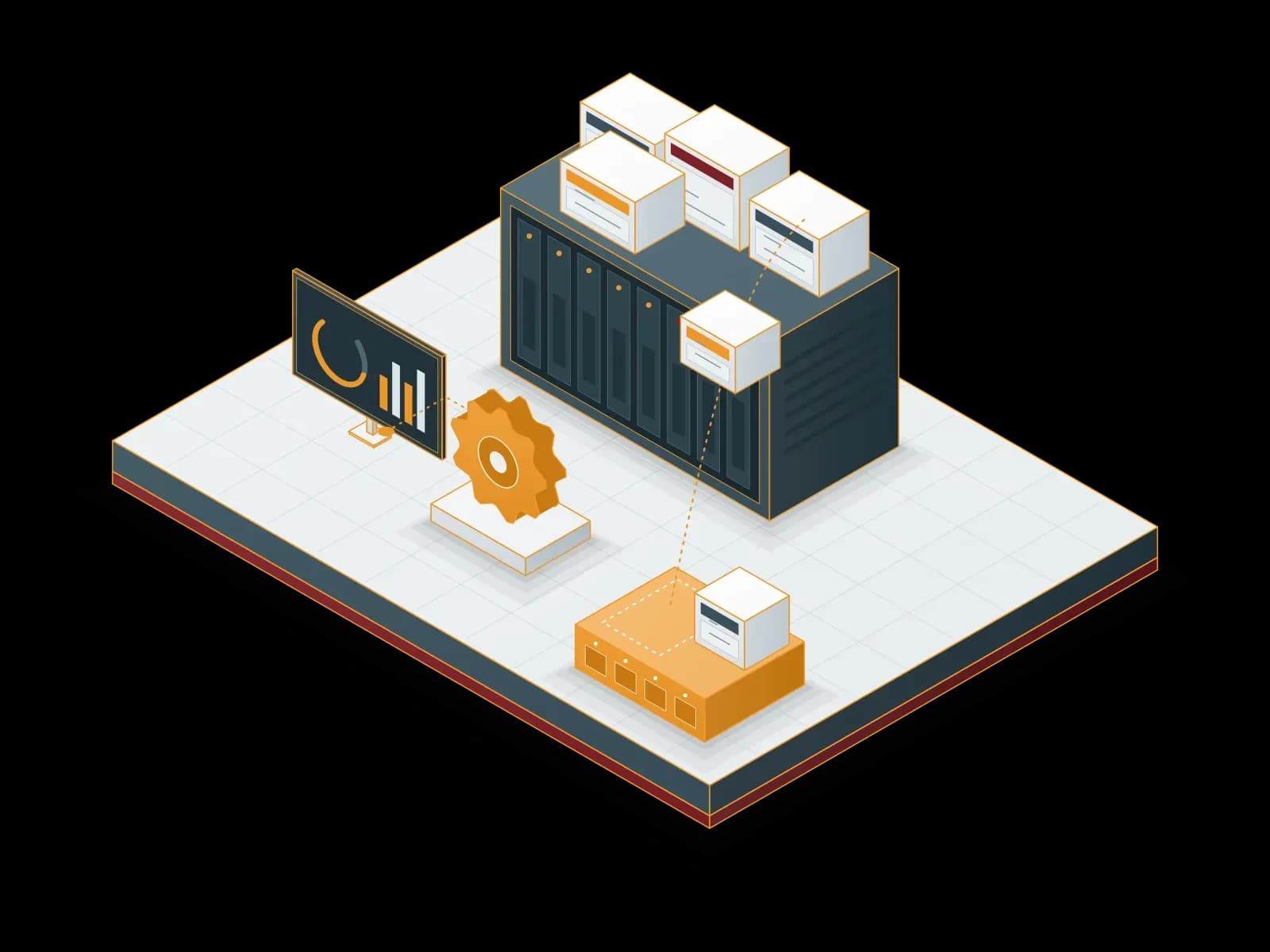
VMware vSphere is a server virtualization platform made of the ESXi hypervisor and the vCenter Server management software. ESXi runs the virtual machines on a physical server. vCenter Server manages many ESXi hosts, clusters and virtual machines from one place.
With capabilities such as clustering, high availability (vSphere HA), live migration (vMotion) and resource balancing (DRS), vSphere is widely used in enterprise data centers.
The licensing change
Broadcom completed its acquisition of VMware on 22 November 2023.
This change directly affects organizations that run on perpetual licenses. According to Broadcom, when the Support and Subscription (SnS) contract of a perpetual license expires, you cannot open support requests with the vendor. A major version upgrade also needs an active contract. So you need a decision before your renewal date.
In general there are three options: move to a VMware subscription, run the current environment safely until the contract ends, or move to another platform. Each option has a different cost, risk and timeline. We make this decision with you, based on your inventory and workloads.
VMware vSphere with Synchron
Health check
We check ESXi and vCenter versions, hardware compatibility, storage and network configuration, and we report the risks.
Management and support
We monitor your current environment daily, apply updates in planned maintenance windows and respond to incidents.
Backup and disaster recovery
We back up your virtual machines with a solution such as Veeam, keep a copy at another site and test restores.
Capacity planning
We track CPU, memory and storage usage and report growth needs in advance.
Migration planning
If you choose, we plan and run the move to Proxmox VE or Microsoft Hyper-V.
Details


Migrating from VMware to Proxmox VE
Proxmox VE is an open-source virtualization platform. You pay no license fee to use the software. An enterprise subscription gives access to tested updates and, depending on the level, vendor support. Proxmox VE has a tool to import virtual machines from ESXi. As a Proxmox Authorized Reseller, Synchron also supplies the subscription.
The steps we follow in migration projects:
1. Inventory and analysis
We list the virtual machines and their storage, network and backup dependencies.
2. Compatibility check
We check operating systems, drivers, licensed applications and hardware.
3. Target architecture
We define the cluster, storage (ZFS, Ceph or your existing SAN/NAS) and network design.
4. Pilot migration
We validate the process with non-critical workloads and test the rollback plan.
5. Planned migration
We move the virtual machines in maintenance windows, in the order agreed with the business units.
6. Validation and handover
After performance, backup and access tests, we document the environment and hand it over to your team.


To see whether a migration suits you, ask for a free VMware → Proxmox pre-assessment. The pre-assessment comes with no commitment.
Running your current VMware environment safely
Until you decide on a migration, the current environment must stay safe. On 15 April 2024 Broadcom announced that vSphere 8.x perpetual license customers with expired support contracts can access critical security patches. We track these patches and apply them as planned.
Management network separation
We separate the ESXi and vCenter management interfaces from the user network and limit access to authorized administrators.
Backup and restore tests
We keep virtual machine backups at another site and test restores regularly.
Monitoring
We monitor host, storage and virtual machine health continuously and report capacity issues in advance.
Hardware compatibility
When you refresh hardware, we check that the new server fits both the current version and the target platform.


What we compare in a cost review
A platform decision is not based on the license fee alone. We compare these items together: subscription or license fee, vendor support, hardware refresh needs, migration effort, team training and business risk during the migration. We calculate each item with the data of your own environment and present the result in a clear table.
Use cases
Organizations near contract renewal
Compare costs and options before the renewal date.
Environments on perpetual licenses
Run an environment without an active support contract safely and plan the migration.
Phased migration
Run VMware and Proxmox VE side by side during the migration.
Hardware refresh
Make the platform decision in the same project as the new hardware.


Platforms, tools and hardware
VMware vSphere
ESXi, vCenter Server, vSphere HA, vMotion and DRS.
Migration target: Microsoft Hyper-V
We plan and run the move from VMware to Microsoft Hyper-V.
Details
For your VMware environment, write to us through the contact form.
Our Solution Partners





Technologies we use
 VMware
Frequently asked questions
What changed in VMware licensing?
Broadcom acquired VMware on 22 November 2023. According to Broadcom, when the Support and Subscription (SnS) contract of a perpetual license expires, you cannot open support requests with the vendor, and a major version upgrade needs an active contract. We assess the impact on your own contract together with your inventory and contract details.
Will our perpetual license keep working?
According to Broadcom, a perpetual license you bought keeps working. But when the support contract ends, you cannot open support requests with the vendor or do a major version upgrade. We prepare an update, backup and monitoring plan to run this environment safely.
How long does a VMware to Proxmox VE migration take?
It depends on the number of virtual machines, the storage layout and the maintenance windows. So we take an inventory before we give a timeline. At the end of the pre-assessment we propose an estimated plan and schedule.
Is there downtime during the migration?
Each virtual machine has a short downtime while it moves. We place this downtime in maintenance windows agreed with the business units. We start with a pilot migration and test the rollback plan.
Do you support us if we stay on VMware?
Yes. We monitor, update and back up your current vSphere environment and respond to incidents. A platform change is not a requirement. You decide based on the cost and risk analysis.
Can we choose Hyper-V instead of Proxmox VE?
Yes. If you have Windows Server Datacenter licenses, Hyper-V adds no hypervisor cost. For Linux and mixed workloads, Proxmox VE stands out. We deploy both platforms, so we choose together based on a needs analysis.
Related services
Proxmox VE Deployment, Migration and Support
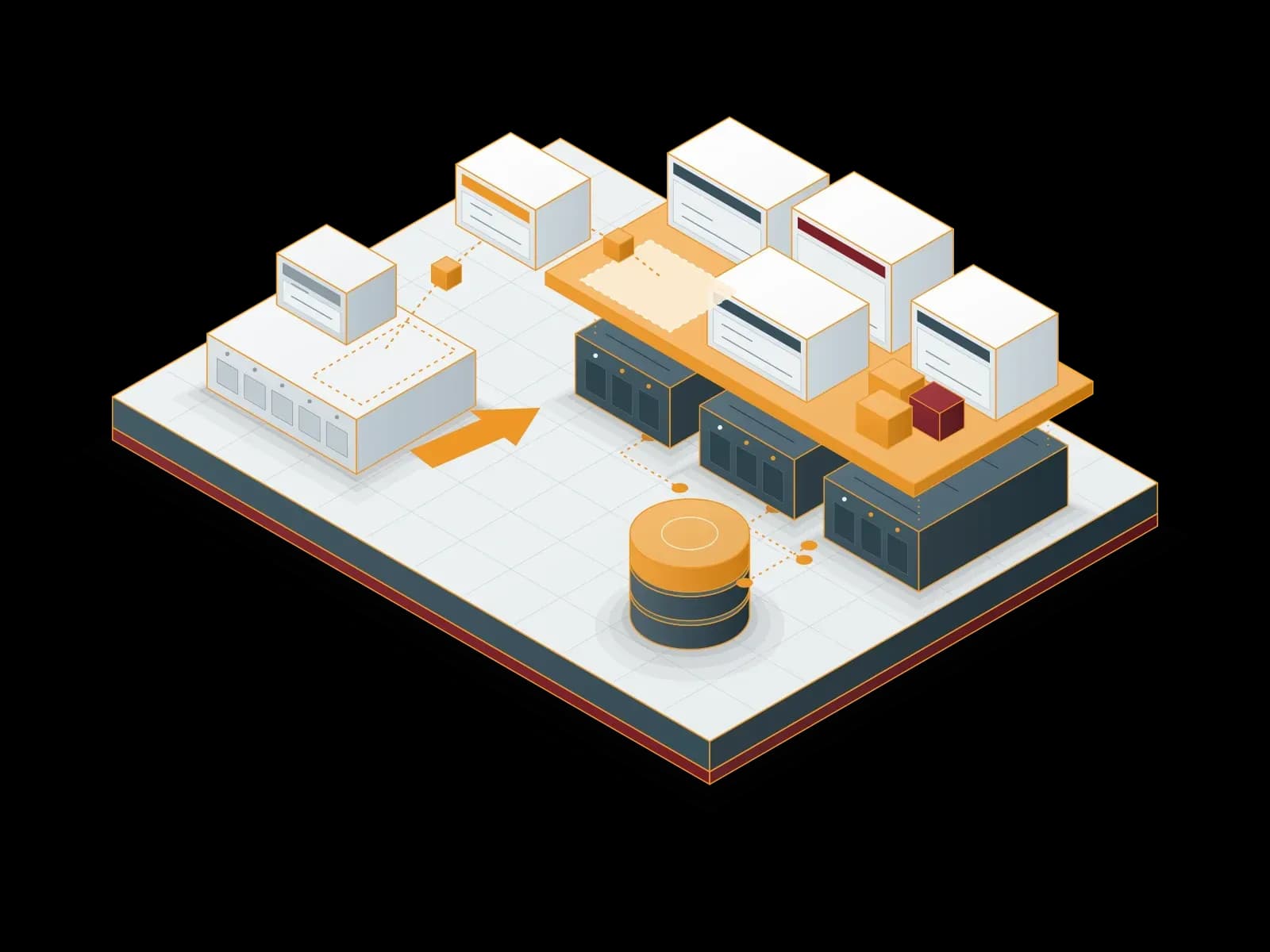
We deploy your virtualization platform on Proxmox Virtual Environment, migrate your VMware estate, supply your subscription and support you after go-live.
Microsoft Hyper-V Deployment, Management and Support
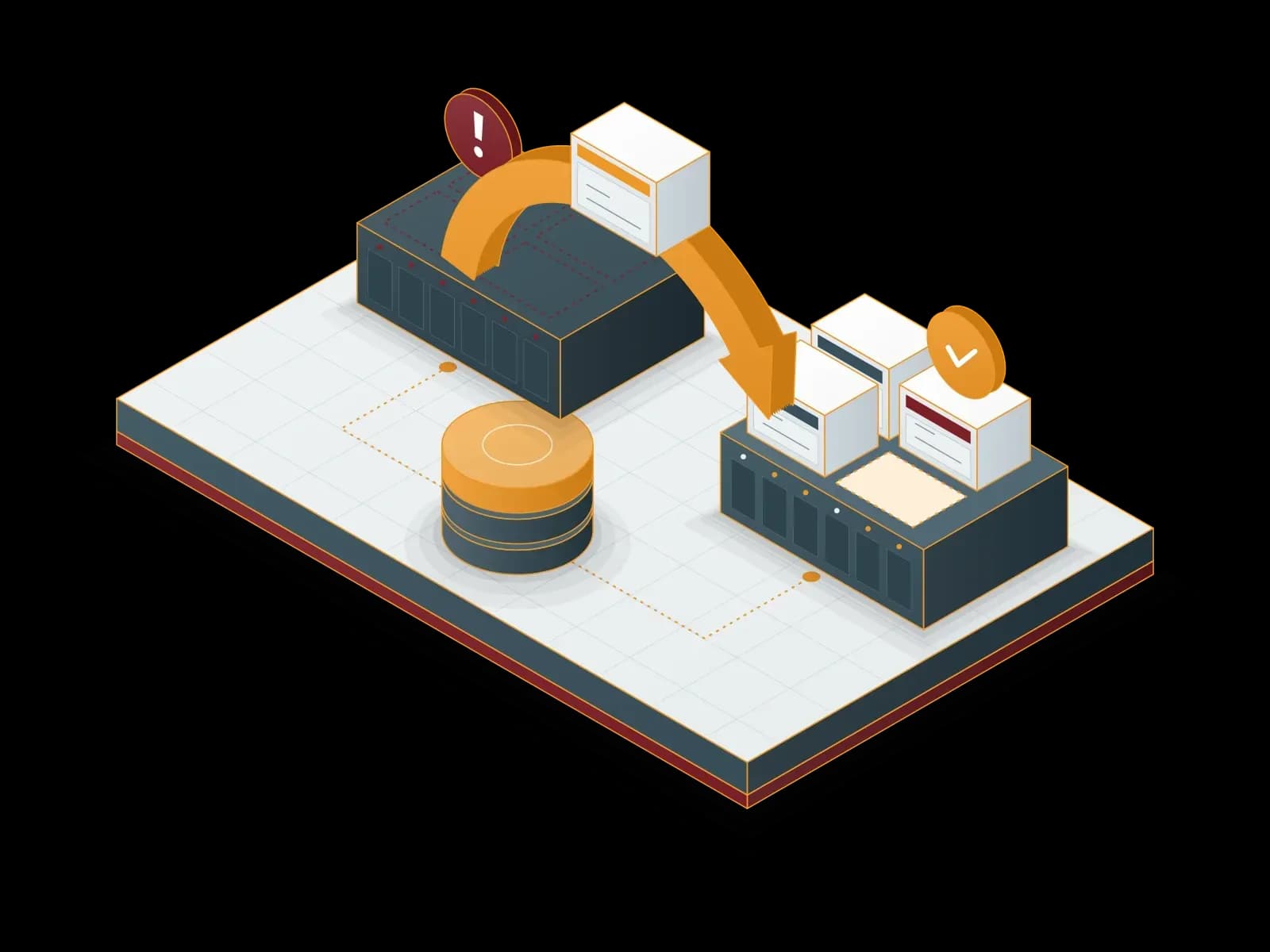
We build your virtualization platform on Windows Server Hyper-V, design the cluster and backup layout and manage your environment. We can also plan a move to Proxmox VE.
Proxmox Backup Server Deployment and Support
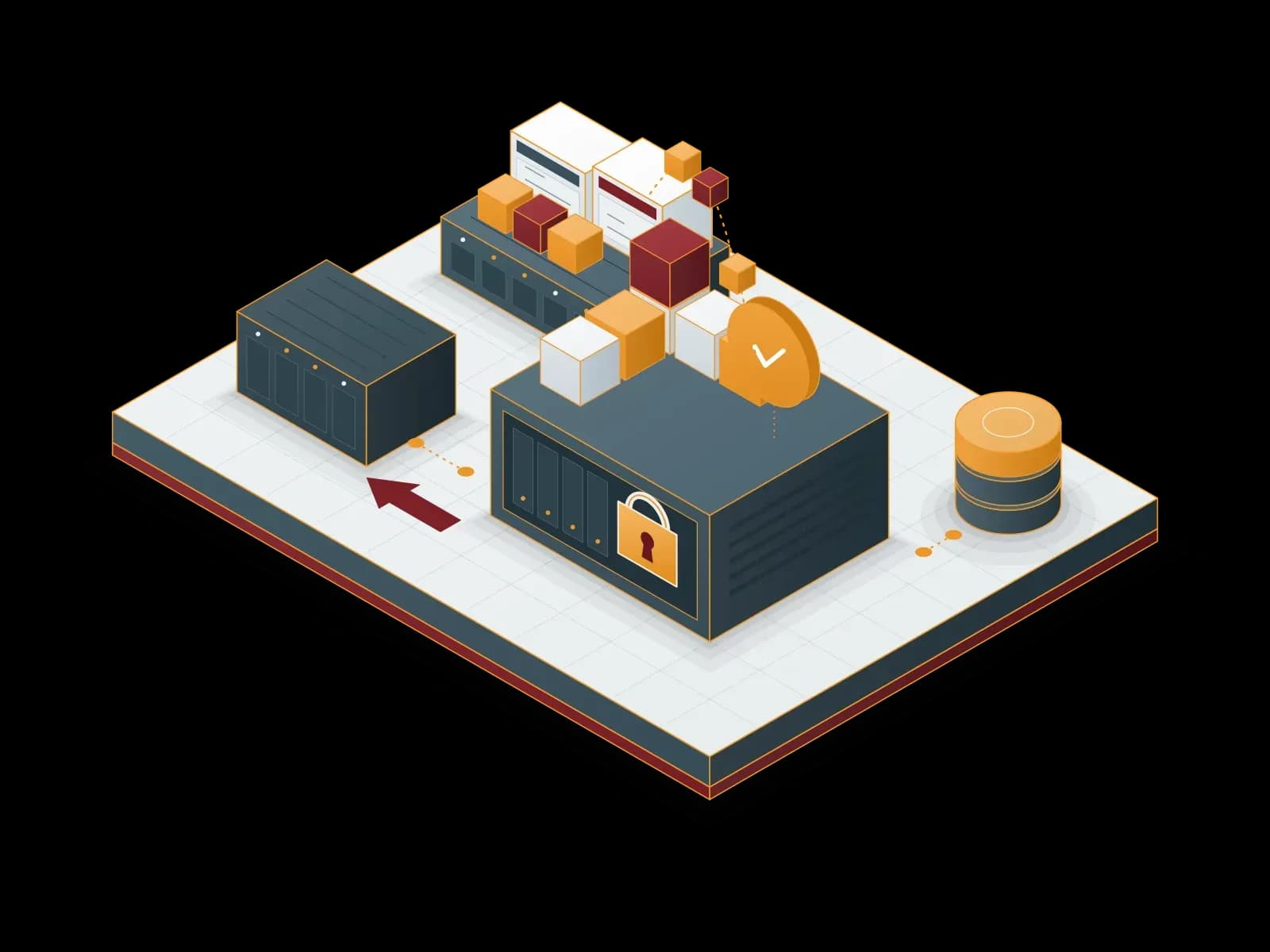
Back up your virtual machines, containers and physical servers with Proxmox Backup Server: incremental, encrypted and verifiable.
Disaster Recovery Services (DRaaS)
We build a disaster recovery plan for your critical systems. We document the recovery steps for your RPO and RTO targets and test them with drills.
Let's discuss your project
Tell us what you need and we will match you with the right team. For urgent issues, call our support line.