

Cloud Services
Hosted Exchange
We host and manage your Microsoft Exchange based business email in our data centers. We also compare it with Exchange Online in Microsoft 365 and plan the migration.
What is Hosted Exchange?
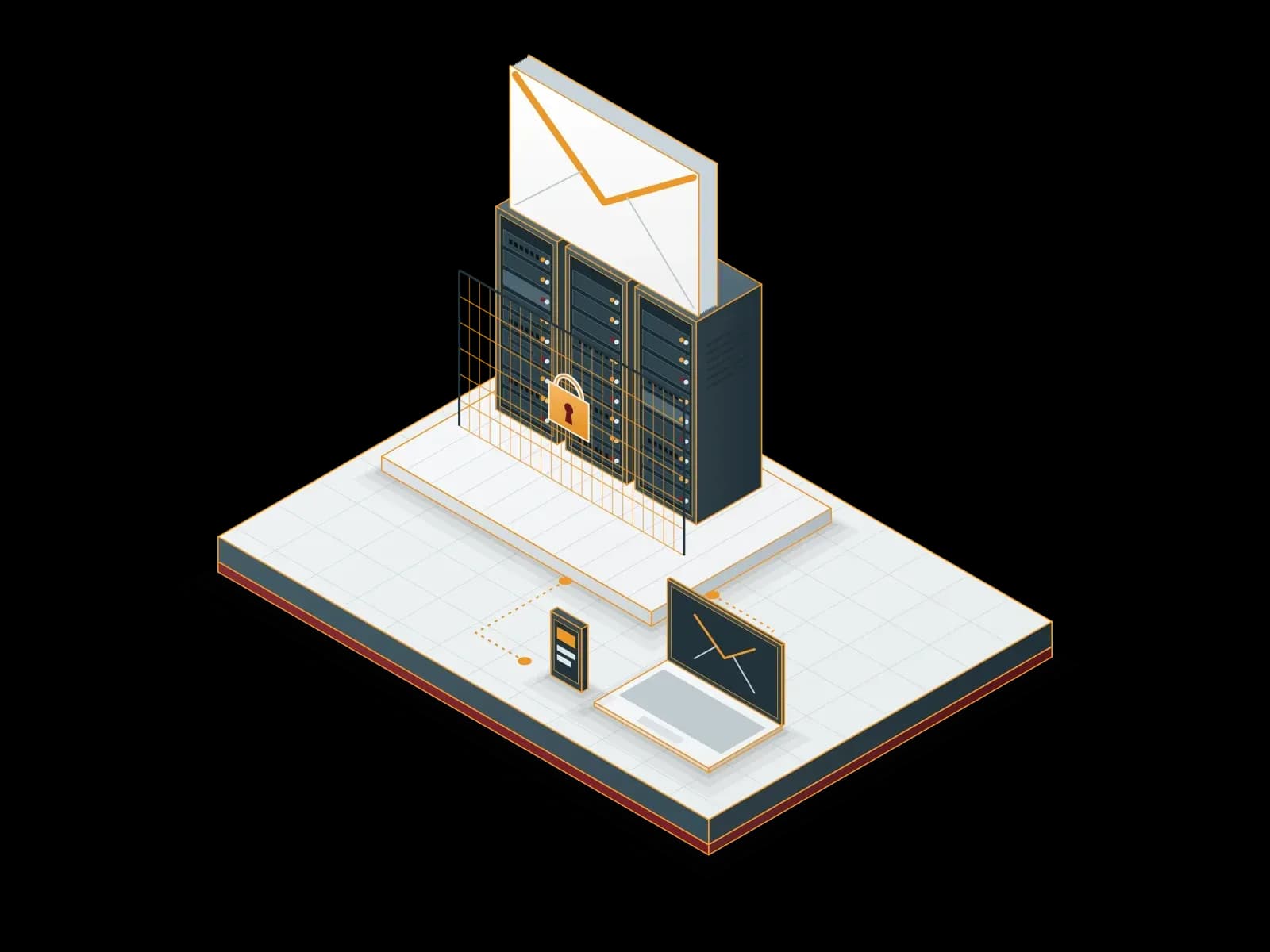
Hosted Exchange is a Microsoft Exchange based business email service that runs in a service provider's data center. Your users access email, calendars and contacts with Outlook, a web browser and mobile devices. The service provider manages the servers, updates and backups.
With this service you do not run an Exchange server in your own server room. Hardware, operating system, Exchange updates and security patches are our responsibility. You define the users and mailboxes you need.
Hosted Exchange and Exchange Online
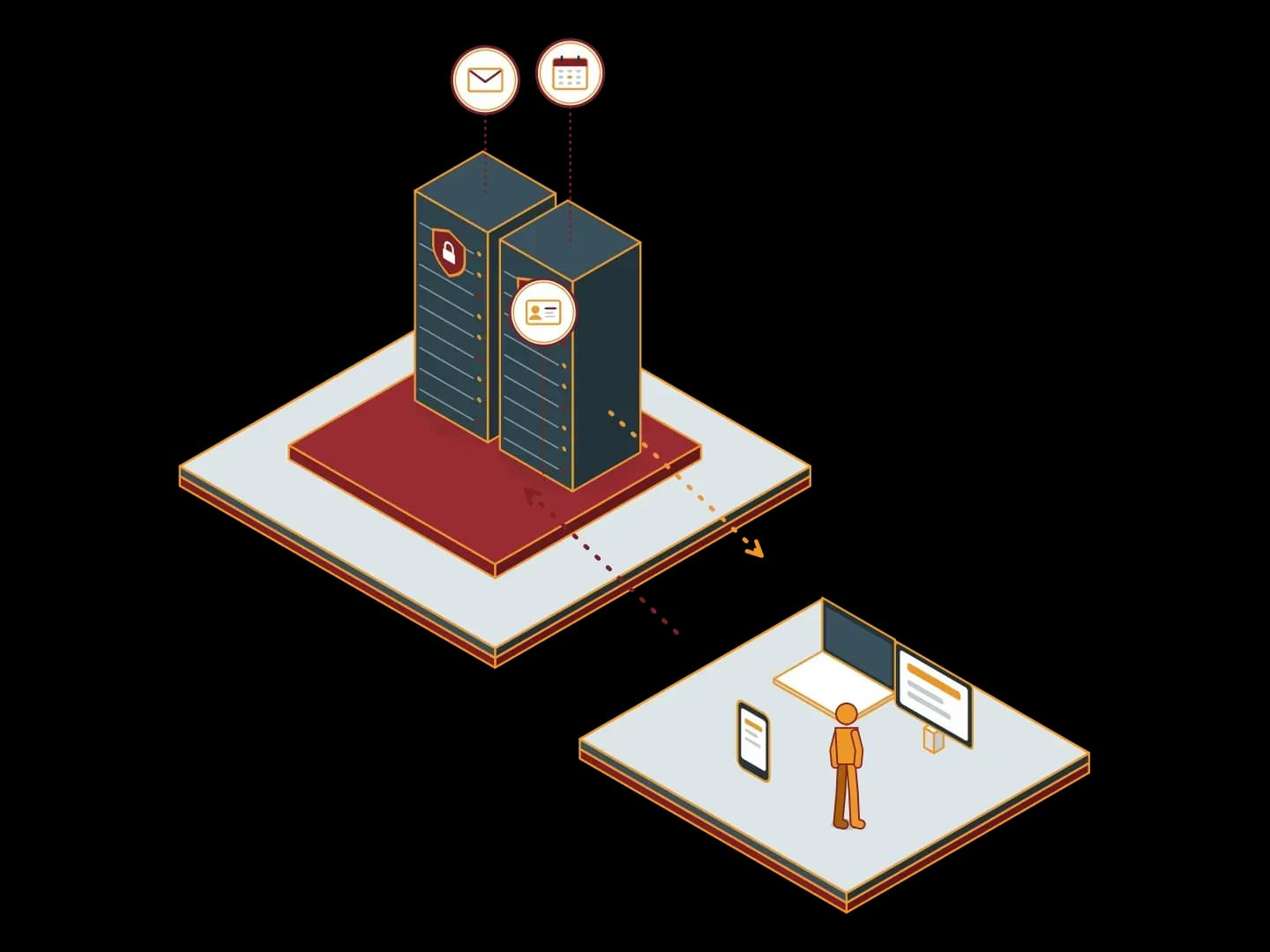
Exchange Online is the email service that Microsoft runs in its own cloud and offers with Microsoft 365 subscriptions. Hosted Exchange runs in Synchron data centers and Synchron manages it. Both services give the same user experience in Outlook. The differences are:
Who runs the platform
Microsoft runs the Exchange Online platform. We run the Hosted Exchange platform.
Data location
For Hosted Exchange, the contract states the data center where your mailboxes are kept. Exchange Online data is kept in Microsoft data centers.
Contact
With Hosted Exchange you send support and change requests directly to us.
Package scope
Exchange Online can come with Teams, OneDrive and Office apps in Microsoft 365 plans. Hosted Exchange focuses on email, calendar and contacts only.


The right service depends on your data location requirements, the other Microsoft apps you use and your budget. We offer both options, so we compare them with you. For Microsoft 365, see our Microsoft Cloud page.
Service scope
Mailbox management
We create and manage user, shared, distribution list and resource (meeting room) accounts.
Active Directory integration
We set up user accounts to work with your existing Active Directory.
Central signature management
We define company email signatures centrally.
Security
We apply spam and malware filtering. For extra protection we can use Proxmox Mail Gateway.
Proxmox Mail GatewayBackup
We back up mailboxes regularly and restore deleted items and mailboxes.
Support
We handle user requests, including Outlook and mobile device setup.
Archiving
If you wish, we keep email in an archive independent of the mail server, according to retention rules. We set up the archive as a hosted service on Synchron infrastructure with MailStore SPE or on your own server with MailStore Server. Details: Corporate Email Service.
Corporate Email Service


For on-premises Exchange users
If you run Exchange 2016 or 2019 on premises, you have three options: upgrade the server to Exchange Server SE, move the mailboxes to our Hosted Exchange service, or move to Exchange Online. We review your current environment and compare the options by cost and workload.
Security and access
Encrypted connections
We provide Outlook, web and mobile access over encrypted connections.
Password and account policy
We configure password rules and lockout settings to match your company policy.
Administrator access
We limit administrator access to the servers to our authorized team and log it.
Updates
We apply Exchange and operating system updates in planned maintenance windows.


Who is it for?
- Organizations that want the location of their email data stated in the contract.
- Teams that use only email and calendar and do not need the other apps in Microsoft 365 plans.
- Organizations that want to keep the Exchange experience without running an on-premises Exchange server.
- Organizations that want to resolve support requests directly with a local team.
What sets the price?
The price depends on the number of mailboxes, mailbox capacity, backup retention and extra security services. After we learn your needs, we prepare a written quote. The quote shows each item separately, so you see clearly what you pay for.
Migration process
1. Inventory
We list mailboxes, their sizes, domains, shared mailboxes and integrations.
2. Plan
We plan the migration order, DNS changes and user communication.
3. Pilot
We test the migration with a few users.
4. Migration
We move the mailboxes as planned and change the MX records.
5. User support
We help your users set up Outlook and mobile devices.


Mail flow does not stop during the migration. Until the MX record changes, email keeps arriving at your current system. With a final synchronization we move these messages to the new mailboxes too. We follow the same steps for migrations from IMAP-based systems other than Exchange. We set the migration schedule with you, at the hours that affect your users least.
For Hosted Exchange, write to us through the contact form.
Microsoft licensing: SPLA
Synchron is a Microsoft SPLA (Services Provider License Agreement) partner. According to Microsoft, SPLA lets service providers license eligible Microsoft products on a monthly basis during a three-year agreement term and use them to deliver software services to their customers. In our hosted service we provide the Exchange Server and Windows Server license through SPLA on a monthly rental basis; you do not buy this license separately.
Our Solution Partners





Technologies we use
 Microsoft Exchange
Frequently asked questions
What is the difference between Hosted Exchange and Exchange Online?
Microsoft runs Exchange Online in its own cloud and offers it with Microsoft 365 subscriptions. Hosted Exchange runs in Synchron data centers and Synchron manages it. The user experience in Outlook is the same. The differences are who runs the platform, where the data is kept and the package scope.
In which data center are our emails kept?
The contract states the data center where your mailboxes are kept. If you have a data location requirement, tell us at the quote stage.
Can you migrate from our current Exchange server?
Yes. We list your mailboxes, prepare the migration plan and run a pilot with a few users first. We complete the migration as planned and help your users with the setup.
What are the options for our on-premises Exchange server?
We review your current environment. We compare three options by cost and workload: upgrading the server to Exchange Server SE, moving the mailboxes to our Hosted Exchange service, or moving to Exchange Online.
Does it work with Outlook and mobile devices?
Yes. Your users access email, calendars and contacts with the Outlook desktop app, a web browser and mobile devices. We help your users with the setup.
Can you recover deleted emails?
Yes. We back up mailboxes regularly. We restore deleted items or a whole mailbox from backup. The contract defines the backup frequency and the retention period.
Related services
Enterprise Email Service
We set up and manage your corporate email with Exchange, Microsoft 365 or Zimbra. We also provide email archiving, spam filtering and migration services.
Microsoft Cloud
We set up, migrate and manage Microsoft 365 and Azure services. As a Microsoft CSP (Cloud Solution Provider) partner, Synchron also provides the subscriptions.
Microsoft 365 Backup
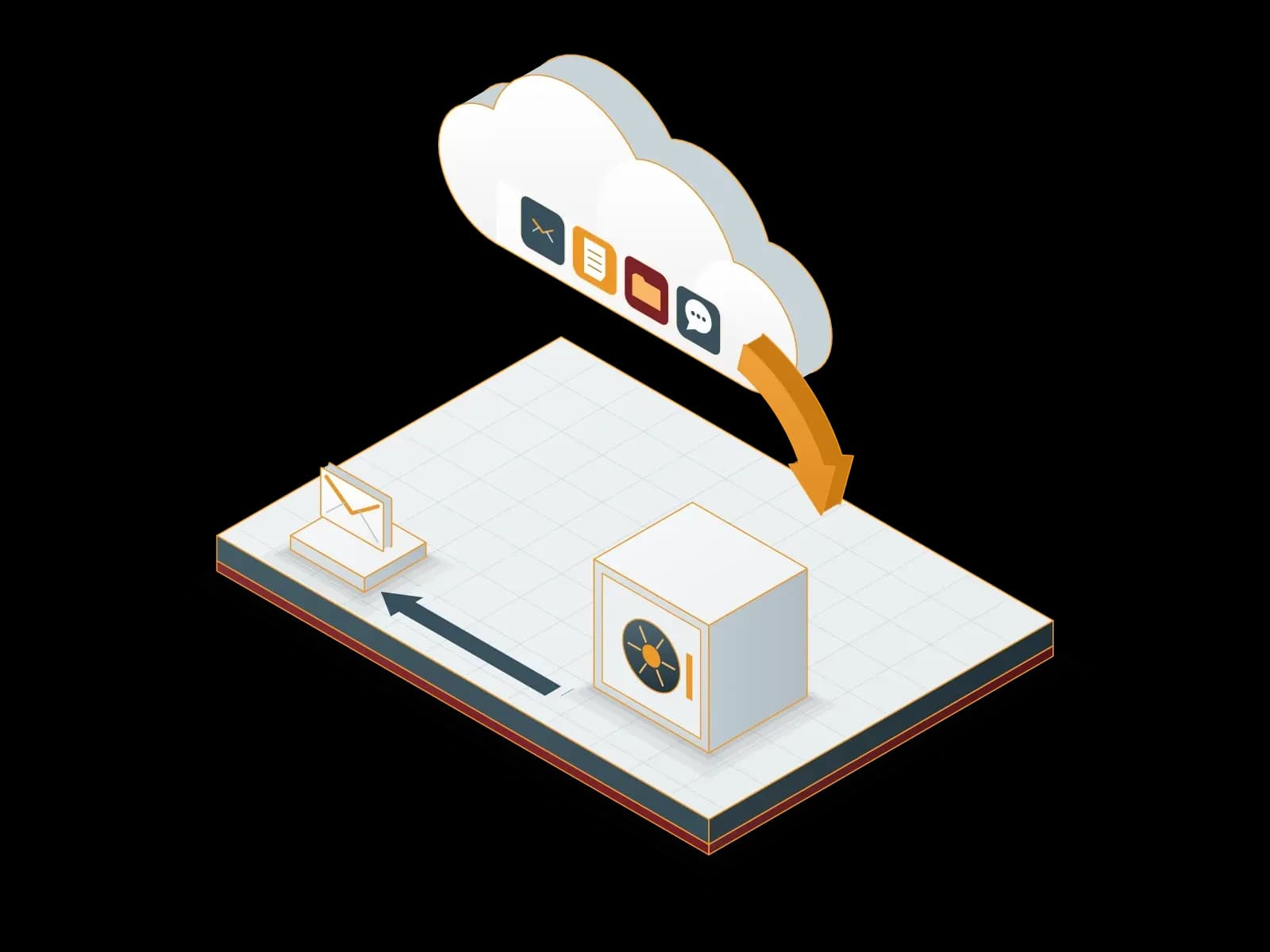
We back up your Exchange Online, SharePoint Online, OneDrive and Teams data to a backup repository outside Microsoft 365. We restore deleted or damaged data from backup.
Proxmox Mail Gateway Deployment and Support
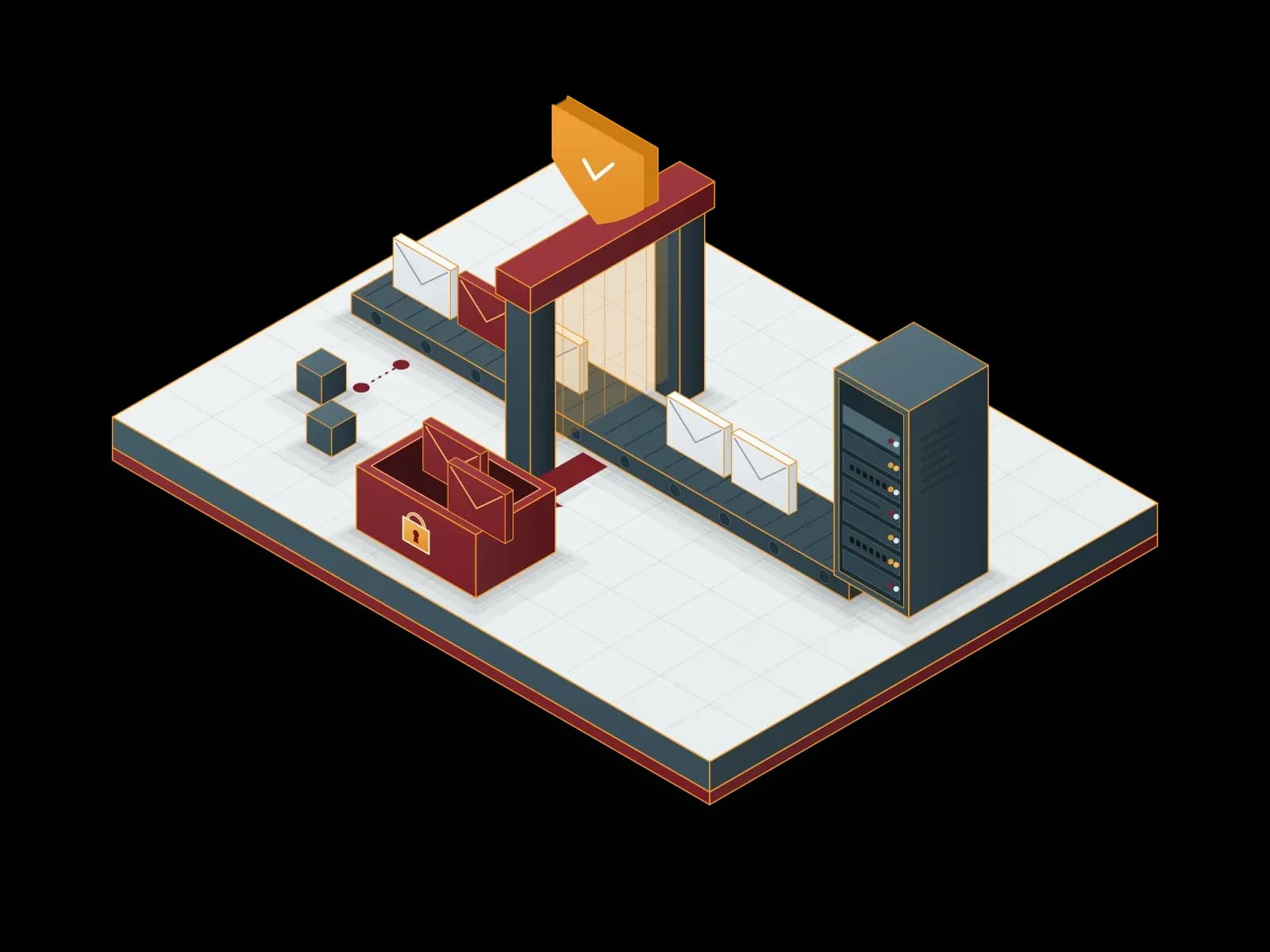
Filter spam, viruses and phishing emails with Proxmox Mail Gateway before they reach your mail server; get deployment, licensing and support from Synchron.
Let's discuss your project
Tell us what you need and we will match you with the right team. For urgent issues, call our support line.