

Managed Services
Field Support Services
We provide on-site and remote support for user, computer, server and network issues. Our support line is available 24/7.

Benefits of Field Support Services
24/7 Technical Support
Our support line is available 24/7. We prioritize requests by business impact.
IT Inventory
We take an inventory of your devices and licenses and report gaps and risks.
Tickets and Knowledge Base
We log every request and document the solution. We find recurring issues from the records.
Expert Team
Our team follows vendor training and certification programs.


What does field support cover?
Field support is a technical support service that solves the daily issues of users and IT infrastructure remotely or on site. We first examine each request remotely. When physical work is needed, our team works on site.
- User support: email, office applications, printers, sign-in and access permission issues.
- Computers and peripherals: installation and fault diagnosis of desktops, laptops, printers and scanners.
- Servers and system room: on-site response to faults in servers, storage and rack hardware.
- Network and connectivity: faults in cables, outlets, switches and wireless access points.
- IP phones and meeting rooms: installation and troubleshooting of IP phones and video conferencing devices.
- New users and office moves: device preparation for new employees; removal and reinstallation of devices during a move.
Our blog post explains when remote support or on-site support is the better choice.
How does a support request progress?
- Logging: We log every request that reaches our support line.
- Prioritization: We prioritize the request by business impact. An outage that affects all users comes before an issue of a single user.
- Remote diagnosis: We first connect remotely and examine the issue. We close requests that we solve remotely without waiting for a site visit.
- On-site response: When a hardware fault or a physical check needs attention, we send our team to the site.
- Resolution and documentation: We record the work done and the solution, and we inform the user.
- Root cause follow-up: We find recurring issues in the records and propose a permanent solution.
Which businesses is field support suitable for?
Field support suits businesses that do not want to run all IT work with in-house staff. The service helps in these cases:
- Businesses without an in-house IT team or with a small IT team.
- Organizations with several offices or branches that do not keep IT staff at each location.
- Organizations that want their IT team to focus on projects and outsource daily user support.
- Businesses with periodic peaks such as an office opening, a move or a bulk device refresh.
What do we deliver as part of the service?
- Request records: the opening time, the work done and the solution of each request.
- IT inventory: the list of devices and licenses, with the gaps and risks found.
- Knowledge base: written solution steps for recurring issues.
- Periodic summary: the distribution of request topics and the recurring issues.
- Improvement proposals: device refresh, monitoring and backup needs.
For device refresh, see our Hardware Supply service. For continuous monitoring, see Monitoring and Alarm Management.
Our Solution Partners







Related services
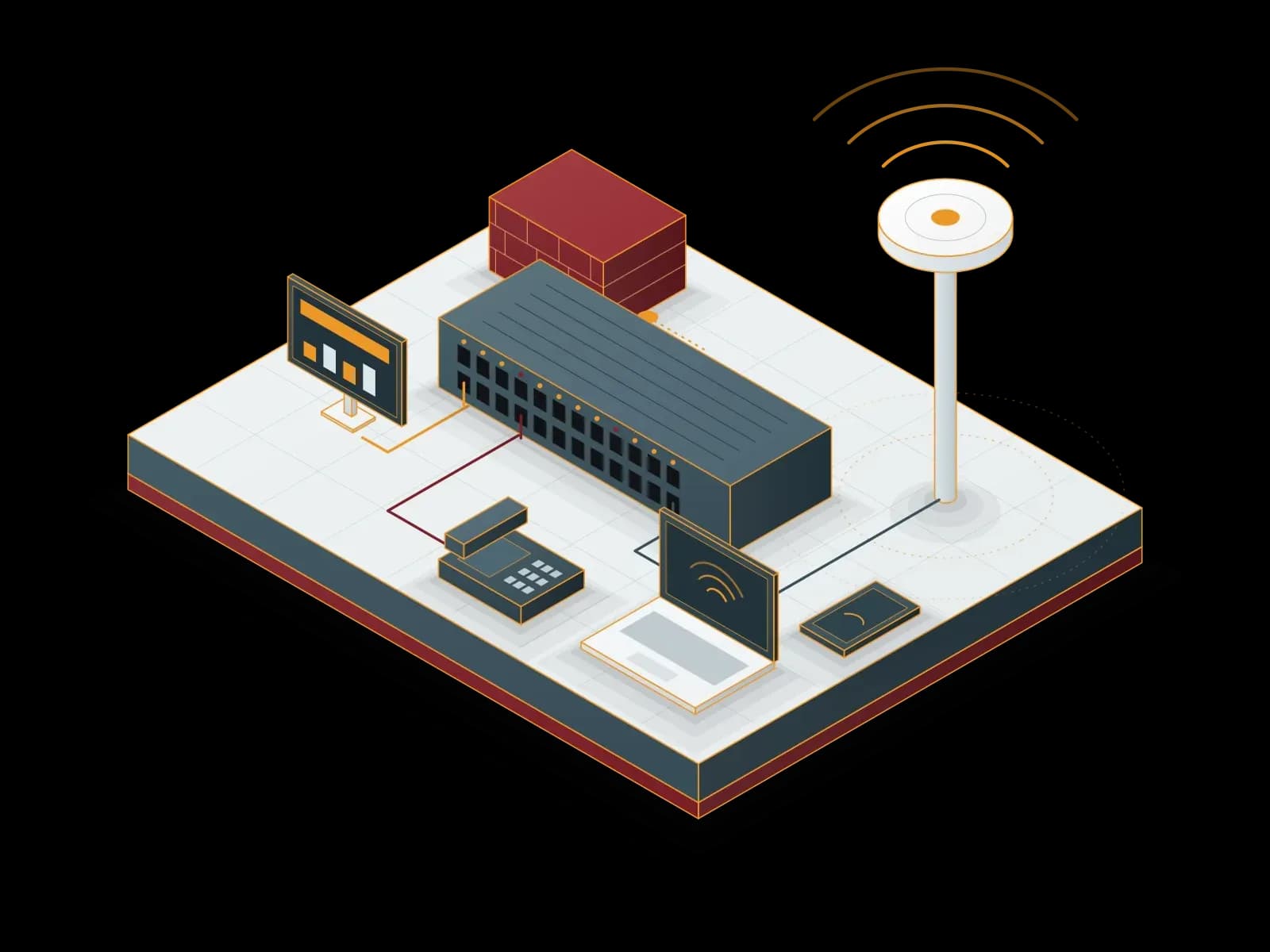
Wired and Wireless Network Management
We design, install and operate your wired and wireless network. We handle switch, access point and firewall configuration, monitoring and troubleshooting.

Operating System Management
We install, update, monitor and back up your Windows Server and Linux servers. We apply security patches in planned maintenance windows.

Monitoring and Alarm Management
We monitor your servers, network devices and applications with Zabbix, Prometheus and Grafana, agree on alarm rules with you and respond to alarms.
Let's discuss your project
Tell us what you need and we will match you with the right team. For urgent issues, call our support line.