

AI and Automation
n8n Consultancy
We automate your business processes with n8n. We install n8n on your own server or configure your n8n Cloud account. We design the workflows, connect your systems through APIs and put AI agents into service. After deployment we keep n8n running with updates, backups and monitoring.
What is n8n?
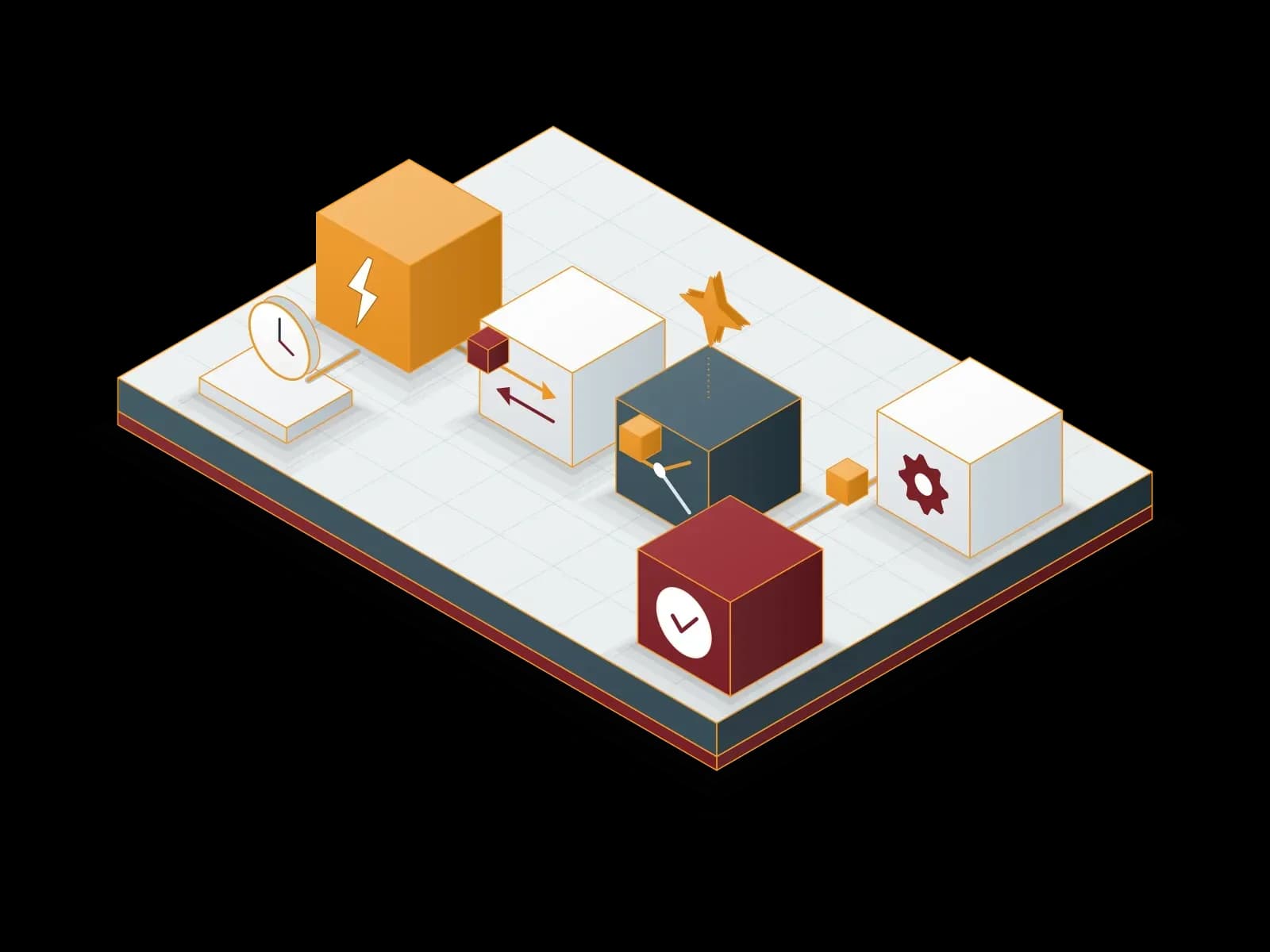
n8n is a workflow automation tool that connects different applications and systems. You build a workflow in a visual editor by connecting nodes. According to the n8n documentation, n8n is a low-code tool: you do most of the work without code, and when needed you add JavaScript or Python with the Code node.
A workflow starts with a trigger. The trigger can be a schedule (Schedule Trigger), a request from an external system (Webhook) or an event in an application. The next nodes read the data, transform it, route it by condition and write it to the target system. We connect systems that have no ready-made node through their REST API with the HTTP Request node.
The n8n source code is publicly available, but n8n does not use a classic open source license. n8n is distributed under the Sustainable Use License, which is based on the fair-code model. This license lets you use n8n free of charge for your own internal business processes. Offering n8n as a service in which customers build their own workflows requires a separate commercial license.
n8n features
Visual workflow editor
You build workflows by dragging and connecting nodes. The editor shows the input and output of every run step by step.
Ready-made integrations
Common applications have ready-made nodes. We connect systems without a ready-made node through their REST API with the HTTP Request node.
Code when you need it
The Code node supports JavaScript and Python. Expressions transform data between nodes.
On your server or in the cloud
You can install n8n on your own infrastructure or use n8n Cloud, where n8n operates the infrastructure.
AI nodes
The AI Agent node combines a language model with tools. The model decides which tool to call to complete the task.
Error handling
When a workflow fails, an error workflow that starts with the Error Trigger runs and notifies your team.


Self-hosted or n8n Cloud?
There are two ways to use n8n. In n8n Cloud, n8n manages the infrastructure, the updates and the scaling. In a self-hosted deployment you run n8n on your own server or in your private cloud. According to the n8n documentation, both options are supported for production use.
Data location
In a self-hosted deployment, workflow data and credentials stay on your infrastructure. For workflows that process personal data, this makes the data protection assessment easier.
Access to internal systems
Self-hosted n8n connects to databases and internal applications that are not exposed to the internet from inside the same network.
Operating effort
With n8n Cloud you do not install or update anything. In a self-hosted deployment, updates, backups and monitoring are the operator's job. We take on these tasks.
Editions
Without a license key, self-hosted n8n runs as the free Community edition. SSO (SAML, LDAP), environments, external secrets, log streaming and workflow sharing are part of the paid Business and Enterprise plans.


We make the choice together with you, based on the nature of your data, the systems to connect and the operating capacity of your team.
What do we automate with n8n?
Data transfer between systems
We synchronize records between CRM, ERP, accounting and e-commerce systems.
Request and form processing
We validate requests from web forms, assign them to the right team and send a reply e-mail.
Reporting
We collect data from different sources, produce regular reports and share them by e-mail or in a chat channel.
IT operations
We turn alerts from the monitoring system into support tickets. We automate the steps to create and disable user accounts.
Document processing
We extract data from invoices and orders in e-mail attachments and write it to the target system.


AI agents and n8n
According to the n8n documentation, n8n uses language model providers such as OpenAI, Anthropic and Google in the same workflow. You connect a chat model and at least one tool to the AI Agent node. The agent decides which tool to call to complete the task. A tool can be a database query, an API call or another workflow.
For answers based on documents we set up RAG (retrieval-augmented generation). We index the documents in a vector database and base the agent's answers on them. Tools that make payments, delete data or send data outside get a human approval step (human-in-the-loop). The agent does not run such a tool until an authorized person approves it. For enterprise assistants and RAG projects, see our AI Solutions page.
Integration patterns
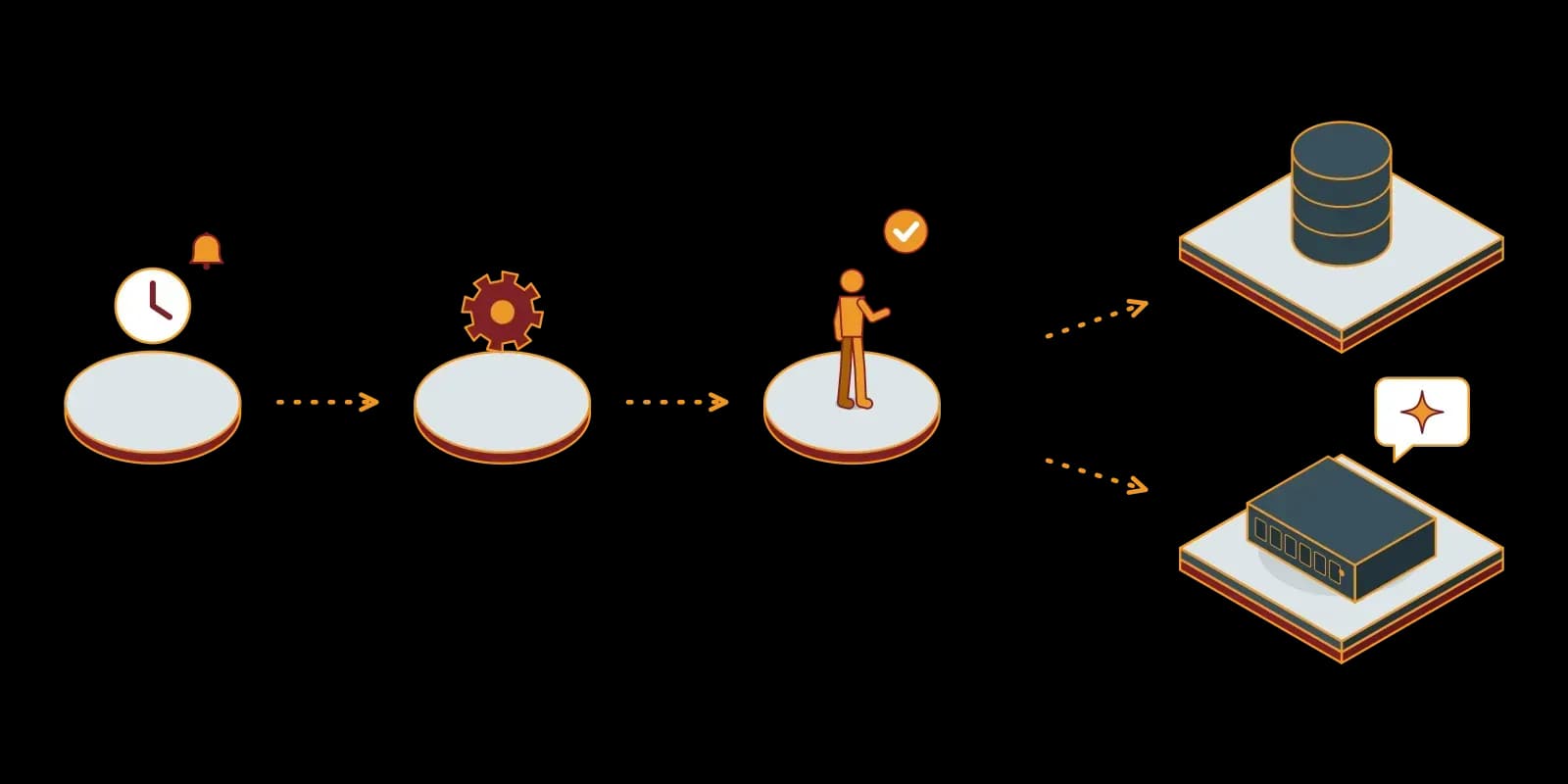
Scheduled batch job
The Schedule Trigger starts the workflow at set times. The workflow fetches the data and processes it in a batch.
Event-driven workflow
The Webhook node receives a request from an external system. At the end of the workflow, the Respond to Webhook node returns the response. With this pattern you use n8n as a small API endpoint.
Sub-workflows
We move repeated steps into a separate workflow and call it from other workflows. We maintain the same logic in one place.
Wait and approval
The Wait node pauses the workflow for a set time or until an external approval arrives.
Error workflow
We attach an error workflow to every workflow. The error workflow starts with the Error Trigger and notifies your team.


Security and scaling
Credentials
N8n encrypts credentials with an encryption key before it saves them to the database. We store and back up this key securely. Without the key, the credentials in a backup cannot be decrypted.
Access
We publish the editor over TLS and restrict access with VPN or IP filtering. We turn on multi-factor authentication (MFA) for users. According to the n8n documentation, the setting that enforces MFA for all users is part of the Business and Enterprise plans.
Queue mode
When the workload grows, we run n8n in queue mode. In this mode the main process receives triggers and webhook calls. A Redis queue holds the jobs and worker processes run the workflows. We add workers to add capacity.
Database
According to the n8n documentation, queue mode is not supported with SQLite. In business deployments we use PostgreSQL.
Backup
A complete backup has two parts: the .n8n folder (including the encryption key) and the PostgreSQL database. We take a complete backup before every update.


n8n with Synchron
The n8n license allows workflow setup, maintenance, training and consultancy services for customers. Our service scope:
Needs analysis
We identify the processes that suit automation and the systems to connect.
Deployment
We install n8n with Docker Compose on your server and configure PostgreSQL, TLS and backups. If you choose n8n Cloud, we configure your account.
Workflow design
We design the workflows, test them with test data and document them.
Training
We train your team to build simple workflows on its own.
Maintenance
We test each version update in a test environment first and then apply it to production. We monitor error notifications and fix broken connections.


For your n8n project, write to us through the contact form.
Technologies we use
 n8n
n8n PostgreSQL


Frequently asked questions
Who is n8n for?
n8n suits every team that does repeated work across different applications by hand. A small team starts with a few workflows. Large organizations use n8n at enterprise scale with queue mode, SSO and separate environments.
What can we automate with n8n?
The most common uses are data transfer between systems, form and request processing, regular reporting, IT operations steps and document processing. We connect systems without a ready-made node through their REST API with the HTTP Request node.
Is n8n secure?
Security depends on how n8n is deployed. n8n saves credentials to the database in encrypted form. We publish the editor over TLS, restrict access, turn on MFA and take regular backups. In a self-hosted deployment the data stays on your infrastructure.
Can I use n8n without coding skills?
Yes. You build basic workflows in the visual editor by connecting nodes. Complex data transformations use JavaScript or Python in the Code node. We write these steps for you.
How does the n8n consultancy process work?
We work in steps: needs analysis, deployment, workflow design and testing, training and maintenance. In the first phase we automate one process and review the result with you.
Is n8n free?
Without a license key, self-hosted n8n runs as the free Community edition, which you can use for your own internal business processes. Features such as SSO, environments and external secrets are part of the paid Business and Enterprise plans. n8n Cloud is a paid subscription service.
Should we install n8n on our own server or use n8n Cloud?
A self-hosted deployment fits when the data must stay in your network or when n8n must connect to internal systems. n8n Cloud fits when you do not want to operate infrastructure. We make the decision with you, based on the nature of the data and the systems to connect.
How does n8n scale when the workload grows?
We run n8n in queue mode. The main process receives the triggers, Redis queues the jobs and worker processes run the workflows. When more capacity is necessary, we add workers.
Related services
AI Solutions: Enterprise Assistant, RAG and AI Agents
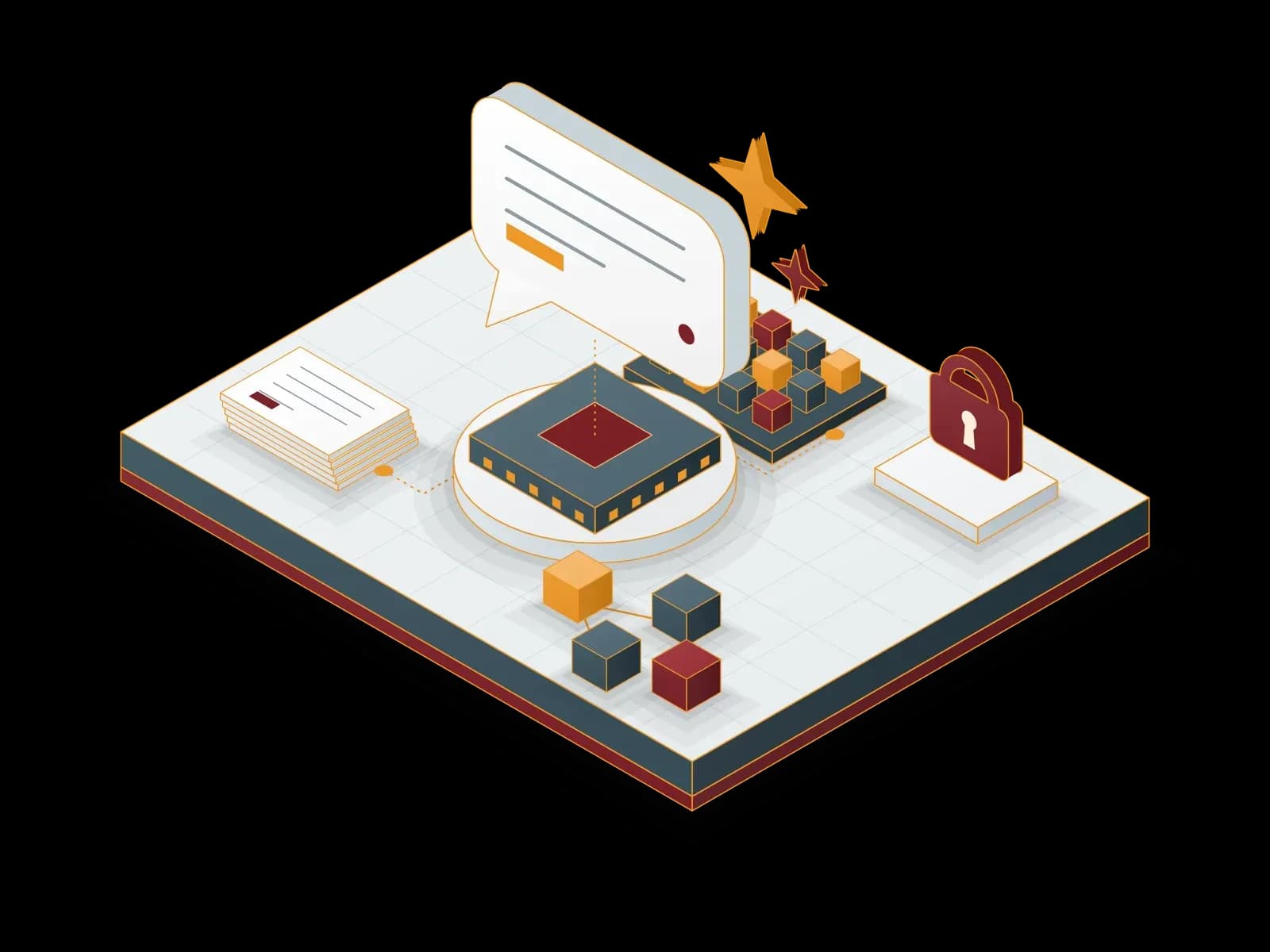
We connect large language models (LLMs) to your business processes: an enterprise assistant, RAG solutions that search your documents, and AI agents that run with n8n. Every project starts with data security and data protection.
Data Visualization and Power BI Consulting
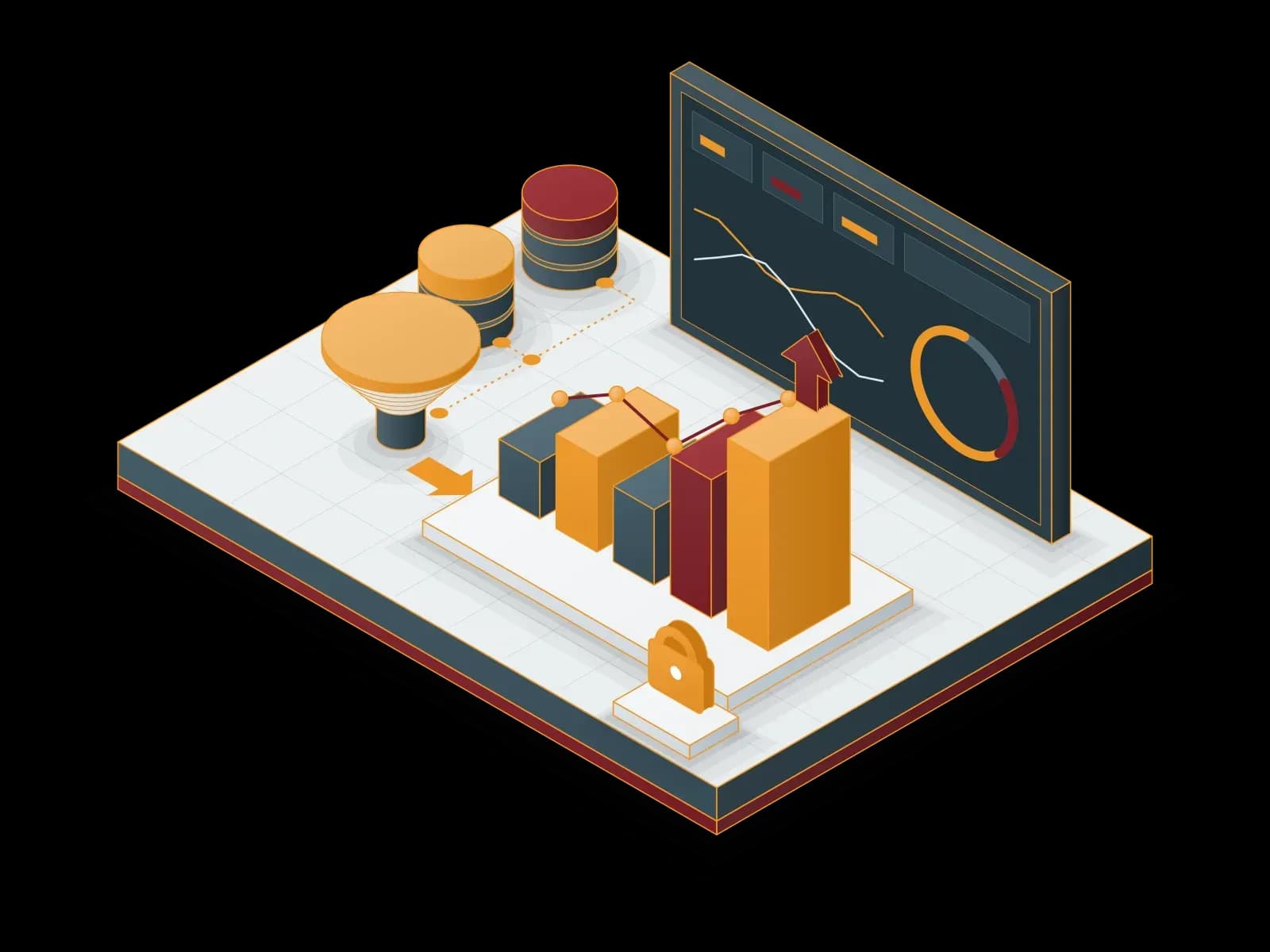
We turn your data into Power BI reports and dashboards. We connect the data sources, prepare the data with Power Query and build the data model with DAX. We share reports securely with row-level security, a data gateway and scheduled refresh. We also help you choose the right licenses.
Let's discuss your project
Tell us what you need and we will match you with the right team. For urgent issues, call our support line.