

Networking
Wired and Wireless Network Management
We design, install and operate your wired and wireless network. We handle switch, access point and firewall configuration, monitoring and troubleshooting.
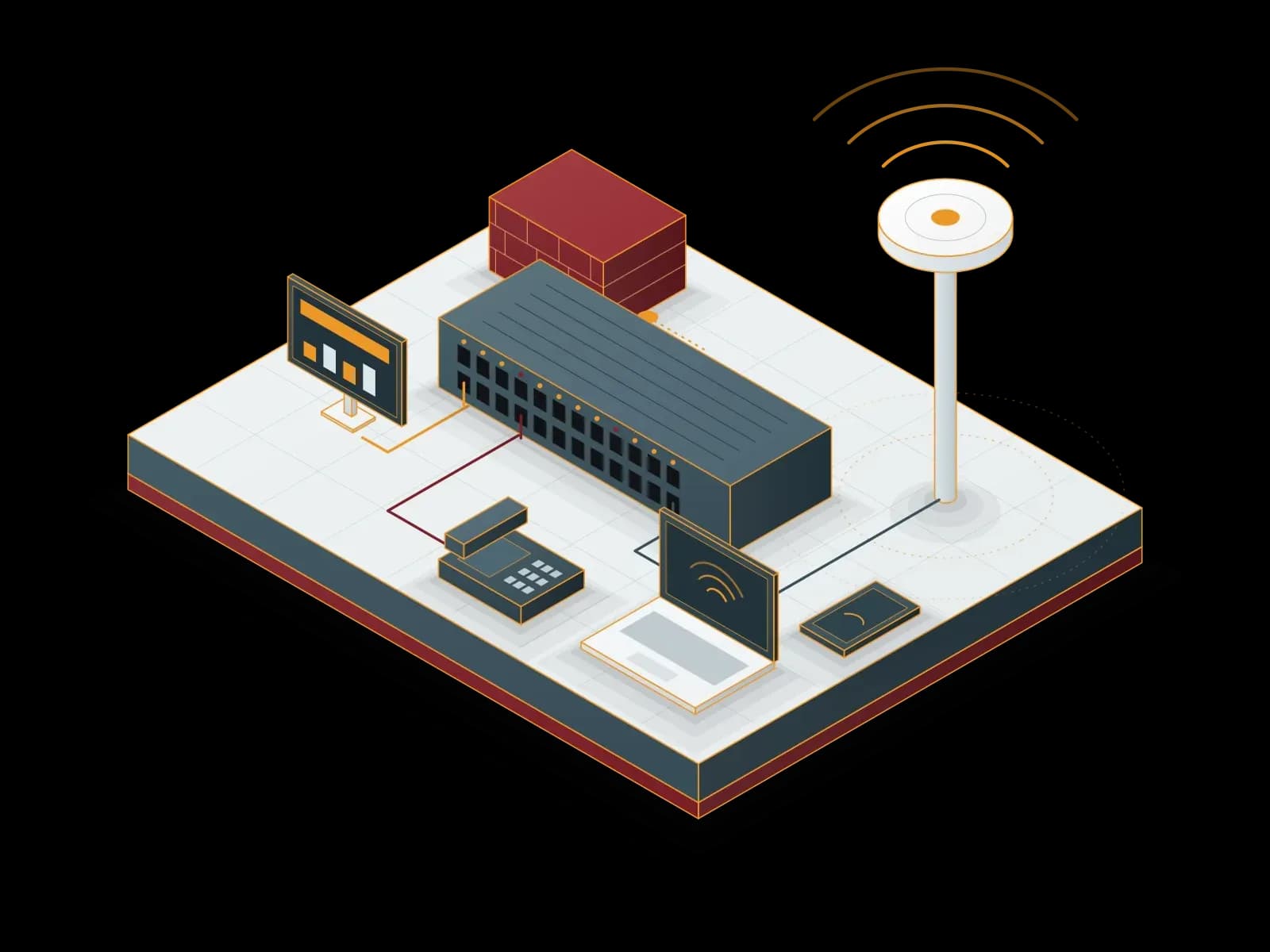
Benefits of Wired and Wireless Network Management
Network Design
We plan the network architecture and device capacity for the number of users, the coverage area and the applications.
Security
We separate user, guest and device networks with VLANs and restrict management access to network devices.
Resource Monitoring
We monitor network devices and links. When a link goes down, we receive an alarm and respond.
24/7 Technical Support
Our support line is available 24/7. We prioritize requests by business impact.
Redundancy
We install redundant devices and links (stacking, HA, link aggregation) at critical points. A single device failure does not stop the network.
Wireless Coverage
We place access points by floor plan and wall structure and measure the coverage.


For Neat video conferencing devices, we configure the network connection, VLANs and firewall settings.
What does network management cover?
Network management covers the configuration, monitoring, updates and troubleshooting of wired and wireless network devices. After installation, we operate the network day to day.
- Switch management: VLAN, port, PoE and stacking configuration.
- Wireless network: SSID design, authentication, guest network and channel plan.
- Internet access and branches: branch links, VPN and multiple internet lines. Details: Firewall Management.
- Configuration backup: we back up device configurations and record changes.
- Device software: we track firmware updates and apply them in a maintenance window.
- Monitoring: we monitor network devices and links. Details: Monitoring and Alarm Management.
How is a wireless network project run?
- Needs analysis: we identify the number of users and devices, the applications and the areas to cover.
- Site survey: we examine the floor plan, the wall structure and sources of interference.
- Design: we set the access point locations, the channel and power plan and the SSID design.
- Cabling and PoE: we plan cabling and power for the access points. Details: Structured Cabling.
- Installation and configuration: we install the access points and connect them to central management.
- Measurement: after installation, we measure the coverage and fix weak areas.
Which security measures do we apply in a corporate network?
Network security does not stop at the firewall. Switches and access points also need protection. We apply the following measures as far as the devices support them:
- Corporate wireless: per-user authentication with WPA2/WPA3-Enterprise and 802.1X.
- Wired access control: 802.1X authentication of devices on switch ports through a RADIUS server.
- Guest network: guest users stay apart from the internal network and get internet access only.
- Management access: device management interfaces are reachable only from the management network.
- Port security: unused ports are disabled; features such as DHCP snooping and ARP inspection are enabled.
- Logging: network device logs go to a central system. Details: SIEM – SOC Management.
Which documents do we hand over?
- Network topology diagram.
- IP address plan and VLAN list.
- Device inventory: model, serial number, software version and warranty end date.
- Device configuration backups.
- Wireless coverage measurement results.
Our Solution Partners










Related services
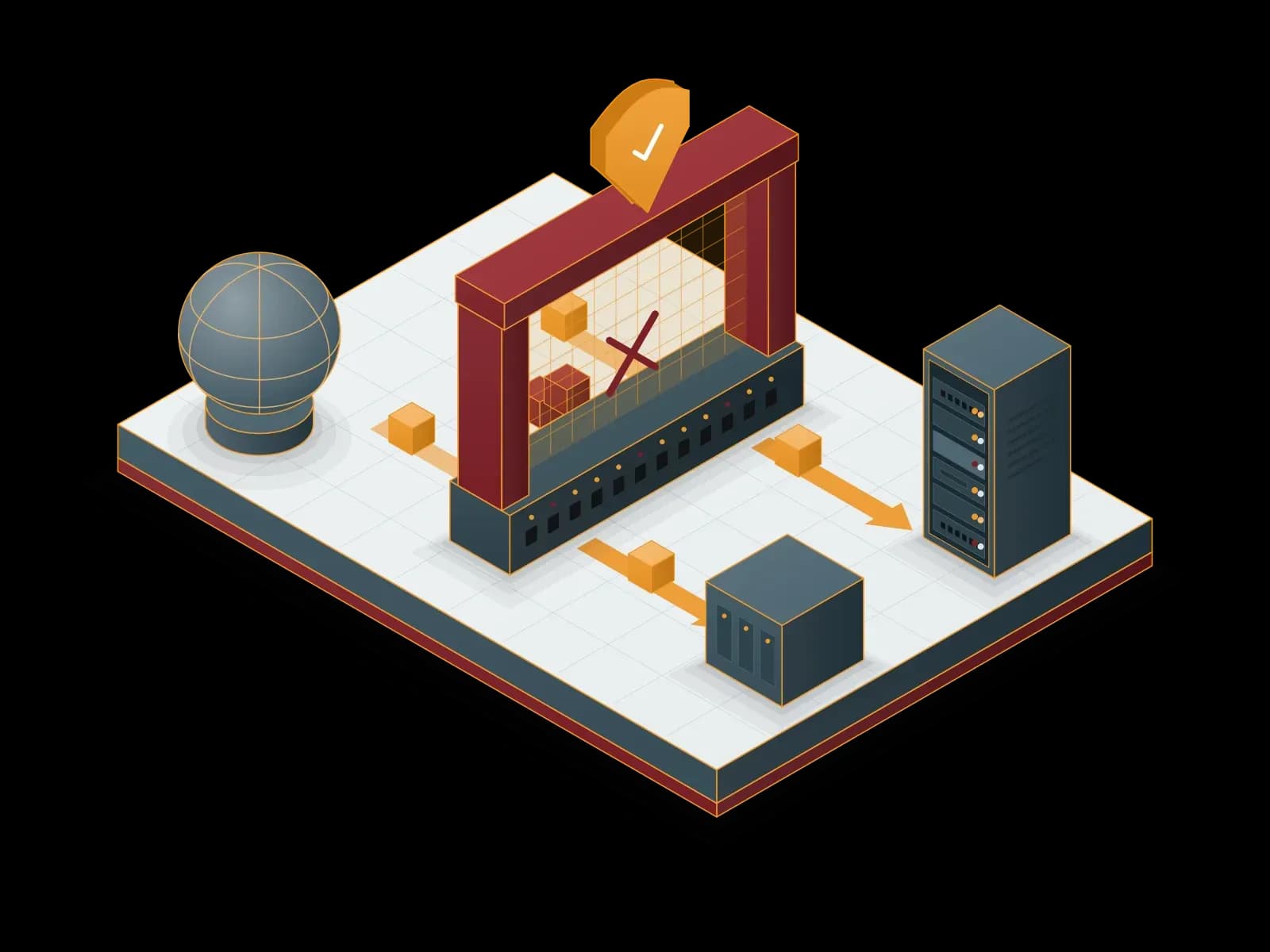
Firewall Management
We install your firewall, write its rule set and run it day to day. We work with FortiGate, Palo Alto Networks and MikroTik devices.
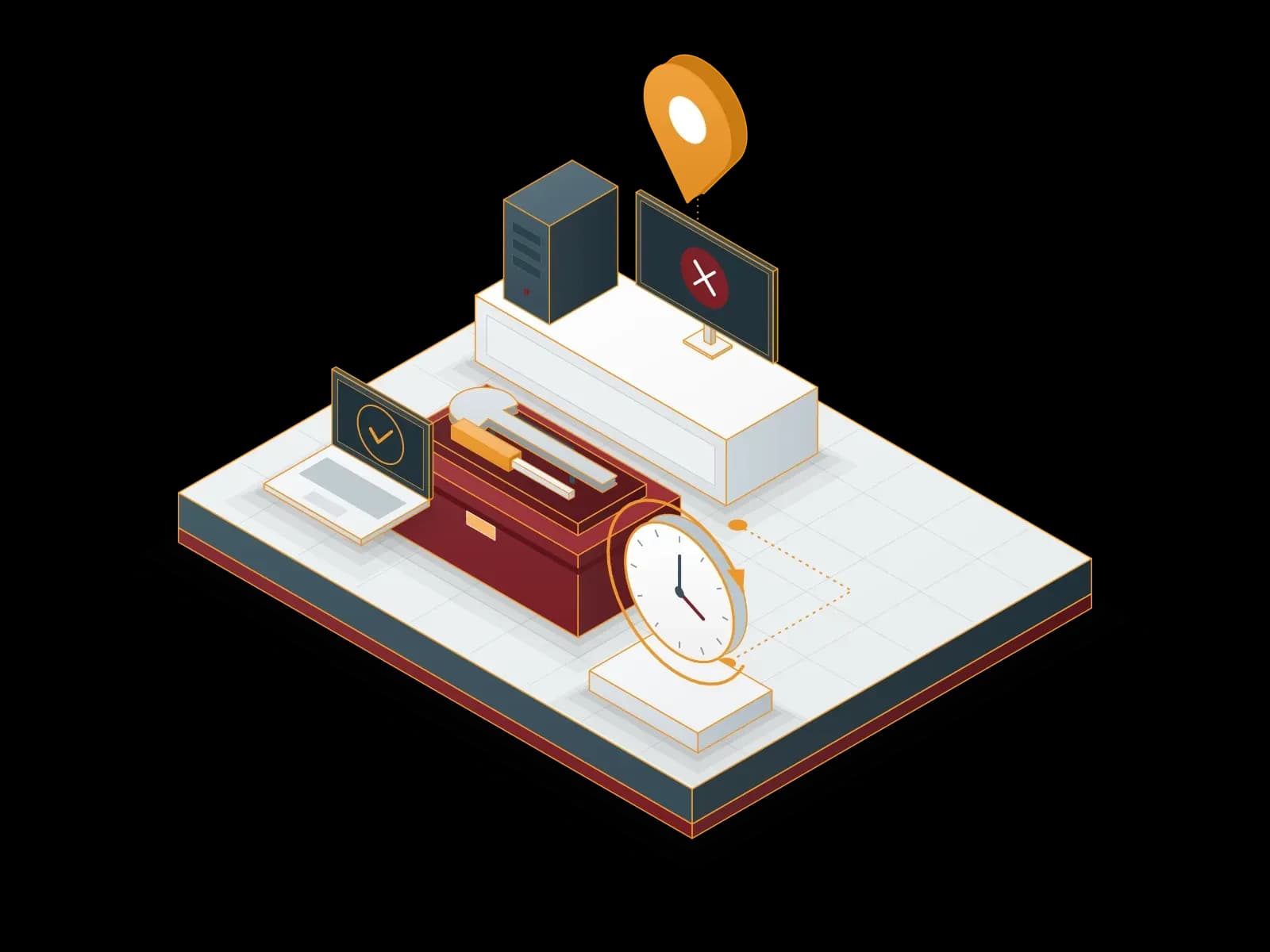
Field Support Services
We provide on-site and remote support for user, computer, server and network issues. Our support line is available 24/7.
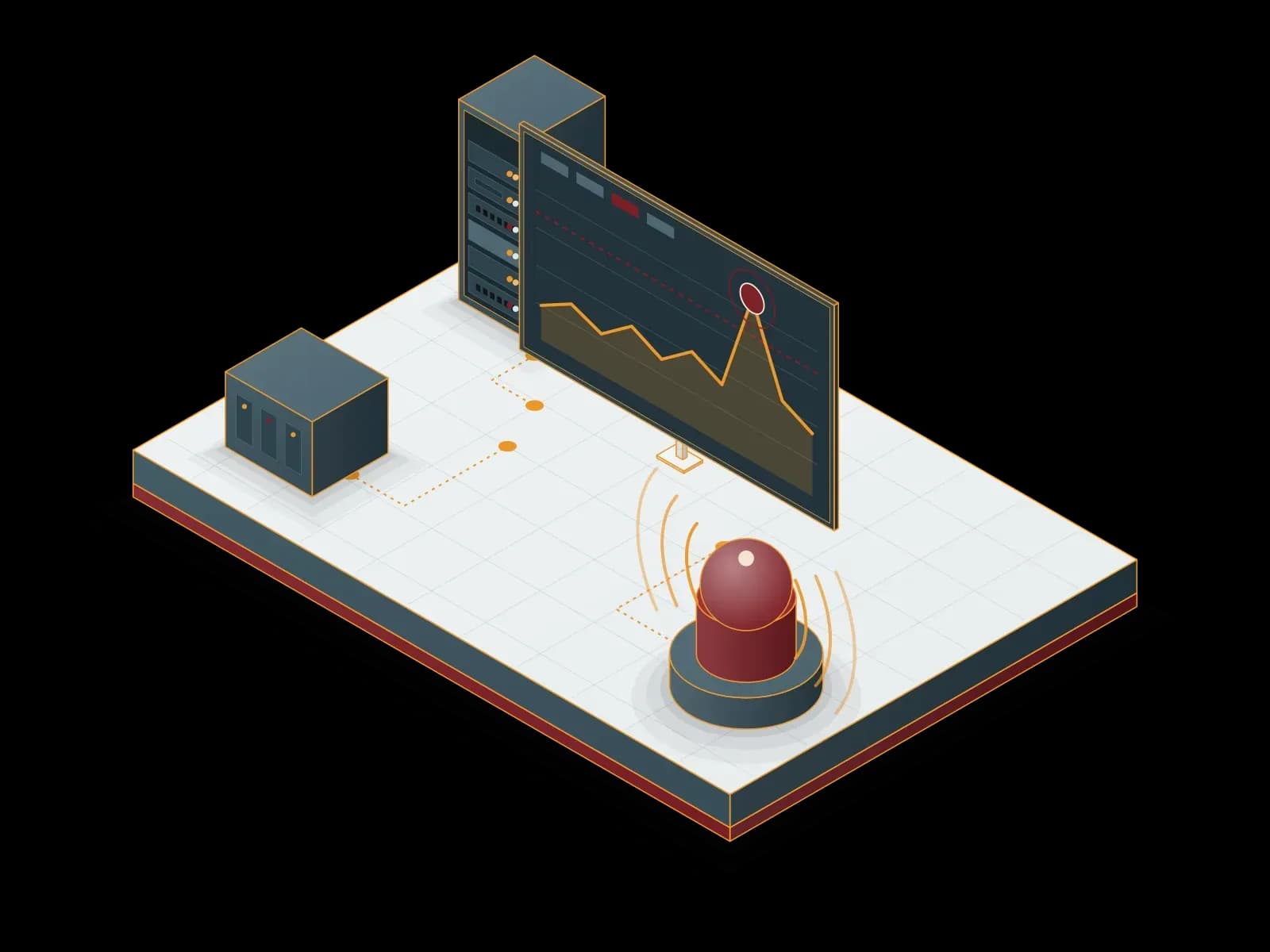
Monitoring and Alarm Management
We monitor your servers, network devices and applications with Zabbix, Prometheus and Grafana, agree on alarm rules with you and respond to alarms.
Let's discuss your project
Tell us what you need and we will match you with the right team. For urgent issues, call our support line.