

Cyber Security
Mobile Device Management
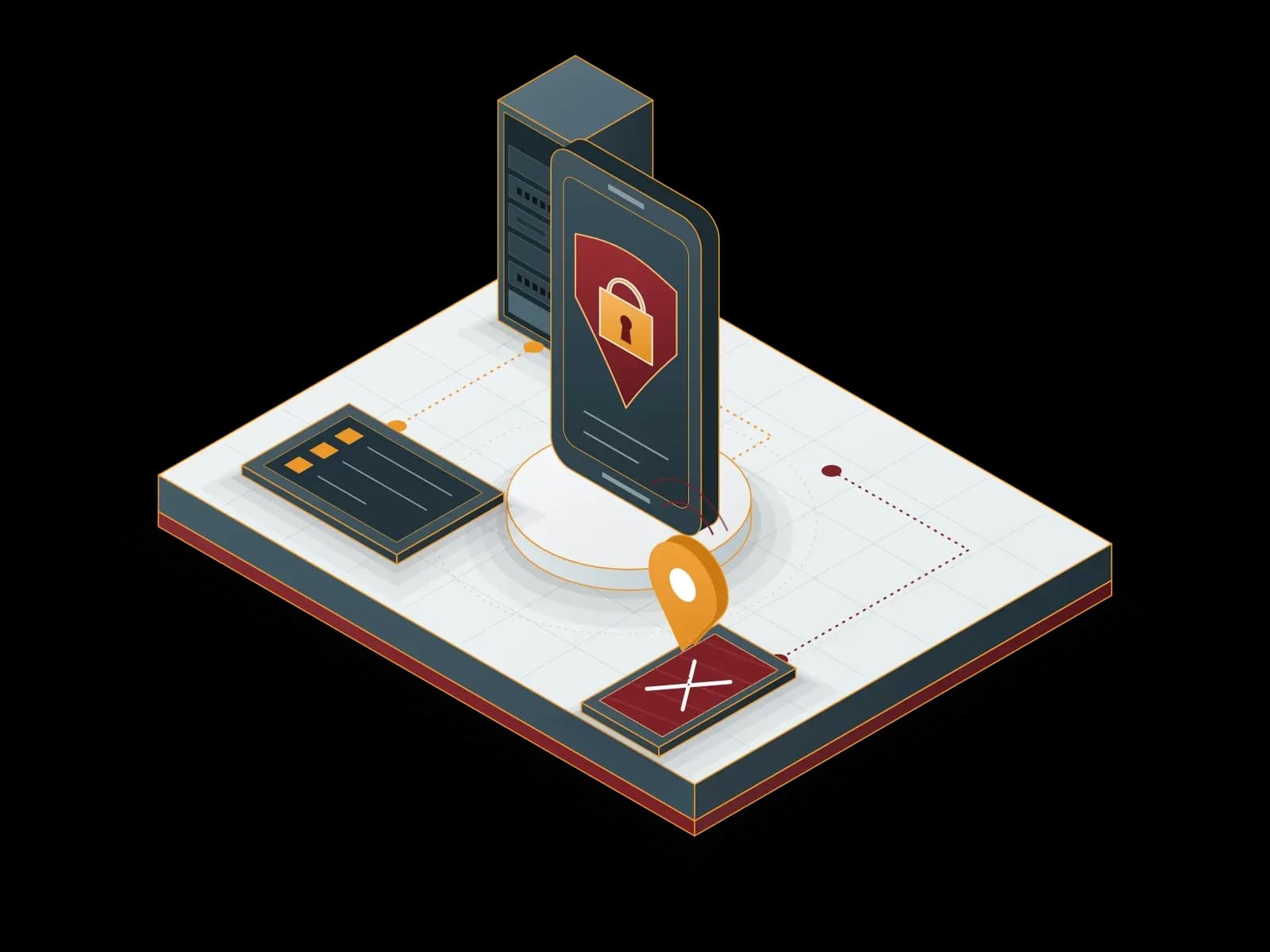
We enrol company mobile devices centrally, apply security policies and remotely wipe company data from a lost device.
Benefits of Mobile Device Management
Data Protection
We enforce device encryption and screen lock by policy. We remotely wipe company data from a lost device.
24/7 Technical Support
Our support line is available 24/7. We prioritize requests by business impact.
Lost Device
We lock a lost or stolen device, show its location and wipe company data.
Policy Compliance
We apply company policies to devices and report non-compliant devices.
Device and App Management
We track the device inventory in a central panel and distribute company apps.


What is mobile device management (MDM)?
Mobile device management (MDM) is the method of enrolling, configuring and protecting company phones and tablets from a central panel. With MDM, the security policy applies to every device in the same way. When a device is lost, company data is wiped remotely.
MDM sends email, Wi-Fi and VPN settings to devices centrally. It distributes company apps and detects devices that do not comply with the policy. This way, the management effort does not grow at the same rate as the number of devices.
How are company devices and personal devices (BYOD) managed?
A company-owned device and an employee’s personal device need different levels of management. Mobile operating systems support this separation with their own methods:
- Android Enterprise: A personal device uses a work profile. Company apps and data stay in a separate profile. A company device used only for work is set to fully managed mode.
- Apple iOS and iPadOS: User Enrollment is the method for personal devices. Company-owned devices are enrolled with Automated Device Enrollment through Apple Business Manager.
With these methods, only the work profile and company data are managed on a personal device. The employee’s personal content stays outside management. This separation protects employee privacy and keeps company data secure.
How does our MDM service work?
- Inventory: We list the phones and tablets in your organization, their operating systems and their ownership (company or personal).
- Policy design: We define encryption, screen lock, app and compliance rules together with you.
- Enrollment: We enrol the devices in the central panel and apply the policies.
- App distribution: We distribute company apps to the devices.
- Monitoring: We track the device inventory in the central panel and report non-compliant devices.
- Lost device: We log the loss report and lock the device from the central console. If the device is not found, we wipe company data remotely.
Our article on mobile data security: Enterprise Mobile Device Management: Security Strategies in a Mobile-Driven Business World.
For data leak control on mobile devices, see Data Loss Prevention (DLP) Management. For malware protection, see Antivirus – Antimalware Management.
Related services
Antivirus – Antimalware Management
We install antivirus and antimalware software on your computers and servers, manage it from a central console and monitor threat alerts. We work with ESET and Bitdefender products.
Data Loss Prevention (DLP) Management
We design, deploy and operate DLP policies that control how sensitive data leaves your organization. We monitor and report DLP events.
Microsoft Cloud
We set up, migrate and manage Microsoft 365 and Azure services. As a Microsoft CSP (Cloud Solution Provider) partner, Synchron also provides the subscriptions.
Let's discuss your project
Tell us what you need and we will match you with the right team. For urgent issues, call our support line.