

Cloud Services
Enterprise Email Service
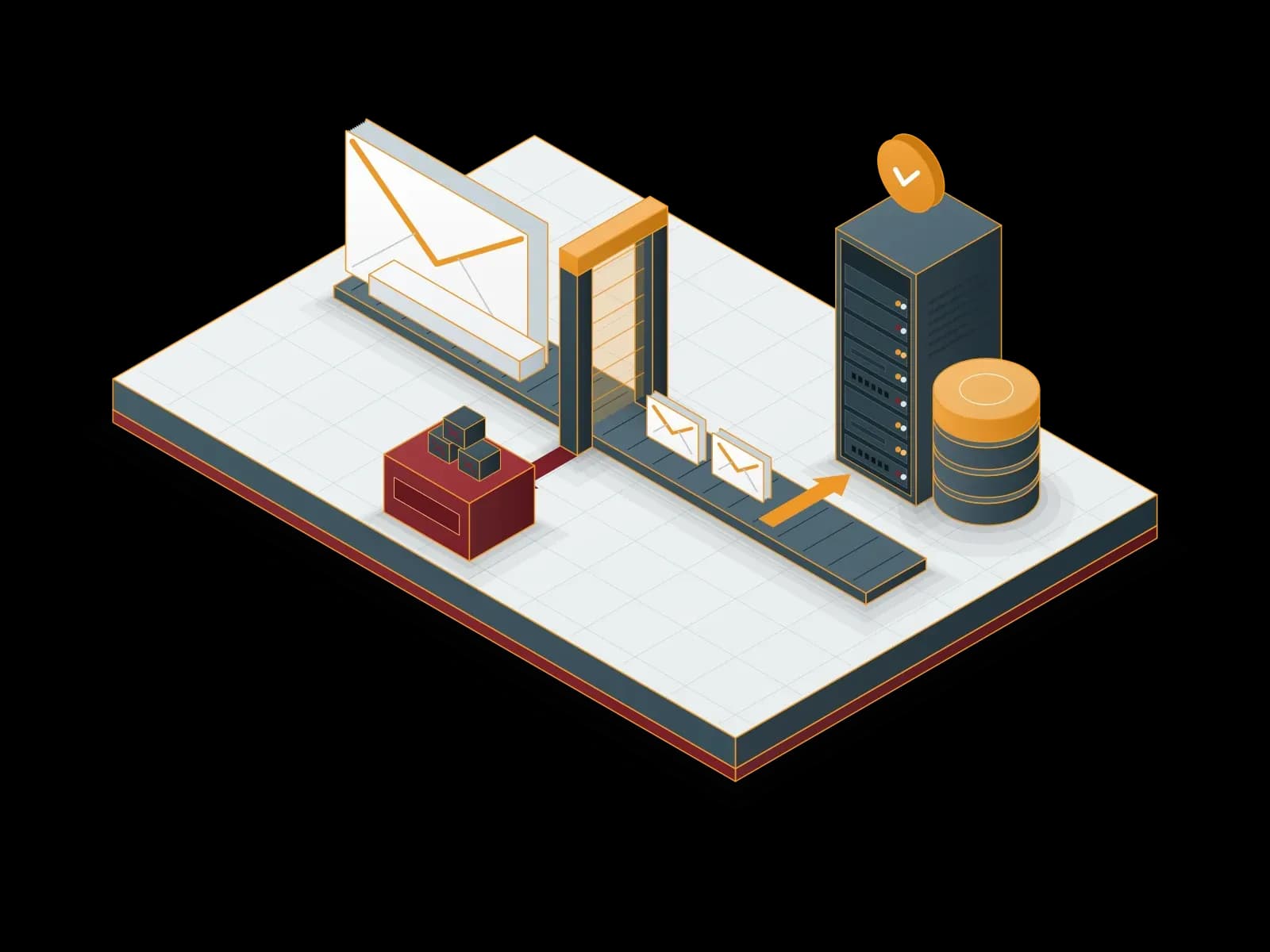
We set up and manage your corporate email with Exchange, Microsoft 365 or Zimbra. We also provide email archiving, spam filtering and migration services.
Benefits of the Enterprise Email Service
Security
We encrypt connections with TLS and apply spam and virus filtering. We configure SPF, DKIM and DMARC records for your domain.
Easy Management
We manage users, quotas and distribution lists in the admin panel. We carry out your change requests.
Storage Options
We set mailbox capacity by package option. When the capacity need changes, we update the package.
Expert Support
The team that installs the system also operates and supports it. Our support line is available 24/7.
Mobile Access
Your users access email with Outlook, a web browser and mobile devices. We help with device configuration.
Backup and Recovery
We back up mailboxes on a regular basis and restore deleted items from backup.



Our Enterprise Email Service Packages
IMAP-Based Services
- 25 GB / 50 GB / 100 GB / 150 GB capacity options
- Webmail and mobile compatibility
- Shared calendars and task management
- Spam & virus filtering
- Security package included
Exchange-Based Services
- 50 GB capacity
- Real-time synchronization (Outlook, mobile, web)
- Shared calendars and task management
- High availability and backup
- Security package included
Microsoft 365 Solutions
- Business Basic
- Webmail and mobile compatibility
- Business Premium
- Microsoft 365 E3 & E5
- Office apps + email hosting
- Advanced security and collaboration tools
Contact us for detailed information about the packages.
Enterprise Email with Zimbra
Zimbra is open source email and calendar collaboration software. Email, calendar, contacts, tasks and file sharing are on the same platform. We deploy and manage Zimbra on your own server or in a private cloud.
Deployment
We plan the server resources by the number of users and the mail volume. We configure the MX, SPF, DKIM and DMARC records of your domain and install the TLS certificate. We test webmail, Outlook and mobile access before we open them to the users.
Migration
We move the mailboxes, folders, calendars and contacts from your current mail system to Zimbra. We plan the migration in user groups and change the MX record last. During the migration, we monitor the old and the new system together.
Management
We manage users, quotas and distribution lists. We apply updates in a planned maintenance window. We monitor the mail queue, disk usage and service status, and we check the backups.


E-mail archiving with MailStore
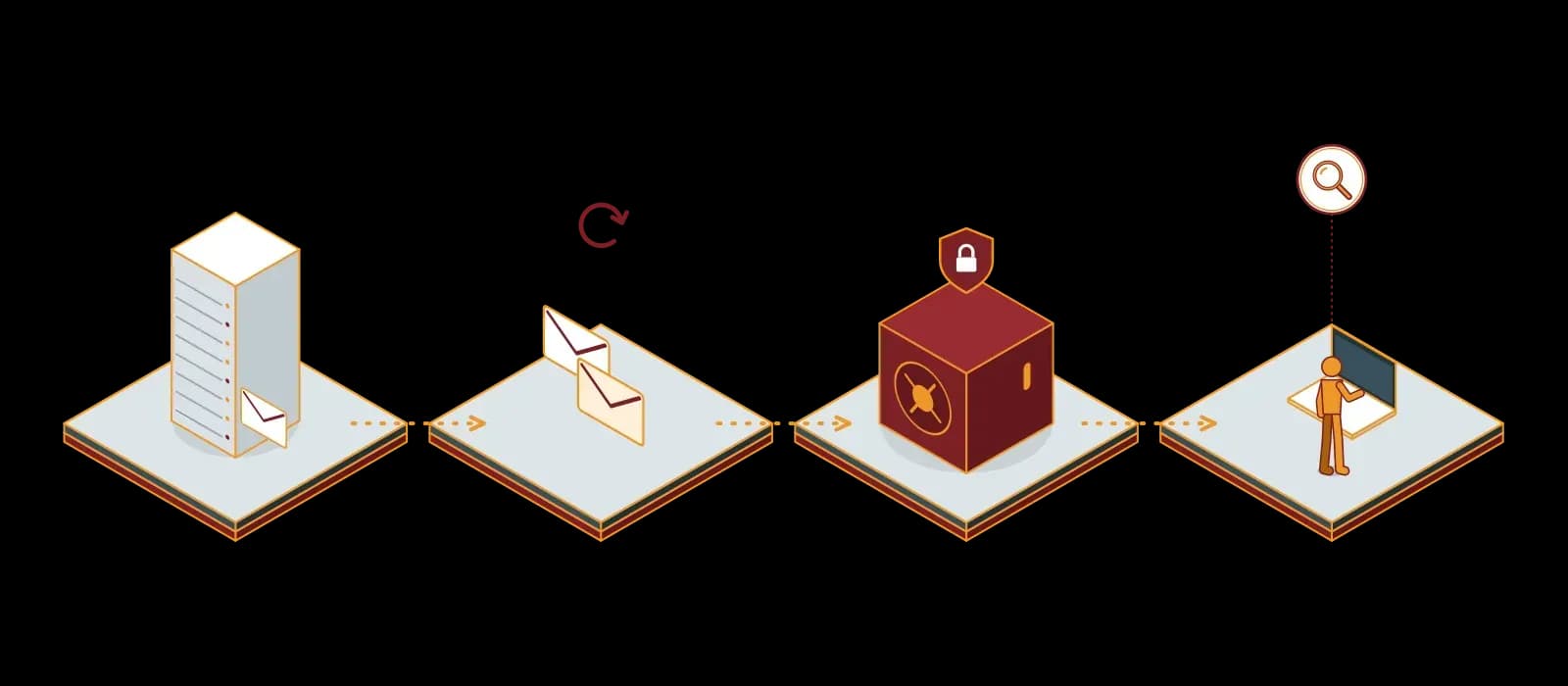
E-mail archiving keeps a copy of sent and received e-mails in a central archive, independent of the mail server, for a long time. A backup is for returning a system to a point in time. An archive keeps a searchable record that follows retention rules. The two solutions do not replace each other; they work together.
MailStore Server
MailStore Server is e-mail archiving software for small and medium-sized businesses. According to the vendor, one installation manages up to 2,000 users and needs no external database. MailStore Server archives e-mails from Microsoft Exchange Server, Microsoft 365, Google Workspace and any IMAP- or POP3-compatible mail server. It also archives PST and EML files.
Journal archiving
Archives each e-mail at the moment it is sent or received. If a user deletes the e-mail, the copy in the archive stays.
Integrity
MailStore computes SHA hash values for the e-mail content and encrypts the archive with AES-256. This protects the archive against changes.
Retention policies
You define a retention period per e-mail type and automatic deletion at the end of the period. While legal hold is active, no e-mail can be deleted from the archive.
Auditing
The auditing function logs the selected events. External auditors get archive access through a special "Auditor" user type.
User access
Users run a full-text search in the archive with the Outlook add-in or Web Access. With the Outlook add-in they restore an e-mail in one click.
Storage
Archived e-mails are deleted from the mail server by rule. De-duplication and compression reduce the space the archive uses.


Archiving and data protection (KVKK and GDPR)
MailStore states that independent data privacy experts regularly certify MailStore Server according to the GDPR. Retention policies help you not to keep personal data longer than necessary. We define the retention periods with your legal department. The software alone does not make you compliant with KVKK; the policies and processes of your organization are also necessary.
MailStore Service Provider Edition (SPE)
MailStore SPE is the edition for service providers that offer e-mail archiving as a service. The service provider runs the software on its own infrastructure and gives each customer a separate MailStore instance.
Synchron offers a hosted email archiving service with MailStore SPE. The archive runs on Synchron infrastructure and we open a separate MailStore instance for each customer. You choose the data center for your archive: Istanbul, Kyiv, Strasbourg or Amsterdam. With this option you do not install MailStore Server on your own server.
MailStore with Synchron
Needs analysis
We define the mail systems to archive, the number of users and the retention periods.
Deployment
We install MailStore Server on Windows Server and synchronize users with Active Directory, LDAP or Microsoft 365.
Archiving profiles
We configure journal archiving and the archiving of existing mailboxes and PST files.
Compliance settings
We configure retention policies, legal hold and auditing.
Backup and test
We plan the archive backup and test the restore regularly.
Licensing
We supply MailStore Server user licenses and track the renewal dates. Details: Software Licensing.
Software Licensing


To filter spam and viruses in front of the mail server, we deploy Proxmox Mail Gateway.
Our Partners





- Uzman Posta
Technologies we use
 Microsoft Exchange
 Microsoft 365
 Zimbra
Frequently asked questions
What is a business email service and why do you need it?
A corporate email service provides centrally managed email accounts that use your company domain. Account creation, removal, backup and security settings follow your company policy.
How is business email security ensured?
We apply spam and virus filtering. We encrypt connections with TLS. We enable multi-factor authentication (MFA) for users. We configure SPF, DKIM and DMARC records for your domain.
How do you move to a business email service?
We take an inventory of the mailboxes and plan the migration in user groups. We change the MX record last. A final sync moves the email that arrives during the migration to the new mailboxes.
Can I use the business email service on mobile devices?
Yes. Corporate email accounts work on Android and iOS devices. We help your users with the setup.
How do backup and restore work for business email accounts?
We back up mailboxes on a regular basis. We restore deleted items or a whole mailbox from backup. We set the backup frequency and retention in the contract.
Is support available for the business email service?
Yes. Our support line is available 24/7 for setup, usage and incident requests.
How is the business email service priced?
The price depends on the number of users, mailbox capacity and additional services. Contact us for a quotation.
Related services
Proxmox Mail Gateway Deployment and Support
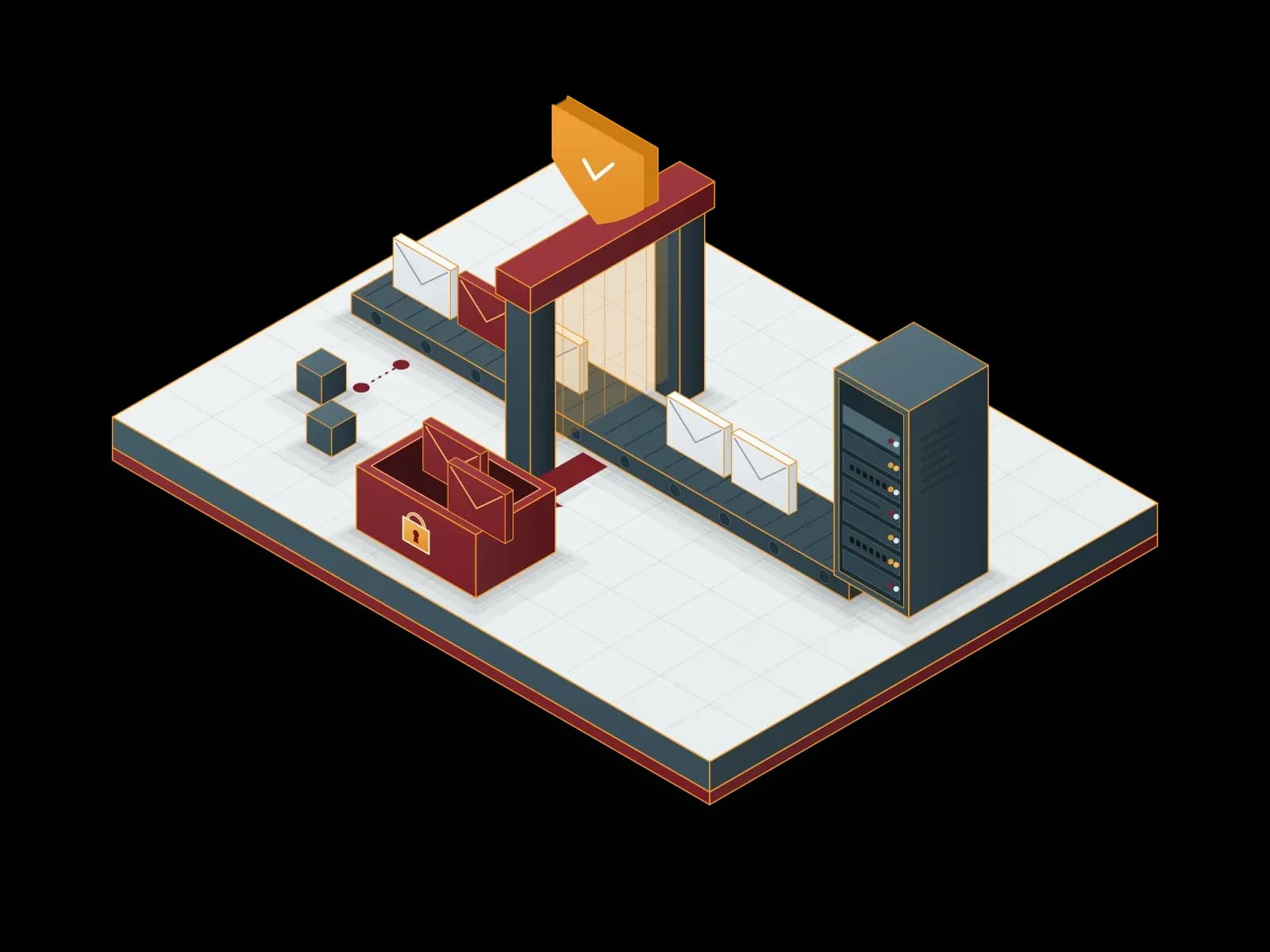
Filter spam, viruses and phishing emails with Proxmox Mail Gateway before they reach your mail server; get deployment, licensing and support from Synchron.
Microsoft 365 Backup
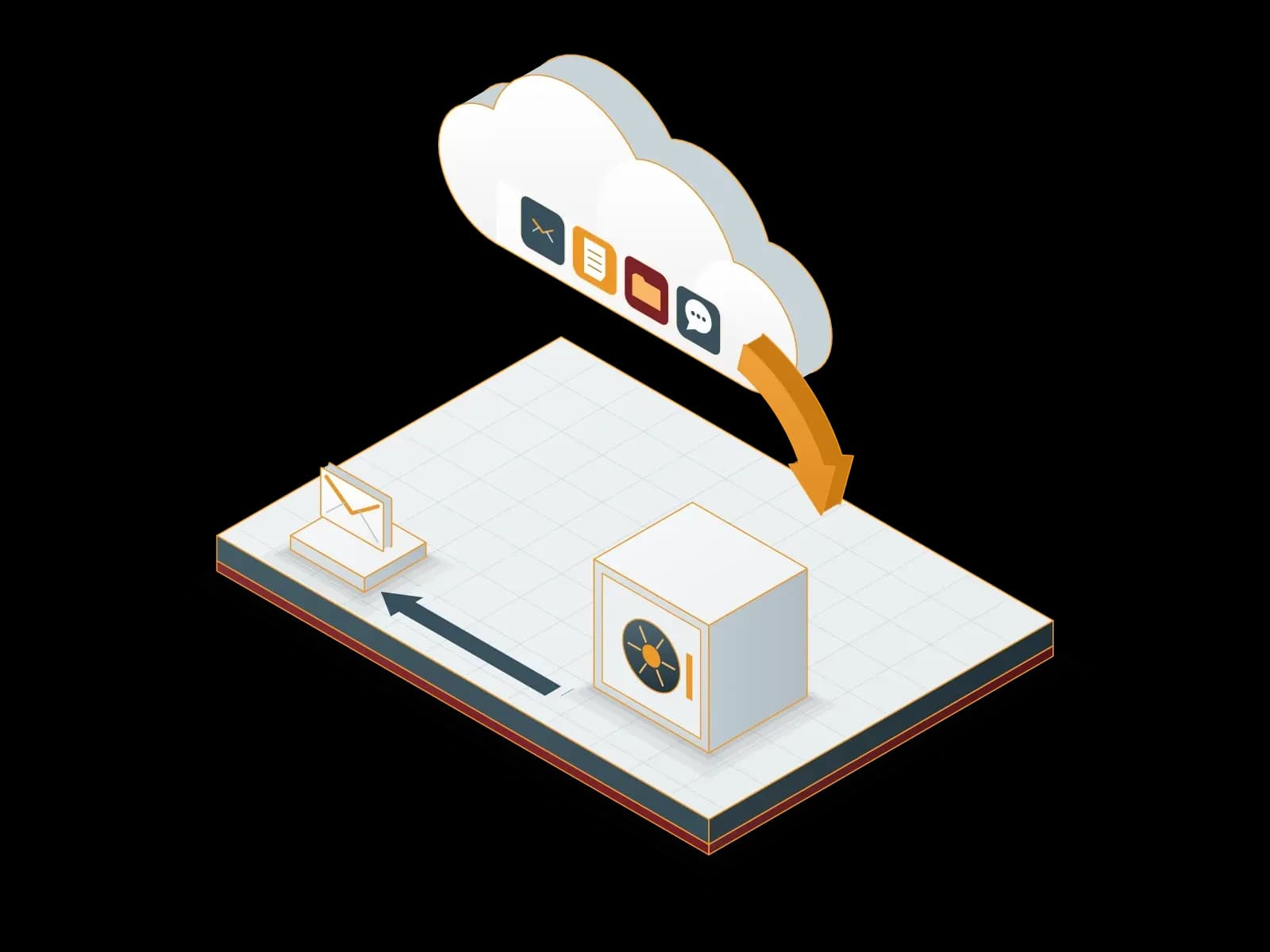
We back up your Exchange Online, SharePoint Online, OneDrive and Teams data to a backup repository outside Microsoft 365. We restore deleted or damaged data from backup.

Microsoft Cloud
We set up, migrate and manage Microsoft 365 and Azure services. As a Microsoft CSP (Cloud Solution Provider) partner, Synchron also provides the subscriptions.
Let's discuss your project
Tell us what you need and we will match you with the right team. For urgent issues, call our support line.