

Veeam
Synchron uses Veeam backup and recovery solutions in its local backup, cloud backup, Microsoft 365 backup and disaster recovery services.

Veeam, our solution partner
Veeam makes backup, recovery and data protection software. Veeam is a solution partner of Synchron. We use Veeam products to back up virtual, physical and cloud workloads. We install the backup infrastructure, monitor the backup jobs and do the restores.
We use Veeam products in our Local Backup, Cloud Backup, Microsoft 365 Backup and Disaster Recovery (DRaaS) services.
Veeam products we use
Veeam Data Platform
It brings backup, recovery, security and compliance functions for virtual, physical, cloud and SaaS workloads into one platform.
Veeam Backup & Replication
It backs up VMware, Hyper-V and Nutanix AHV virtual machines, Windows and Linux servers and NAS file shares. The Instant Recovery function brings a virtual machine back into operation in a short time.
Proxmox VE support
Veeam Backup & Replication backs up Proxmox VE virtual machines with the Veeam Plug-in for Proxmox VE and restores them to the Proxmox VE environment.
Veeam Backup for Microsoft 365
It backs up Exchange, SharePoint, OneDrive and Microsoft Teams data.
Immutable backups
They protect a backup file against changes and deletion during the retention period. Veeam Vault is the immutable cloud storage service of Veeam.


Veeam with Synchron
We run Veeam projects from the planning stage to daily operation. Scope of the service:
Inventory and recovery targets
Inventory of the servers, virtual machines and applications to back up; retention periods and recovery targets
Installation and configuration
Veeam Backup & Replication installation, backup repository and proxy configuration
3-2-1 backup plan
A plan for local, remote and cloud backup copies by the 3-2-1 rule
Microsoft 365 backup
Backup of Microsoft 365 data
Monitoring and correction
Monitoring of backup jobs and correction of failed jobs
Restore tests
Planned restore tests and disaster recovery drills


Licensing
Synchron provides Veeam Data Platform and Veeam Backup for Microsoft 365 licenses. According to Veeam, the universal license moves with the workload across environments. Details: Software Licensing.
Our services with Veeam
Veeam is one of the solution partners we work with in the following services:
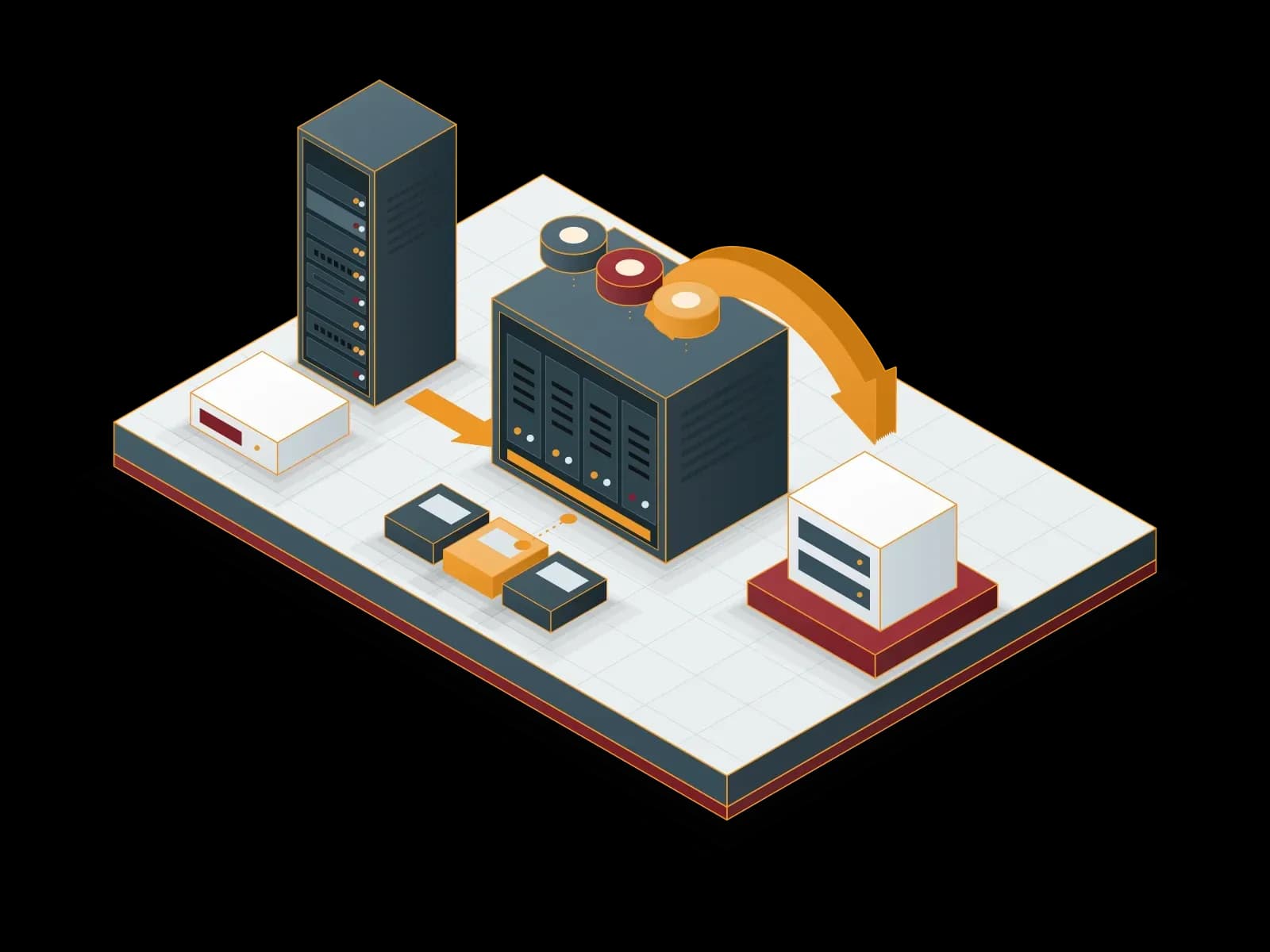
Local Backup
We keep backups of your servers, virtual machines and applications on local disk or NAS storage. We send one copy to a separate target to apply the 3-2-1 rule.
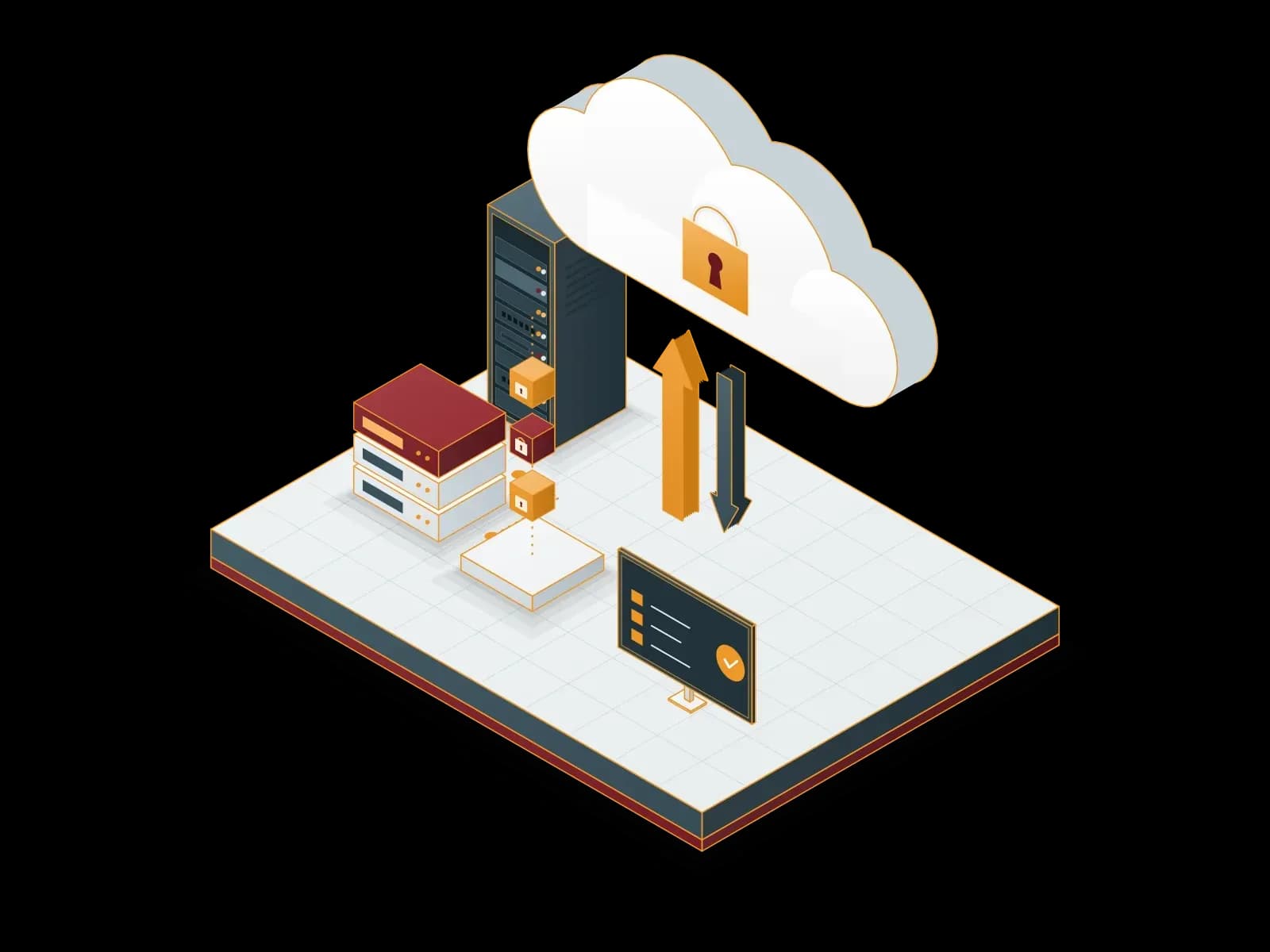
Cloud Backup
We send encrypted backups of your servers and virtual machines to cloud storage. We monitor backup jobs and test restores on a regular basis.
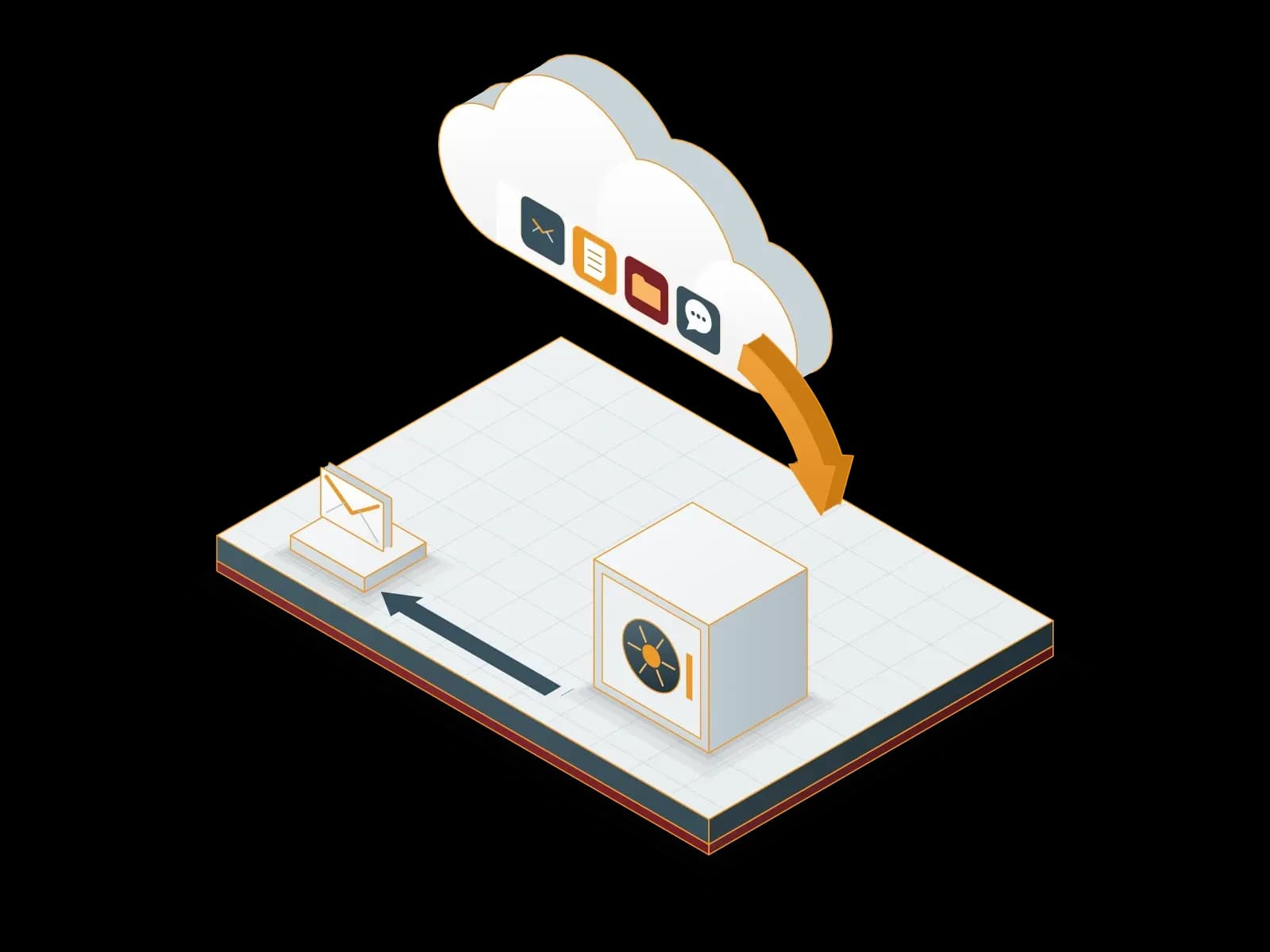
Microsoft 365 Backup
We back up your Exchange Online, SharePoint Online, OneDrive and Teams data to a backup repository outside Microsoft 365. We restore deleted or damaged data from backup.
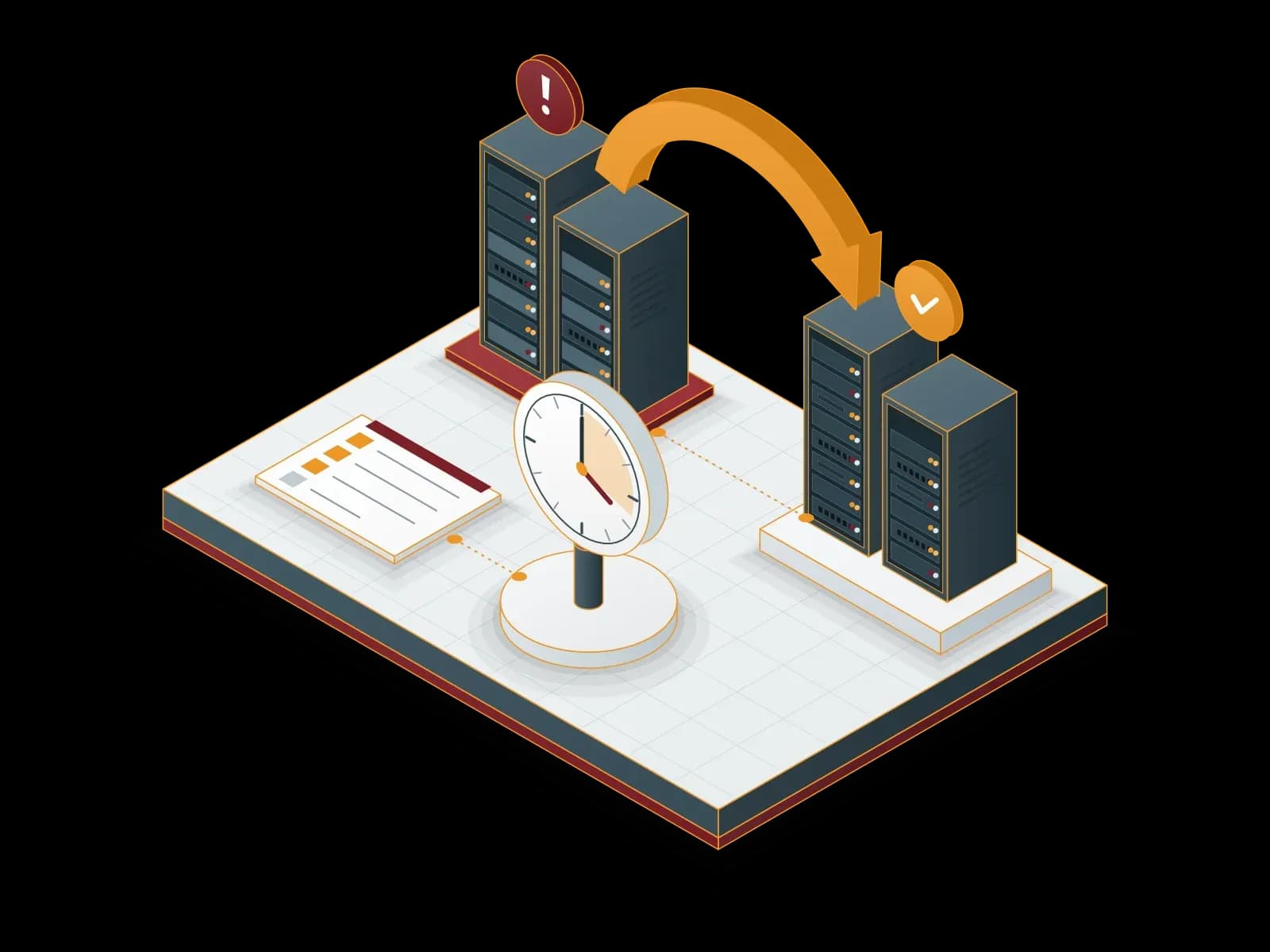
Disaster Recovery Services (DRaaS)
We build a disaster recovery plan for your critical systems. We document the recovery steps for your RPO and RTO targets and test them with drills.
Software Licensing
Synchron provides licenses and subscriptions for Microsoft (CSP and SPLA), Proxmox, Veeam, Acronis, MailStore, ESET, Bitdefender, Fortinet, Palo Alto Networks, Netwrix, Adobe, Alcatel-Lucent Enterprise, Cisco, Aruba, MikroTik and Neat products. The team that sells the license also handles installation, renewal tracking and support.
Microsoft Hyper-V Deployment, Management and Support
We build your virtualization platform on Windows Server Hyper-V, design the cluster and backup layout and manage your environment. We can also plan a move to Proxmox VE.
VMware vSphere Support, Management and Migration
We manage and support your existing VMware vSphere and ESXi environment. We review your options after the licensing change with you and, if you choose, plan the move to Proxmox VE.
To learn more about Veeam-based backup and recovery projects, contact us.
Frequently asked questions
Which systems does Veeam back up?
Veeam Backup & Replication backs up VMware, Hyper-V and Nutanix AHV virtual machines, Windows and Linux servers, NAS file shares and AWS, Azure and Google Cloud workloads. For Proxmox VE virtual machines, the Veeam Plug-in for Proxmox VE is used.
How are Veeam backups protected against ransomware?
Veeam supports immutable backup storage. An immutable backup cannot be changed or deleted until its retention period ends. We keep at least one backup copy on immutable storage or at a separate location.
Can Veeam back up Proxmox VE virtual machines?
Yes. Veeam Backup & Replication backs up and restores Proxmox VE virtual machines with the Veeam Plug-in for Proxmox VE. In Proxmox environments, we also use Proxmox Backup Server. We make the choice by the existing backup infrastructure and the recovery needs.
Does Veeam back up Microsoft 365 data?
Yes. Veeam Backup for Microsoft 365 backs up Exchange, SharePoint, OneDrive and Microsoft Teams data. We install and monitor this backup within our Microsoft 365 Backup service.
Who monitors the backups after the Veeam installation?
We monitor the backup jobs within our backup services. We examine and correct a failed job. We do restore tests at the agreed interval.
Which storage does a Veeam backup go to?
The backup repository can be a local disk, a NAS device or cloud storage. Veeam Vault is the immutable cloud storage service of Veeam. We apply the 3-2-1 rule: three copies, two different media and one off-site copy.
How is disaster recovery done with Veeam?
We keep the backups of critical servers at a second location. In a disaster, Instant Recovery runs the virtual machine from the backup in a short time. In our Disaster Recovery (DRaaS) service, we write the recovery steps into a plan and do drills.
Let's discuss your project
Tell us what you need and we will match you with the right team. For urgent issues, call our support line.