

Synology
Synchron installs and manages Synology NAS devices, the DSM operating system and the Active Backup for Business and Hyper Backup applications in local backup and enterprise file server projects.


Synology, our solution partner
Synology makes network-attached storage (NAS) devices and backup, file sharing and sync software for these devices. Synology is a solution partner of Synchron. We use Synology NAS devices in local backup and enterprise file server projects. We install the device, configure the backup jobs and run its daily operation.
Synology products we use
J, Value and Plus Series
NAS devices for small and medium offices. They give file sharing, backup and data protection tools.
XS+/XS and SA Series
High-speed and scalable storage for business use.
FS Series
All-flash storage for applications where response time matters.
HD and PAS Series
Dense SAS storage and highly available enterprise storage.
UC Series
Highly available SAN appliances for iSCSI and Fibre Channel networks.
DVA Series
AI-supported video recorders for surveillance.


Synology software
DSM (DiskStation Manager)
The operating system of Synology NAS devices. It is lightweight and modular; functions are added with packages.
Active Backup for Business
It backs up Windows PCs, Macs, physical servers, file servers and VMware vSphere and Microsoft Hyper-V virtual machines from one console. It restores a virtual machine from a backup instantly.
Hyper Backup
It backs up NAS data to local volumes, external devices, another Synology system, rsync servers and S3-compatible cloud storage. It keeps many versions and uses block-level incremental backup and deduplication.
Snapshot Replication and Btrfs
It takes snapshots of shared folders and applies replication policies. The Btrfs file system detects corrupted data with checksums and repairs it on supported RAID layouts.
Synology Drive
It syncs files between devices and gives access from anywhere.


Synology with Synchron
We run Synology projects from the needs analysis to daily operation. Scope of the service:
Model and disk selection
Model and disk selection by capacity, user count and the systems to back up
RAID and permission design
Design of the RAID layout, the Btrfs volume and the shared folder permissions
Backup with Active Backup
Backup of computers, servers and virtual machines with Active Backup for Business
Second copy with Hyper Backup
A second copy with Hyper Backup: another location or cloud storage
Snapshots and restore
Snapshot schedule and file restore process
DSM updates and disk health
DSM updates, disk health monitoring and troubleshooting


Our services with Synology
Synology is one of the solution partners we work with in the following services:
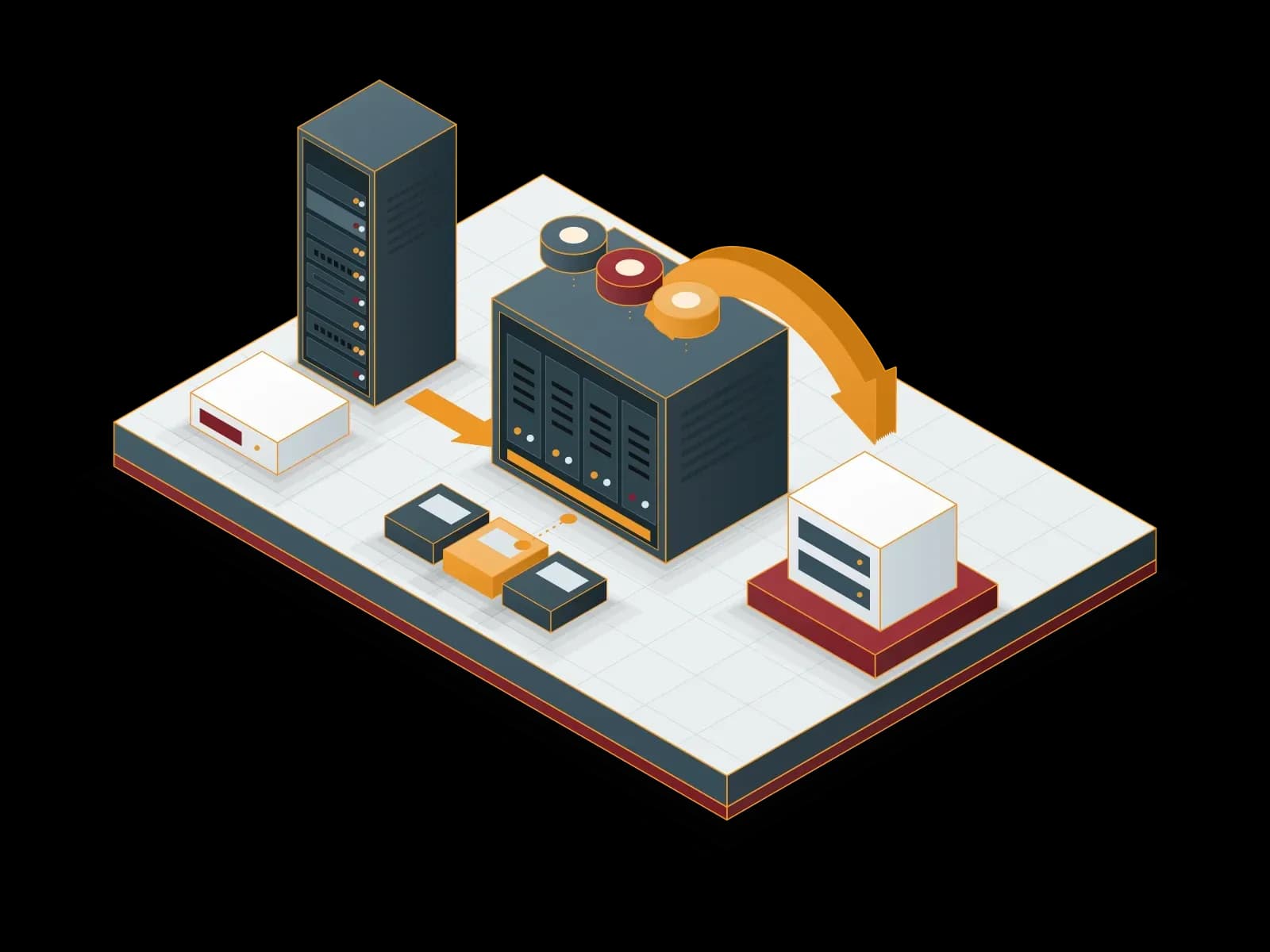
Local Backup
We keep backups of your servers, virtual machines and applications on local disk or NAS storage. We send one copy to a separate target to apply the 3-2-1 rule.
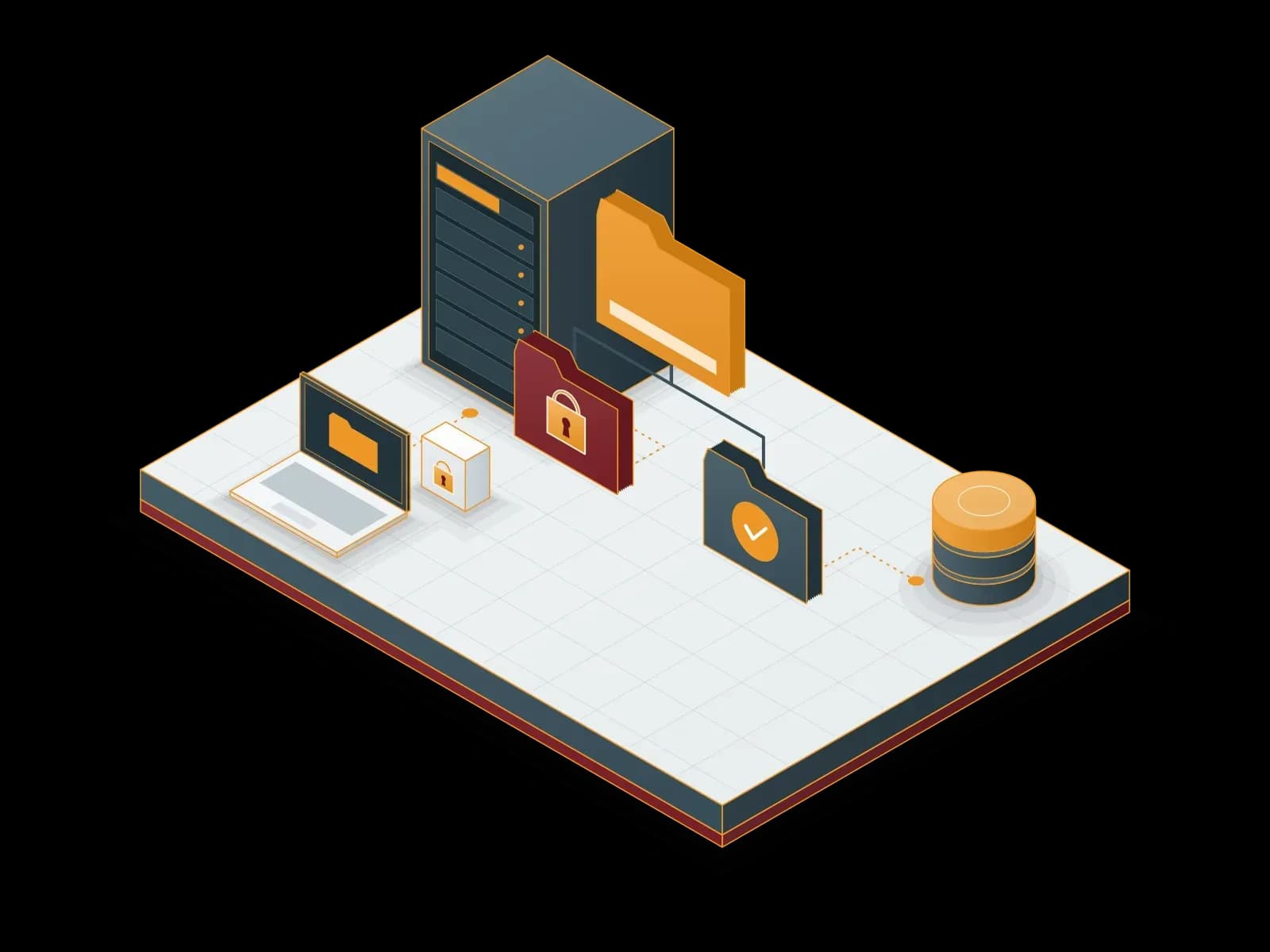
Enterprise File Server
We set up a corporate file server and design the folder structure and access rights for your organization. We also manage backup, remote access and capacity planning.
Frequently asked questions
Which systems does a Synology NAS back up?
Active Backup for Business backs up Windows PCs, Macs, physical servers, file servers and VMware vSphere and Microsoft Hyper-V virtual machines. Hyper Backup backs up the data on the NAS to another destination.
How is a backup on a Synology NAS protected against ransomware?
Btrfs snapshots keep a copy of the files from an earlier point in time. We also send at least one backup copy to a separate location or cloud storage with Hyper Backup. Thus a problem on one device does not affect all copies.
Where does Synology Hyper Backup send backups?
Hyper Backup sends backups to a local volume, an external device, another Synology system, an rsync server and S3-compatible cloud storage. It keeps many backup versions and deletes old versions by a rule.
Is a Synology NAS used as a file server?
Yes. DSM manages shared folders and user and group permissions. Synology Drive syncs files between devices. In our Enterprise File Server service, we design the folder structure and permissions by the structure of the company.
How do you select the Synology model?
We select the model by the capacity need, the user count, the number of drive bays and the growth plan. Small offices use the Value and Plus Series; places that need more performance use the XS+/XS or FS Series.
Do you give support after the Synology installation?
Yes. Within our Local Backup and Enterprise File Server services, we monitor the backup jobs, plan DSM updates and follow disk health. When a fault occurs, we work on site.
Let's discuss your project
Tell us what you need and we will match you with the right team. For urgent issues, call our support line.