Cloud Technologies
A Guide to Migrating from Active Directory to Microsoft Entra ID
Why move from Active Directory to Microsoft Entra ID, how do you plan the migration, and which critical points should you watch along the way? A step-by-step guide.
- Author
- İrem
- Category
- Cloud Technologies
- Published on
- Updated on
5 min read
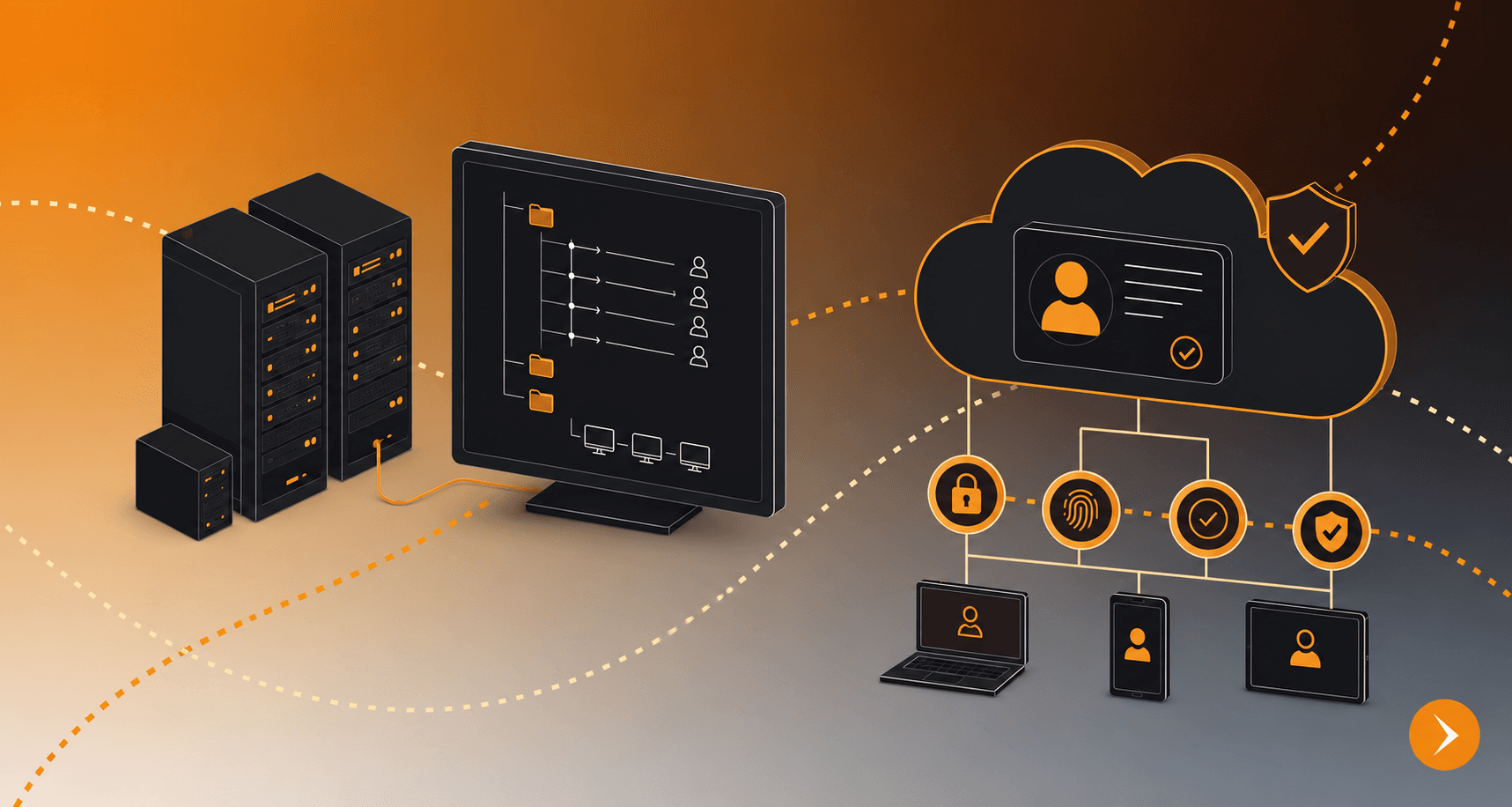
Your company's identity infrastructure has probably been built on Active Directory for years. Domain controllers, group policies, on-premises user management: these have been the cornerstones of enterprise IT for decades. So why is now the time for change?
The answer is simple: the way we work has changed. Users connecting from outside the office, devices the company does not own, SaaS applications and cloud services are no longer exceptions but the norm. Active Directory was not designed to manage these scenarios. Microsoft Entra ID was developed for exactly this need.
In this article, we look at why the migration matters, how to plan it and the critical points to watch during the process.
What Is the Key Difference Between Active Directory and Microsoft Entra ID?
Active Directory (AD) is a directory service designed to manage user identities and devices on on-premises networks. User accounts, passwords, group policies and access permissions are controlled through AD. By its nature, however, AD has to run inside the company network; remote access without a VPN creates serious security gaps in this setup.
Microsoft Entra ID (formerly Azure Active Directory) is a cloud-based identity and access management platform. Its core advantages are authentication regardless of user location, secure access regardless of device type and central monitoring of all identity events.
The two are not competitors but solutions for different needs. For many companies, migration actually means a hybrid model: a setup in which on-premises AD and Entra ID work in sync.
In summary, the differences between the two platforms are:
- Infrastructure type: Active Directory runs on-premises, while Microsoft Entra ID is cloud-based.
- Access model: With AD, access is provided from inside the company network, while Entra ID allows access from anywhere, regardless of location.
- Remote access: AD requires a VPN for remote access; Entra ID does not.
- Authentication: AD uses the Kerberos and NTLM protocols, while Entra ID supports modern protocols such as OAuth 2.0 and SAML.
- MFA support: In AD, MFA is limited and requires an additional solution; in Entra ID, it is built in and managed centrally.
- Conditional Access: Not available in AD; in Entra ID, it can be used based on device, location and risk.
- SaaS integration: AD's SaaS integration is weak, while Entra ID offers strong integration, especially with Microsoft 365.
- Monitoring and logging: Manual and complex in AD; central and real-time in Entra ID.
- Suitable environment: AD suits fully on-premises setups, while Entra ID is designed for hybrid and fully cloud setups.
Which Steps Should You Take During the Migration?
1. Map your current identity infrastructure
Before you start the migration, you need to document your current AD environment in detail. How many users are there, which groups exist, and which applications use AD authentication? Leaving these questions unanswered leads to unexpected outages during the migration.
Legacy applications in particular (older software that uses Kerberos or NTLM authentication) need attention. Because these applications may not be directly compatible with Entra ID, a hybrid setup or an application proxy solution becomes necessary.
2. Hybrid setup or full migration?
For most enterprise environments, the right approach is not an immediate full migration but a phased hybrid model. The Microsoft Entra Connect tool synchronizes on-premises AD with Entra ID, so users can work in both environments with the same credentials.
In environments that still need physical servers, file shares or printer management on-premises, fully decommissioning AD may not be possible in practice. For this reason, the migration plan should rest on a realistic assessment of the existing infrastructure.
3. Configure MFA and Conditional Access policies
One of the most critical steps in moving to Entra ID is setting up authentication policies correctly. Using Entra ID without MFA is like installing a security camera in a building with its door left open.
Conditional Access policies let you set different verification requirements based on the user's location, the compliance status of their device and the application they are trying to access. For example, single-factor authentication may be enough for an access request from the company network, while MFA can be made mandatory for a request from an unknown network.
4. Reorganize your user and group structure for Entra ID
Migrating from AD to Entra ID is not just a technical move; it is also an opportunity to restructure identity management. Unused accounts, unnecessary groups and inconsistent permission structures that have built up over the years should be cleaned up during the migration.
Reviewing groups in line with role-based access control (RBAC) principles brings significant long-term benefits for both ease of management and security.
5. Post-migration monitoring and log management
Entra ID records all identity events: successful and failed sign-in attempts, Conditional Access policy triggers and MFA usage statistics. You need to set up a monitoring infrastructure to review these logs regularly and detect abnormal activity.
When integrated with SIEM solutions, these logs become an integral part of real-time security monitoring.
The Most Common Migration Mistakes
Starting without a plan is the most common mistake we see. Changes made without informing users in advance disrupt business processes and put unnecessary load on IT. Ignoring legacy application compatibility is also a critical risk; some business applications do not work with Entra ID, and this goes unnoticed until the last minute. Finally, incomplete license planning leads to unexpected cost items after the migration is complete.
Manage Your Migration with Synchron Bilişim
When planned correctly, migrating from Active Directory to Microsoft Entra ID significantly raises your organization's level of security and manageability. A poorly managed migration, however, can cause outages and security gaps that threaten business continuity.
At Synchron Bilişim, we manage the entire process on your behalf, from identity infrastructure assessment to hybrid design and from MFA configuration to post-migration monitoring setup. Explore our Microsoft Cloud services.
About the author
İrem