Artificial Intelligence
n8n Use Cases: 10 Automation Examples
Which business processes can you automate with n8n? Discover the power of n8n through 10 real-world scenarios, from sales and accounting to customer service and HR.
- Author
- Synchron
- Category
- Artificial Intelligence
- Published on
- Updated on
5 min read
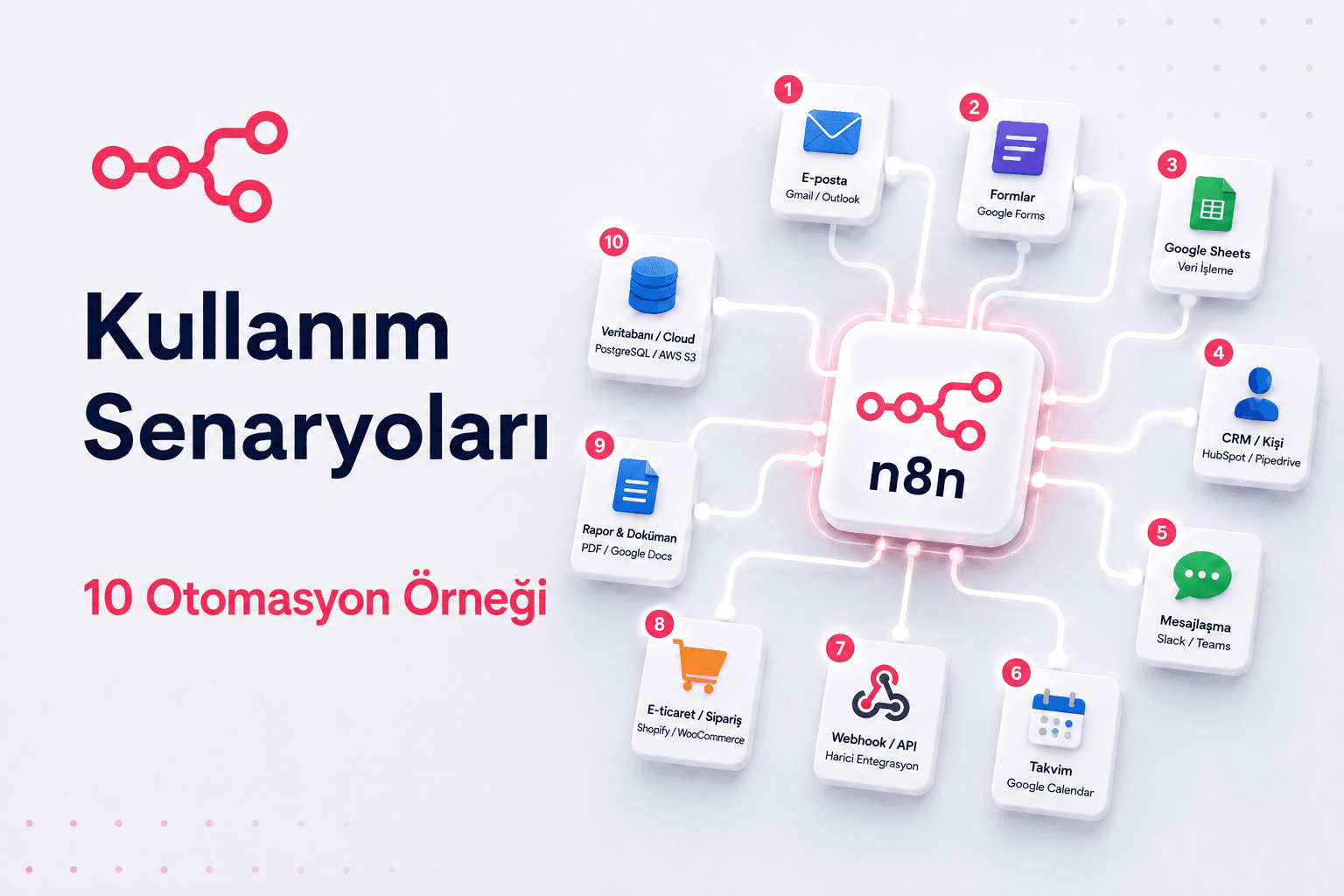
n8n, with its open-source structure and visual workflow editor, has become one of the most talked-about tools in automation in recent years. Much more flexible than Zapier and with much greater technical depth than Make, n8n appeals to a wide audience, from developers and IT teams to operations managers and entrepreneurs.
So what does n8n actually do? Let us set abstract concepts aside and look at concrete examples. Here are 10 n8n automation scenarios you can implement across different departments.
1. CRM and Teams Notification for New Customer Sign-Ups
When a customer fills in the form on your website, n8n takes over: it automatically saves the contact details to your CRM, notifies the relevant sales representative via Microsoft Teams and sends the customer a welcome email via Outlook.
Integrations used: Microsoft Forms / Web Form → Dynamics 365 / HubSpot → Microsoft Teams → Outlook
2. Automating the Invoice Approval Process
Incoming invoices are pulled automatically from Outlook email attachments. Invoices below a defined threshold are approved directly, and those above it are routed to the relevant manager via Teams. After approval, the record is transferred to the accounting software or to the relevant folder in SharePoint.
Integrations used: Outlook → n8n → Approval Flow → Microsoft Teams → SharePoint / Logo / Xero
3. Syncing E-Commerce Orders with the Warehouse Management System
When a new order is created in your online store, n8n picks it up instantly. It checks stock levels, opens a work order in the warehouse management system, sends a shipment request to the carrier and automatically emails the tracking number to the customer. Manual coordination between the sales and logistics teams disappears completely.
Integrations used: Shopify / WooCommerce → n8n → WMS API → Carrier API → Email
4. Publishing the Social Media Content Calendar Automatically
The content team enters the post text, image link and publish date in an Excel Online file. n8n checks this file at set intervals and automatically publishes the scheduled content to LinkedIn, X/Twitter and Instagram.
Integrations used: Excel Online / SharePoint List → n8n → LinkedIn API → X API → Instagram API
5. Categorizing and Routing Support Requests
n8n reads requests that arrive in the customer service mailbox via Outlook and sends them to an AI model. Once a request is categorized, a Microsoft Teams notification is sent to the relevant team and a task is created in Jira, Azure DevOps or Microsoft Planner.
Integrations used: Outlook → n8n → OpenAI / Claude → Azure DevOps / Planner / Jira → Microsoft Teams
6. Managing the Candidate Tracking Process
Applications from the careers form are transferred automatically to the ATS. CVs are pre-screened against defined criteria, suitable candidates receive an interview invitation via Outlook, and the process is updated in Excel Online or a SharePoint List.
Integrations used: Microsoft Forms / Careers Form → n8n → ATS → Excel Online / SharePoint List → Outlook Calendar
7. Server and System Health Monitoring and Alerting
This is a critical scenario for IT teams. n8n queries the CPU, RAM and disk usage of servers at set intervals. When defined thresholds are exceeded, it raises an instant alert via PagerDuty or Slack, triggers an automatic restart command when it detects a recurring problem and records the incident in a log file. The need for manual monitoring is reduced to a minimum.
Integrations used: HTTP Request (server API) → n8n → Slack / PagerDuty → SSH node
8. Compiling and Sharing Sales Reports Automatically
n8n pulls weekly sales data from the CRM, updates the report in Excel Online or a Power BI dataset, converts the output to PDF and sends it to the relevant managers via Outlook. The report can also be archived in SharePoint.
Integrations used: Dynamics 365 / HubSpot → n8n → Excel Online / Power BI → PDF → Outlook → SharePoint
9. Notifying Customers Automatically When a Payment Fails
When the payment provider reports a failed transaction, n8n sends the customer a personalized email via Outlook. If the issue is not resolved, a second reminder is sent automatically and the customer record is updated in the CRM.
Integrations used: Stripe / iyzico Webhook → n8n → Outlook → Dynamics 365 / CRM
10. Summarizing and Distributing Meeting Notes
After a Microsoft Teams meeting ends, n8n processes the recording or transcript. An AI model extracts the meeting summary and action items, sends them to the relevant people via Outlook and creates the tasks in Microsoft Planner or To Do.
Integrations used: Microsoft Teams → n8n → Whisper / OpenAI → Outlook → Microsoft Planner / To Do
Should You Install n8n Yourself or Use It as a Managed Service?
n8n's open-source structure gives you the flexibility to install it on your own server. However, installation, updates, backup and error handling require significant technical knowledge and time. A managed n8n environment is a much more practical choice if you want your workflows to run without interruption, be logged and be hosted on a secure infrastructure.
At Synchron Bilişim, we integrate n8n and many other automation tools, such as Zapier, Apache Airflow and Make, into your business processes and take care of installation and management. Let us identify together which scenario suits you. Explore our AI automation solutions.
About the author
Synchron