Cyber Security
Companies That Skip Backup Testing Carry the Biggest Risk
Backup testing is skipped for a few typical reasons. For IT teams under time pressure, testing backups usually falls to the bottom of the priority list.
- Author
- İrem
- Category
- Cyber Security
- Published on
- Updated on
4 min read
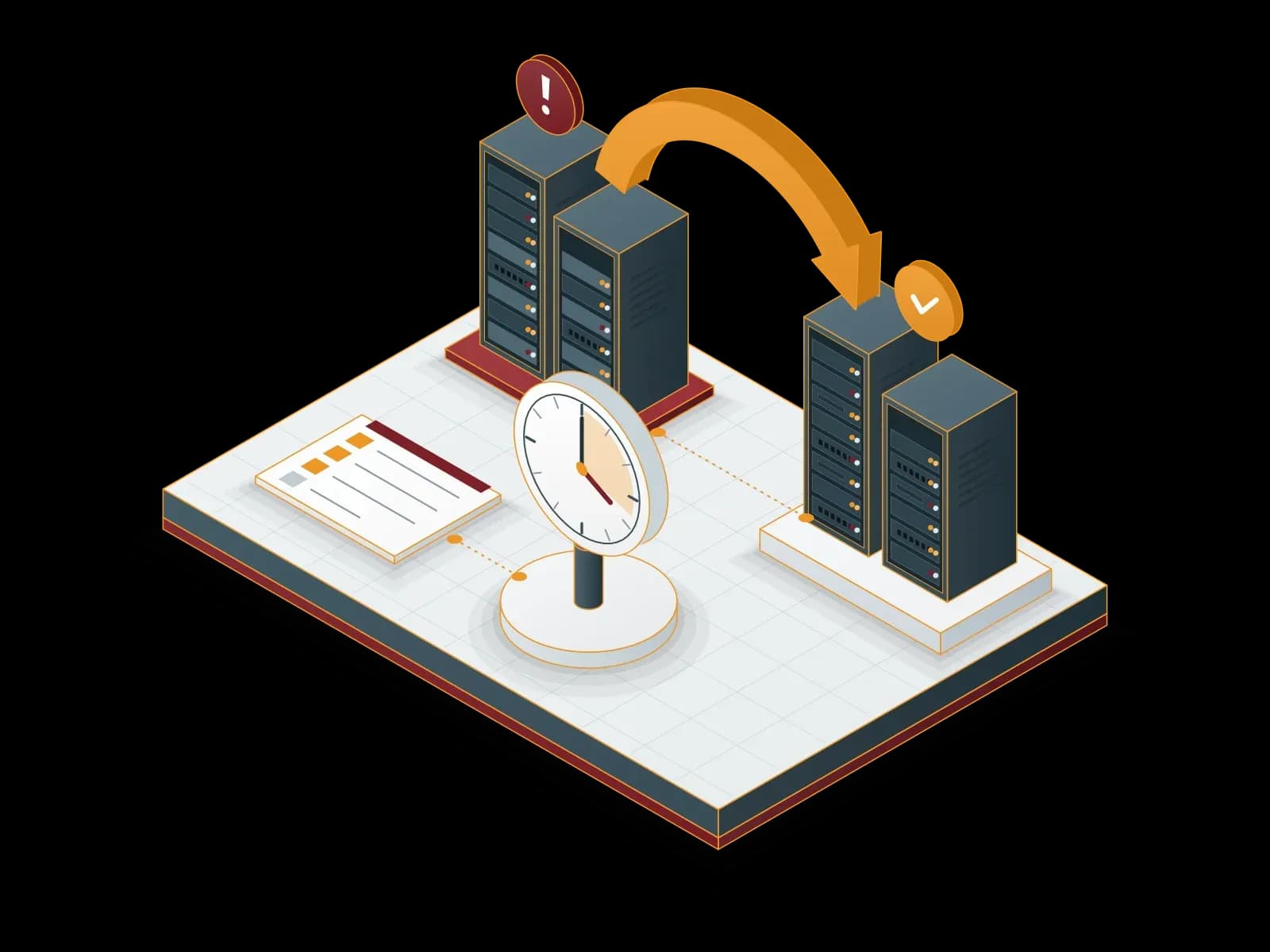
Backup processes usually run automatically. At the scheduled time the system kicks in, data is copied, a report is created and a "backup successful" message arrives. This message gives IT teams a false sense of security.
A backup that completed successfully does not mean that it can be restored. The backup file may be corrupted, contain incomplete data or have a format incompatibility, or an unexpected error may occur during the restore. None of these problems appear in the backup report. The only time they become visible is when a restore is attempted after real data loss, and that is usually the worst possible timing.
A Real-Life Scenario
When a company is hit by a ransomware attack, the first reflex is "we have backups, no problem". But when the IT team starts the restore, it can run into one of three things: the backup file is corrupted, the backup is from an incomplete date, or the restore takes days. At that point, the company faces data loss and a business continuity crisis at the same time.
This scenario is not fictional; it happens regularly. The only difference is which company eliminated this risk in advance by testing and which one learned about it during the crisis.
Why Is Backup Testing Skipped?
Backup testing is skipped for a few typical reasons. For IT teams under time pressure, testing backups usually falls to the bottom of the priority list, and the "it seems to work, so it's fine" attitude is common. Testing is also postponed out of concern that it may affect the production environment, yet a well-designed test process can run without affecting production systems. In some cases, budget and resource constraints come into play: setting up a separate test environment for restore testing looks like an extra cost.
As a result, many enterprise environments that think "we have a backup" actually have an untested, unverified sense of security.
Is the 3-2-1 Rule Enough?
The 3-2-1 rule, the core principle of backup strategies (keep 3 copies of your data, on 2 different media, with 1 off-site), is still a valid and important foundation. However, this rule only guarantees that a backup exists, not that it works.
This is why current approaches refer to the 3-2-1-1-0 rule: 3 copies, 2 different media, 1 off-site location, 1 immutable copy and 0 unverified errors. The last item, zero unverified errors, points directly to a regular testing process.
How Should You Test Backups?
1. Schedule regular restore drills
The only way to verify that backups really work is to run an actual restore test periodically. This can be done monthly or quarterly in a test environment. For critical systems, the frequency should be higher.
2. Define your RTO and RPO targets
RTO (Recovery Time Objective) and RPO (Recovery Point Objective) define how quickly you can recover in a data loss scenario and to which point in time. Backups taken without these targets provide a level of protection you cannot measure.
3. Test different scenarios
Recovering a single file and restoring an entire server in a disaster scenario are very different processes. Your test plan should cover single-file recovery, database restore, virtual machine recovery and full disaster recovery scenarios.
4. Document test results
After each test, record how long the restore took, which problems occurred and how they were solved. This documentation helps you improve the process continuously and provides evidence for audit and compliance requirements.
5. Use automated verification tools
Modern backup solutions offer verification mechanisms that check backup integrity automatically. These tools add a security layer that complements manual testing, but they do not replace a real restore test.
The Cost of Not Testing Backups
Planning and running a restore test takes time and resources. However, you need to compare this cost with the cost of an untested backup failing in a real crisis. Data loss, disrupted business continuity, damaged customer trust and regulatory fines: the real risk behind an untested backup is the sum of these items.
Test Your Backup Strategy with Synchron Bilişim
Taking backups is only the first step on the data protection journey. Knowing whether those backups actually work completes it. At Synchron Bilişim, we manage the entire process, from setting up your backup infrastructure and planning regular restore tests to defining your RTO/RPO targets and automating verification processes.
Explore our Backup and Replication services.
About the author
İrem