Cloud Technologies
Are Your Files Still Moving Around on USB Drives and Email? 5 Advantages of a Corporate File Server
Files moving around on USB drives and email create version confusion, data loss and KVKK risk. We explain 5 advantages of a corporate file server and how to plan the move.
- Author
- Synchron
- Category
- Cloud Technologies
- Published on
- Updated on
6 min read
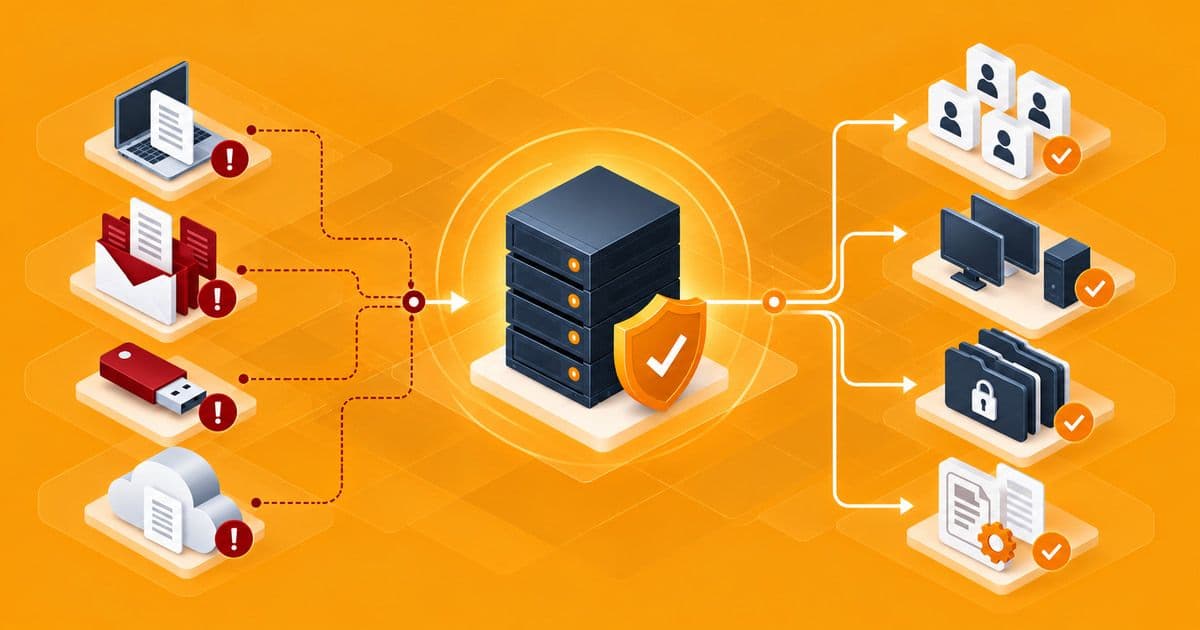
The sales team updated a quote one last time and emailed it to their manager. The manager made corrections in a different file, and an employee sent the old version from a USB drive to the customer. The result: a quote sent with the wrong price and hours of debate over "which one is the latest version".
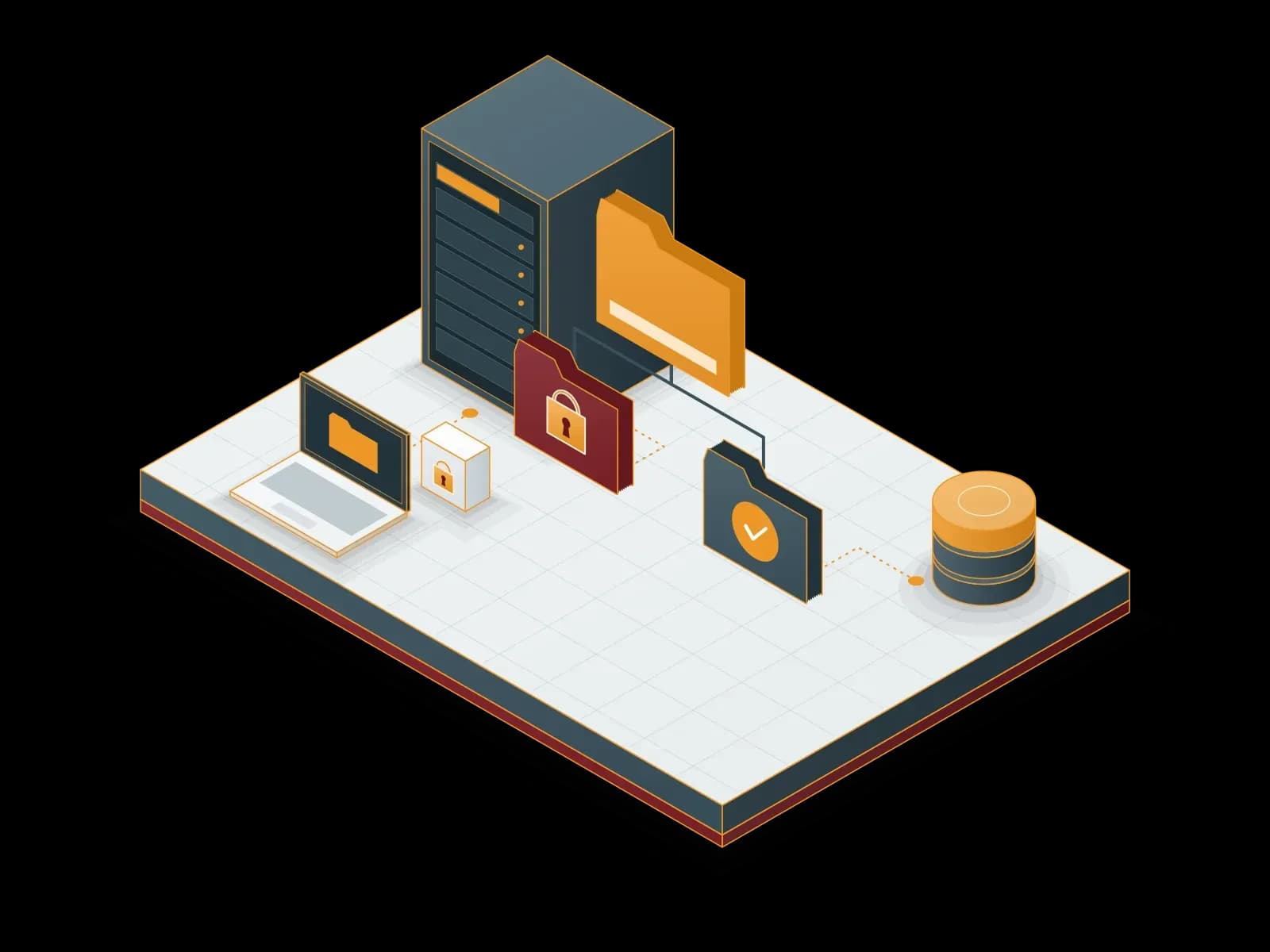
The solution to this mess is actually quite simple: a corporate file server. In this article, we look at the risks of scattered file sharing and the 5 advantages a central file server brings to your company.
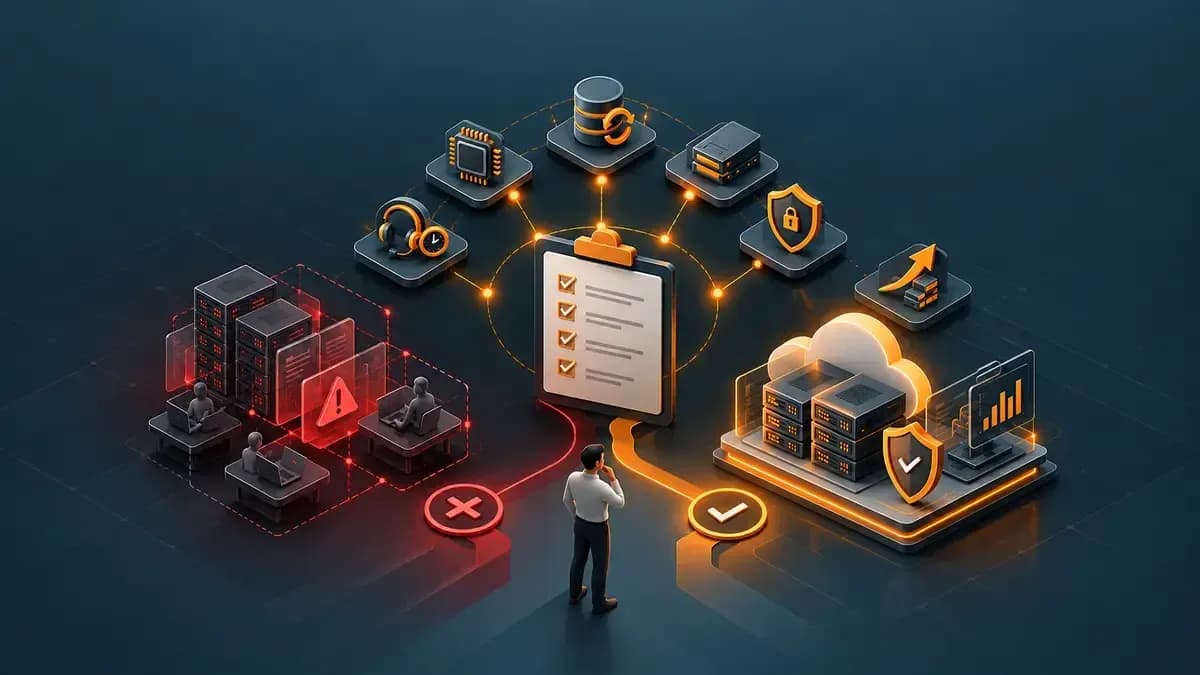
The Hidden Risks of Scattered File Sharing
In many companies, critical files still move between USB drives, email attachments, personal cloud accounts and employees' own computers. This method looks practical at first, but it gets out of control as the company grows. The sprawl that a five-person team can manage turns into an obstacle to daily work once the team reaches twenty people.
Version confusion can lead to lost time, a lost USB drive to a data leak, and a broken laptop to files that cannot be recovered. When files contain personal data, this sprawl also creates a serious risk under KVKK (the Turkish Personal Data Protection Law).
5 Advantages of a Corporate File Server
1. A single source of truth
When all files are kept in one central place, everyone works on the same file. File names like "report_final_v3_last.xlsx" and debates about which version is current disappear.
Collaboration between teams also becomes easier. Instead of emailing a file, sharing its location in the folder is enough, and everyone always reaches the current version.
2. Folder-based permissions
Only the finance team can access the finance folder, and only the HR team can access the human resources folder. Because permissions are managed with Active Directory users and groups, access is removed from a single point when an employee leaves.
Permissions can also be split into read-only and edit. For example, the whole company can view a procedures folder while only the relevant department can make changes. Information keeps flowing and control is not lost.
3. Regular backups and previous versions
The file server is backed up regularly. A file that was deleted or overwritten by mistake can easily be restored by the user with the previous versions (shadow copy) feature.
An employee whose laptop breaks down or is stolen does not lose their files, because the files are on the server, not on the device. Keeping backups in a separate location also adds protection against incidents such as ransomware.
4. Secure access from the office and remotely
Your teams can access their files remotely over a secure VPN connection, just as they do in the office. This removes the need to copy files to personal accounts or USB drives.
For hybrid teams, this means working with the same folder structure in the office and at home. Because access still uses the user's company account, security policies apply the same way everywhere.
5. KVKK compliance and access logs
KVKK requires data controllers to take the technical and administrative measures needed to keep personal data secure. A central corporate file server makes it possible to limit who can access which data and to log that access.
In an audit or a possible data breach investigation, being able to show where files containing personal data are stored and who can access them is very important. In a scattered setup, answering these questions is almost impossible; in a central setup, a few reports are enough.
Why Are Personal Cloud Accounts Not the Answer?
Because personal cloud accounts move control of the files outside the company. Some companies try to solve this mess with employees' personal cloud storage accounts. It may look practical at first glance, but this approach moves control of the files outside the company.
Files kept in a personal account can leave with the employee when they leave. The company cannot know which file was shared with whom, where which data is stored or whether there is a backup. When files contain personal data, this is a serious compliance problem.
On a corporate file server, the company always owns the files. Access, sharing and backups are managed from one place and can be reported when needed.
How Do You Plan the Move to a Corporate File Server?
Start by mapping where the company's files are kept and which teams need which files. Then design a department-based folder structure and matching permission groups.
Keeping the folder structure simple makes management easier in the long run. Very deep folder hierarchies and per-person permission exceptions can turn even a file server into a scattered structure over time. For this reason, permissions should be given to groups, not individuals, and each main folder should have an owner.
Files are moved to the server in a planned way, users receive a short briefing, and the old sharing methods are phased out. Backup and remote access should be configured from day one.
At this stage, you also decide whether the server will run in the office or on hosted infrastructure. Depending on your team structure, number of users and share of remote work, both options can be considered.
A server in the office provides fast access over the local network; hosted infrastructure removes the burden of hardware maintenance and physical security. Whichever you choose, setting up backup and the permission structure correctly from the start is the key to success.
Supporting user habits in the first weeks of the move also matters. A short guide, frequently asked questions and a reachable support line help teams adapt quickly to the new setup.
Conclusion
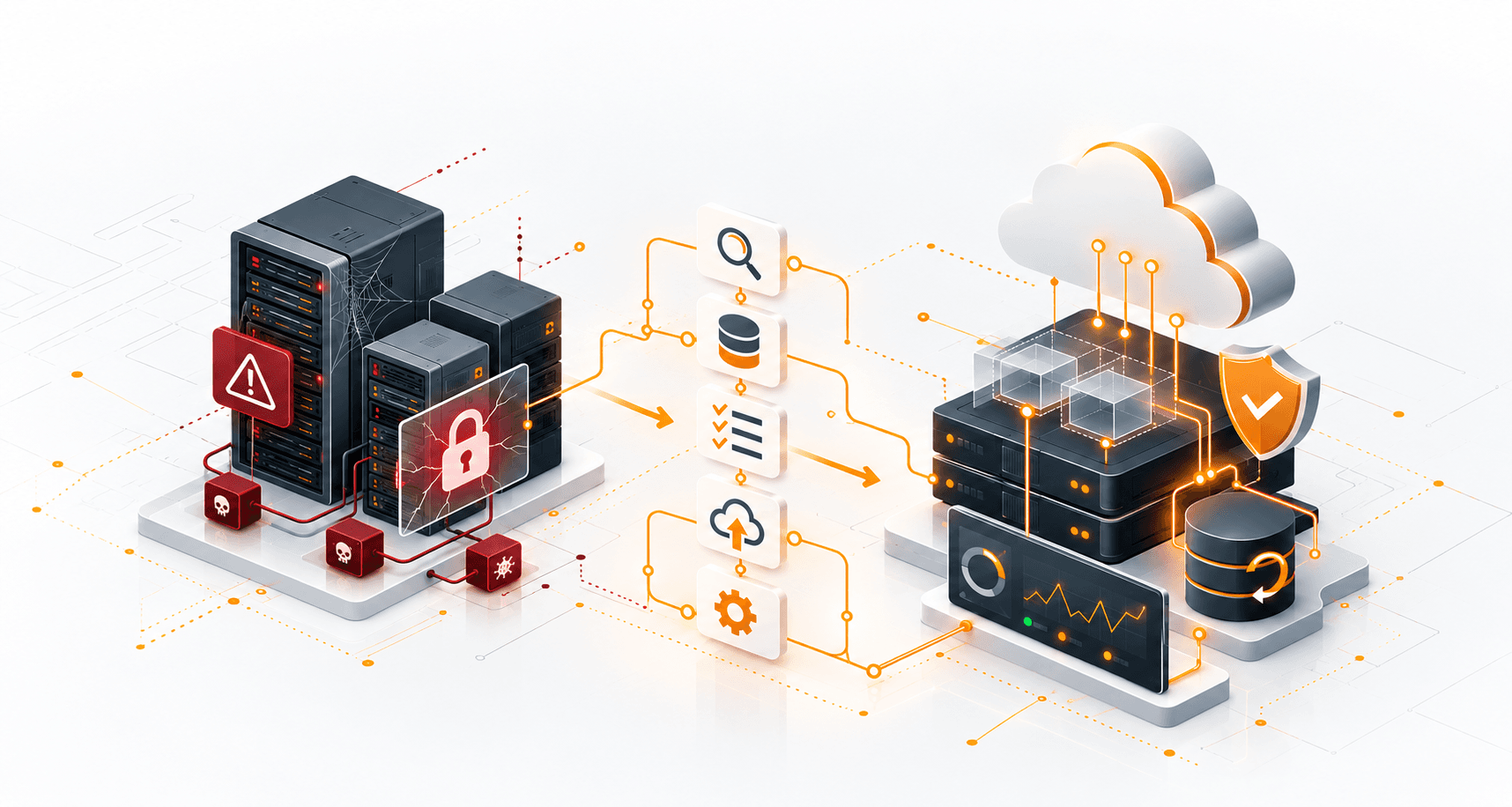
A setup where files move around on USB drives and email quietly weakens both productivity and data security. A corporate file server brings your files together in one secure, manageable place.
At Synchron, with our Corporate File Server service we take on the whole process, from installation and permissions to backup and remote access. Your teams access their files securely while you focus on your business.
About the author
Synchron